DP3210 VIDEO DOOR PHONE
35
Upgrade After select the new firmware, you can press Upgrade button to start the upgrading. You will
see progress bar showing the upgrade status.
WARNING: DO NOT turn off or disconnect the Ethernet cable during upgrade, you may cause
serious damage to this device.
Restore Factory
Default
If you want DP3210 to restore to factory default, press the Restore Default button and a dialog
box “Are you sure to Restore the phone?” pops up. Press Yes button and wait for system to
restore its original factory default setting.
Config
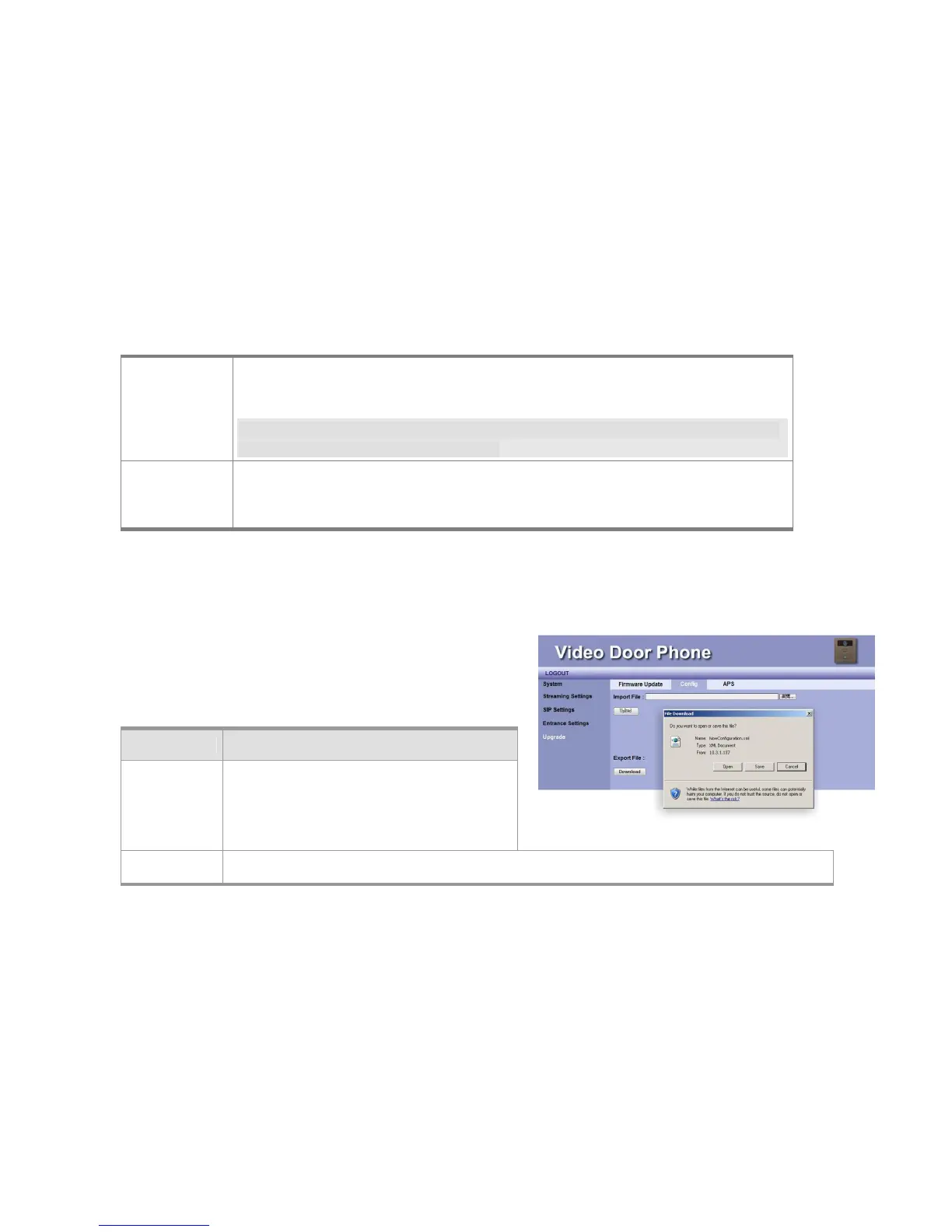
This feature allows you to import a configuration file of DP3210 Phone
settings into this device. The configuration file is in XML format.
Item Description
Import File User may press Browse button to select the
location of the configuration file to import,
which you may previously save to a local
directory through the Export File option.
Upload After selecting the configuration file, you can press Upload button to start the importing.
Figure 25: Import and Export Configuration



 To Next Page