MANUAL FOR SYSTEM INTEGRATOR
22
System
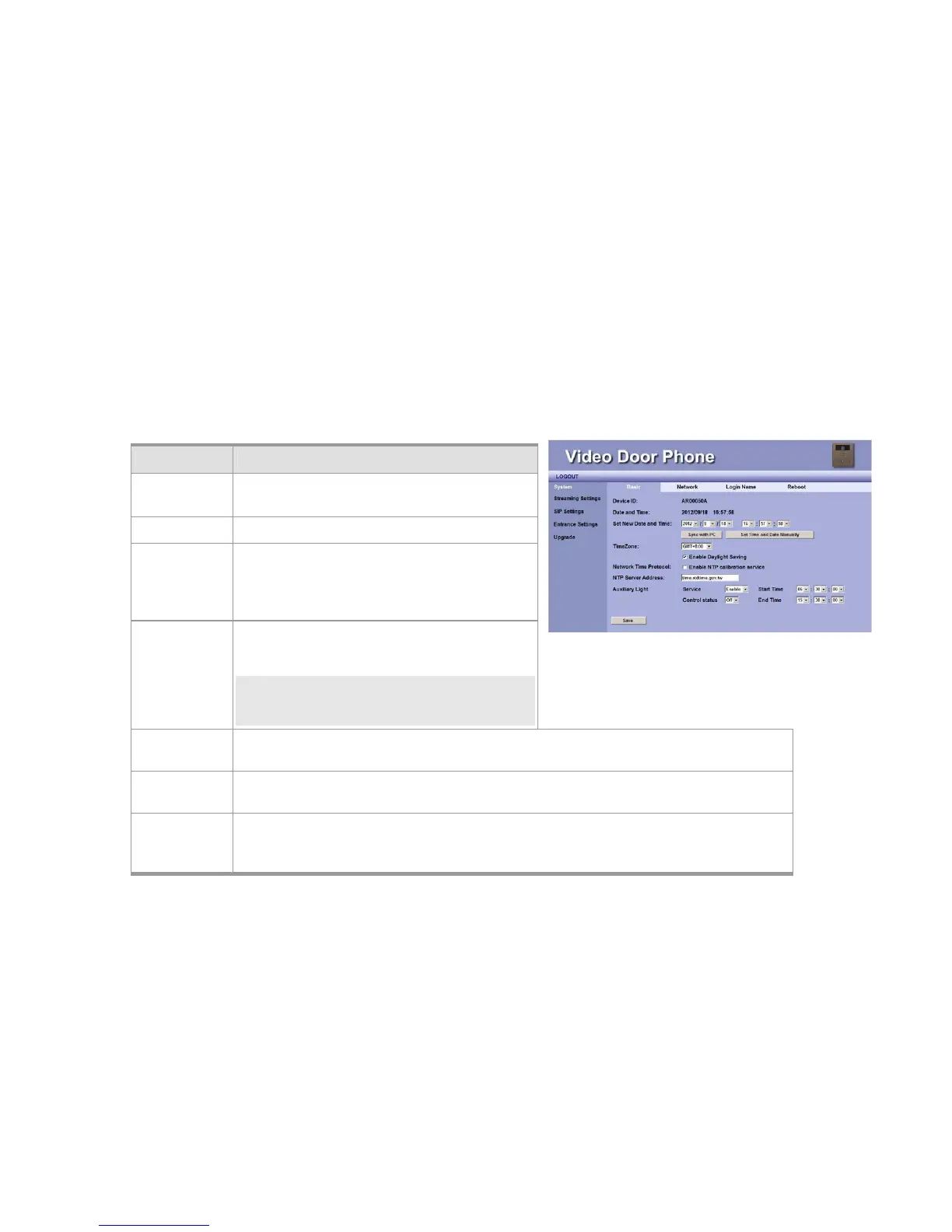
System Basic Settings
Time Zone This field allows you to select your time zone to fit
your location. You can enable the Daylight-Saving
feature if needed.
NOTE: Daylight Saving Time is a way of getting
more light out of the day by advancing clocks by
one hour during the summer.
Network Time
Protocol
Enable this protocol allows the system to calibrate the time with NTP server through Internet.
NTP Server
Address
You may use your preferred NTP server by input new address here.
Auxiliary Light Enable or disable the button LED light. Set Start Time and End time for the button LED Light if
“Enable” is selected.
Control Status:Start Time: Select starting time of lighting.
Item Description
Device ID This ID is a unique number that assigned by
manufacturer.
Date & Time Here shows date and time set on this phone.
Set New Time
and Date
These fields allow user to set correct date and time
according to the local–standard. You may
synchronize phone time to match your PC by
pressing “Sync with PC” button.
Figure 16: System Setting



 To Next Page