DP3210 VIDEO DOOR PHONE
25
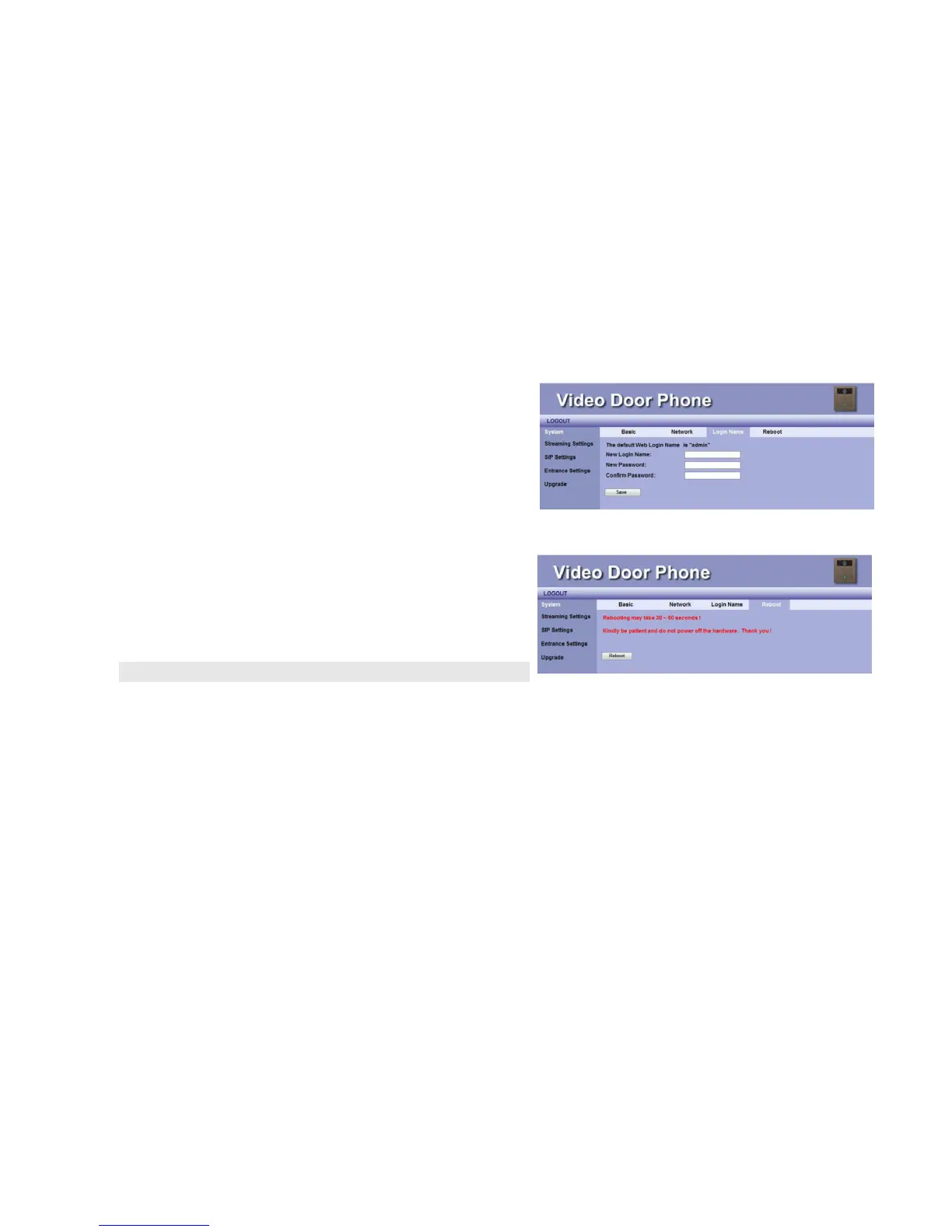
System Login Name
The default ID and password for system login are admin and admin.
User may change his Login ID and Password on the webpage by
entering new Login ID and Password.
System Reboot
When user needs to reboot DP3210 remotely, just click “Reboot”
button on this webpage to start this action. After confirm rebooting,
Web User Interface will back to the home page, but the video door
phone may take 30~60 seconds to restart its system.
NOTE: DO NOT operate the DP3210 while system is rebooted (reset).
Figure 18: Login Name
Figure 19: System Reboot



 To Next Page