DP3210 VIDEO DOOR PHONE
19
Chapter 4 : Configuring Video Door Phone
Finding Video Door Phone on Networks
The default connection type setting of the Video Door Phone is
“DHCP Client”, it is a typical network mode. There is a software
utility (Search Utility) provided by your local distributor or local
dealer which is able to help you to find your Video Door Phone when
using dynamic IP address. Please execute following utility:
AmRoad Search Tool.exe
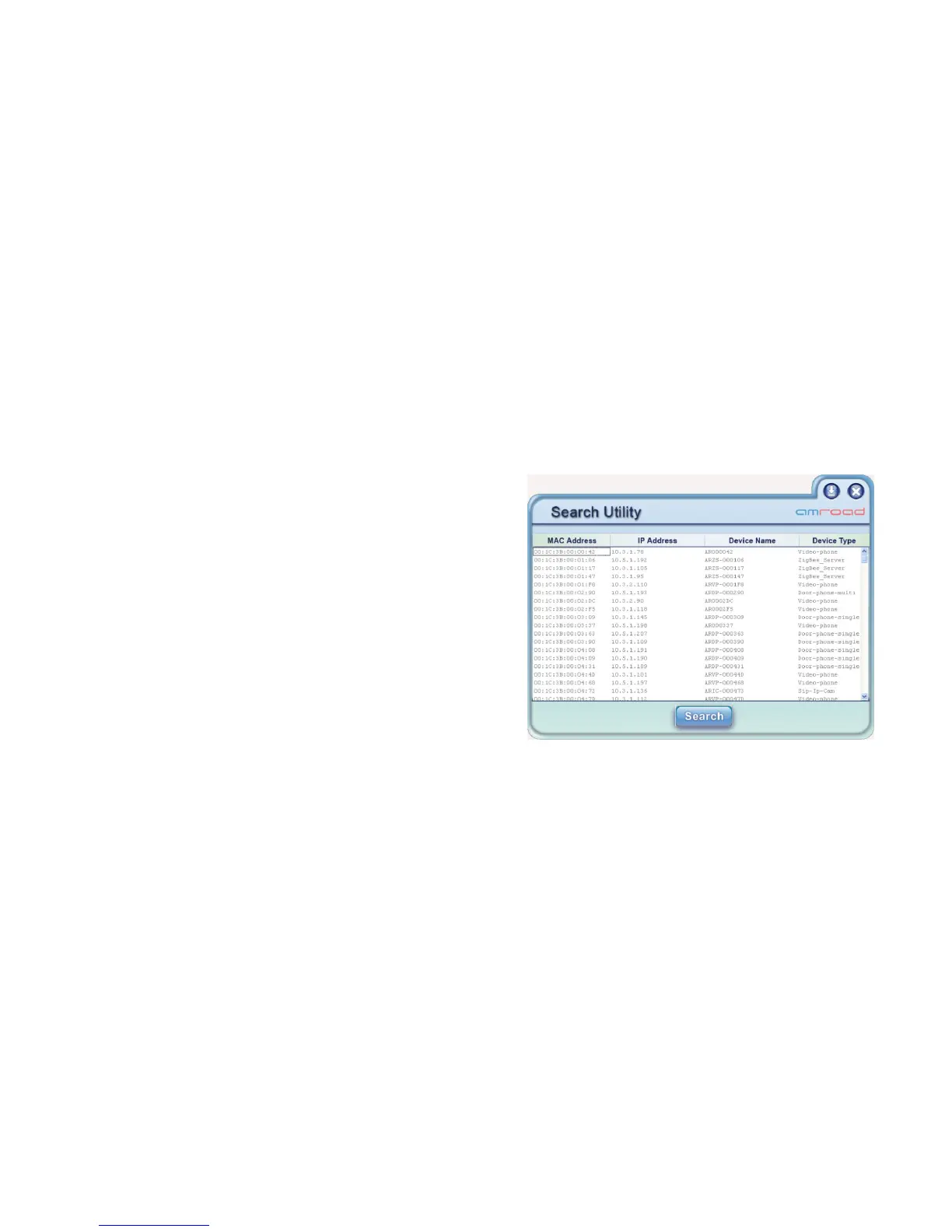
You will see a window like Figure 14 pop up on screen. This utility will
search whole network segment automatically when utility is
activated, then it will show search results. You may press the
“Search” button to search again. The search result includes
following elements:
MAC Address: This MAC is a unique number that provided by manufacturer.
IP Address: Here shows the IP address of found Devices (Video Door phone).
Device Name / Device Type: Here shows which type of devices are found. For example, you may find Video Door Phone/ IP
Video Phone in the same network.
Figure 14: Search Tool- Search Utility



 To Next Page