DP3210 VIDEO DOOR PHONE
31
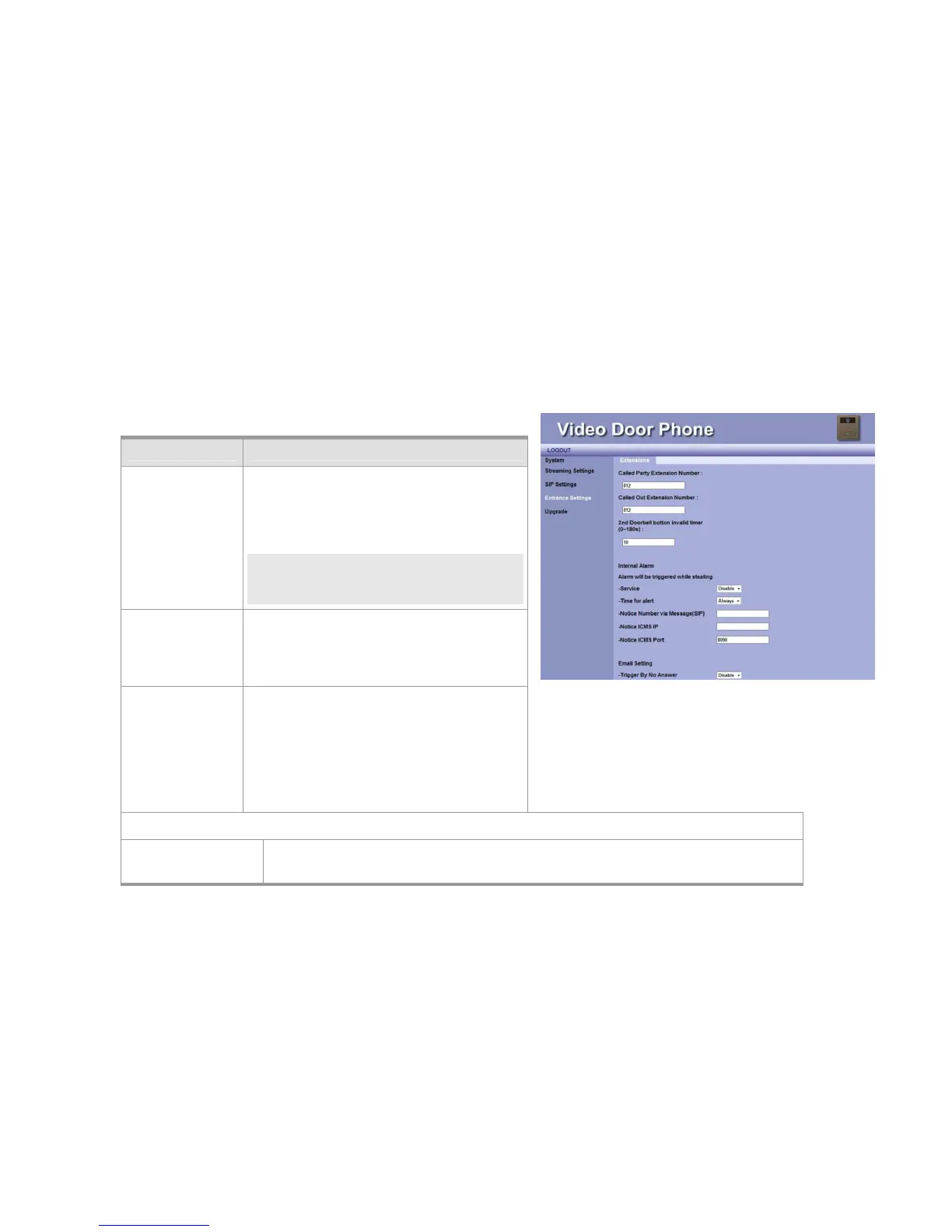
Entrance Setting
This page is used to configure call service.
ITEM Description
Called Party
Extension
Number
Fill in the extension number. When Door Bell
button is pressed, the device will dial to the
called party extension number. (The extension
number or group that is assigned by IP PBX.)
NOTE: In the Peer-to-Peer mode, you need fill
in the complete extension number and
IP address. e.g. 101@10.3.1.158
Called Out
Extension
Number
Fill in the extension number. When ALARM is
occurred, the device will dial to the called party
extension number. (The extension number or
group that is assigned by IP PBX.)
2
nd
Doorbell
button invalid
timer (0~180s)
You may fill in the time interval period for
neglect second pressing doorbell before the
call (Door Bell) is answered.
For example, if the time is set to 10 seconds,
then it’s invalid for anybody to press doorbell
the second time within 10 seconds.
Internal Alarm
Alarm will be
triggered while
This is a “Burglarproof” function. Please disable this function when the device is not ready
or during the device is repaired.
Figure 23: Entrance Setting



 To Next Page