DP3210 VIDEO DOOR PHONE
39
Chapter 5 : Using Video Door Phone
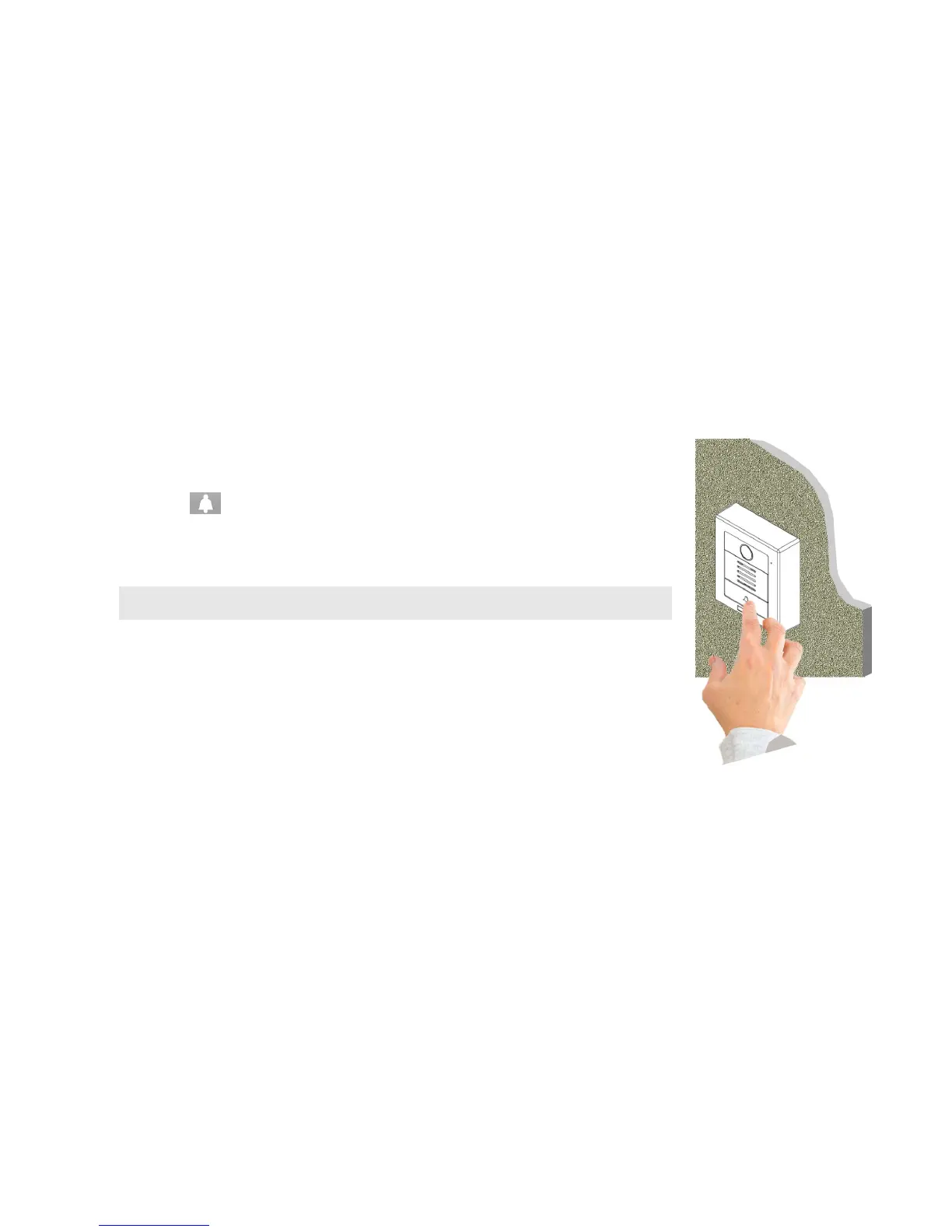
Ringing Door Bell from Video Door Phone
Using the Video Door Phone is quite simple. You will see “Door bell” on the front side. Press
“Door Bell ” button to make a call.
If there is no one answering this call, the bell sounds (Ding-Dong) will continuously ring, the
call will be disconnected automatically after 15 seconds.
NOTE: The time period can be set at Web UI –> SIP Settings-> No Answer Timer for 15, 30, 45
and 60 seconds).
Answering Calls on IP Video Phone
To answer the call from IP Video Phone/Video Indoor Station is the same as a normal call. You
may answer with following ways:
Pick up the handset.
Press the SPEAKER button.
Press “Answer” soft-function key.
Keypad Controls
- Press the keypad 5 on the IP Video Phone to turn on/off the WL (White Light) LED during answering the call.
- Press the keypad “2” or “8” key of the IP Video phone to adjust the CMOS brightness.
Figure 27: Ring the Door Bell



 To Next Page