MANUAL FOR SYSTEM INTEGRATOR
26
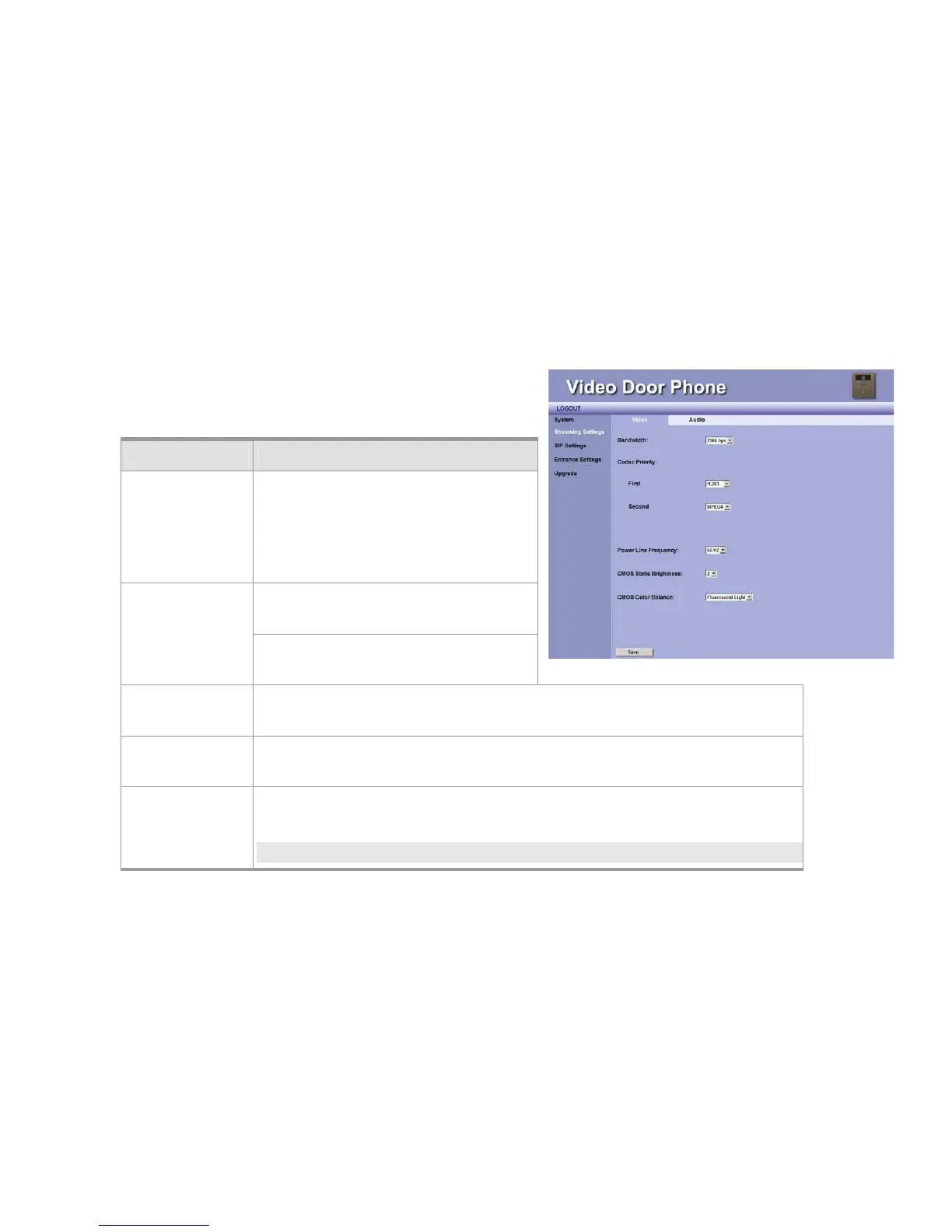
Streaming Settings
Video Settings
Item Description
Bandwidth You may select preferred bandwidth for video
and audio streaming. There are 4 options:
128Kbps, 256Kbps, 384Kbps, and 512Kbps.
Please check which bandwidth is suitable for
you with your service provider.
First – You may select the Video streaming
priority - H.263
Codec Priority–
Second –You may select the Video streaming
priority - H.263, or Disable.
Power Line
Frequency
You may select the power frequency according to your local power specifications. Wrong
power frequency may cause the video flicking abnormally. Default setting is 60Hz.
CMOS Static
Brightness
This item allows you to adjust the brightness of CMOS according to the lighting environment
of the installed location. Higher value makes the video brighter.
CMOS Color
Balance
This item allows you to adjust the color of video. Select according to the lighting
environment: Fluorescent Light, Yellow Lamps and Orange Lamps.
NOTE:
Figure 20: Video Setting



 To Next Page