DP3210 VIDEO DOOR PHONE
27
Fluorescent Light – This condition is suited for white lighting environment.
Yellow Lamps – This condition is suited for indoor yellow bulb environment.
Orange Lamps – This condition is suited for indoor orange color or more red color
environments.
Save Click this button to save your setting.
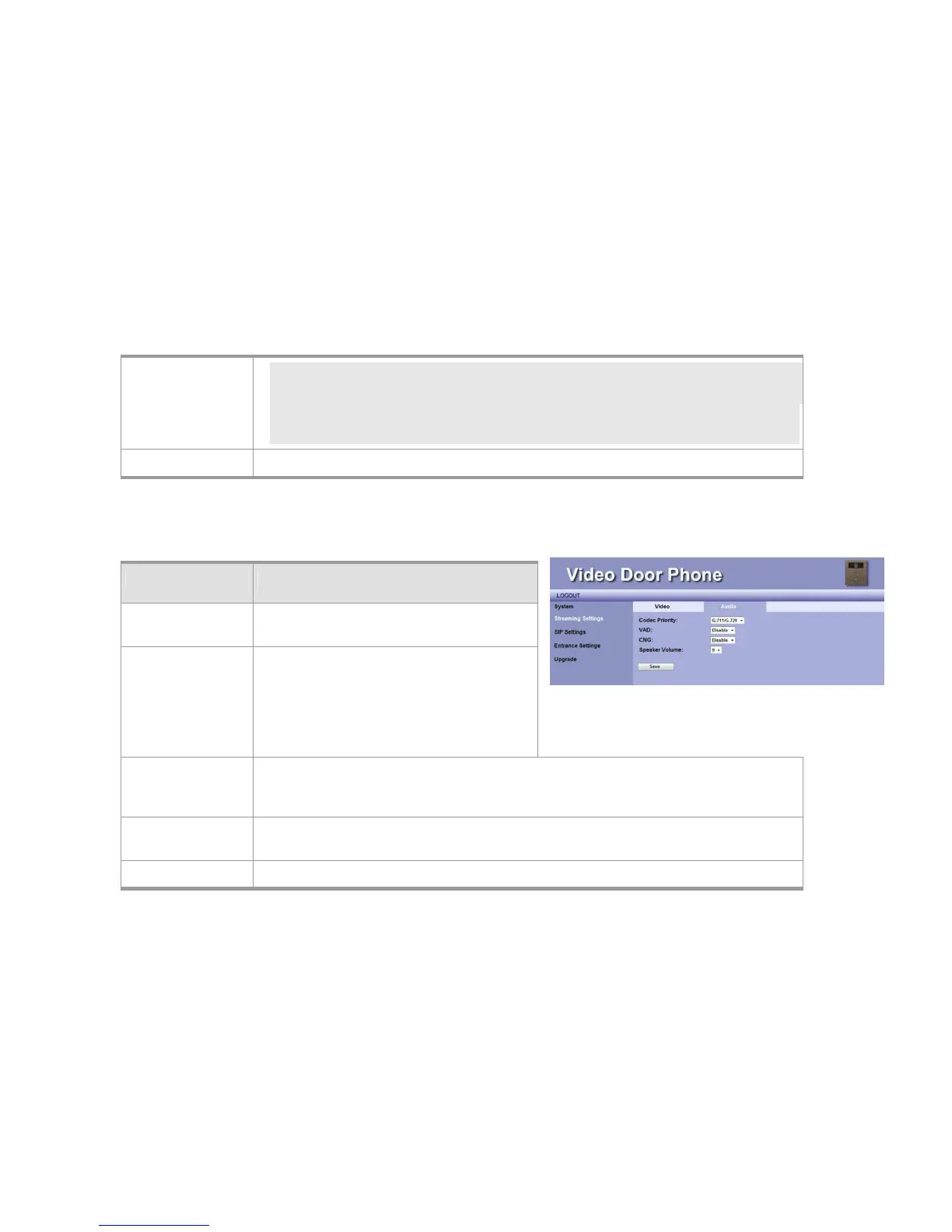
Audio Setting
ITEM Description
Code Priority You may select the Audio streaming priority –
G.711.
VAD You may enable or disable
Voice-Active-Detection function here. The
DP3210 will detect background noise and send
silence packet to the other end if this feature is
enabled. This allows called parties hear better
audio quality.
CNG You may enable or disable Comfortable-Noise-Generate function here. The DP3210 will
generate background noise when receiving silence packet from the other end if this feature is
enabled. This allows called parties hear better audio quality.
Speaker
Volume
This item allows you to select volume of speaker. There are 10 levels, 0 ~ 9.
Save Click this button to save your setting.
Figure 21: Audio Setting



 To Next Page