16
ME580 Series
User’s Manual
Operaon
Polarizing Kit/Filter Use (-PZ Only)
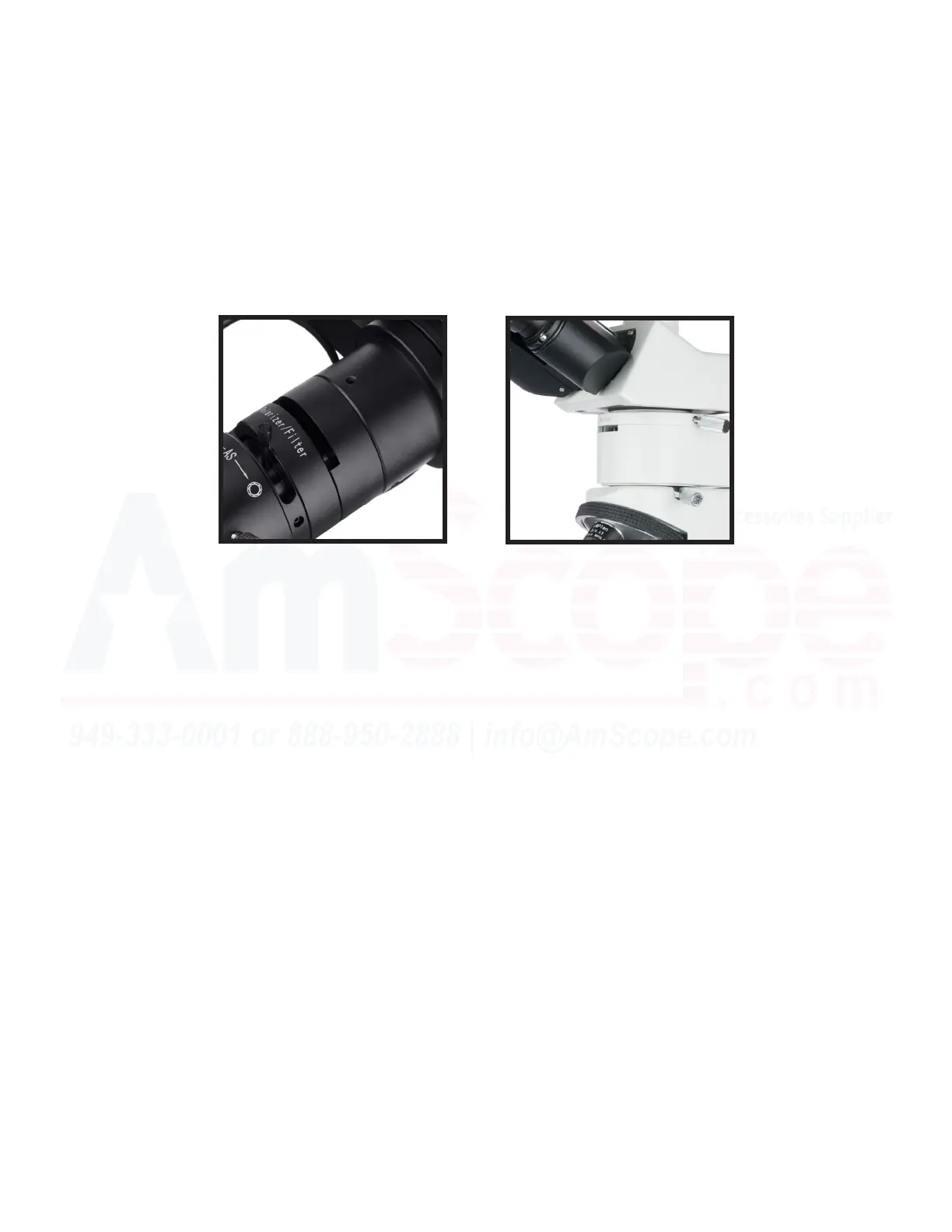
1. Insert the polarizer into the rotatable upside down “U” shaped slot of the illuminaon module aer pulling
out any previously inserted lters.
2. Insert the analyzer into the slot at the front of the illuminaon system (near where the opcal head aaches
to the illuminaon module).
3. The polarizer and analyzer are perpendicular to each other when the polarizer is in the vercal posion. The
adjustable range for the polarizer is +/-25 degrees, as needed for analyzing your sample.
4. To adjust the polarizer’s direcon, you can rotate the polarizer in the slot by the previously menoned range
by simply touching and moving it. The linear marker on the polarizer helps determine if you are at 0, +25, or
-25 (max ranges le and right).
5. When the polarizer and analyzer are not in use, insert the provided blanks that ll the slot to prevent dust
from entering the illuminator module.
Note: The ME580 units only have a polarizaon feature in the reected illuminaon mode. The transmied
illuminaon mode is only capable of brighield.













 To Next Page