Customize
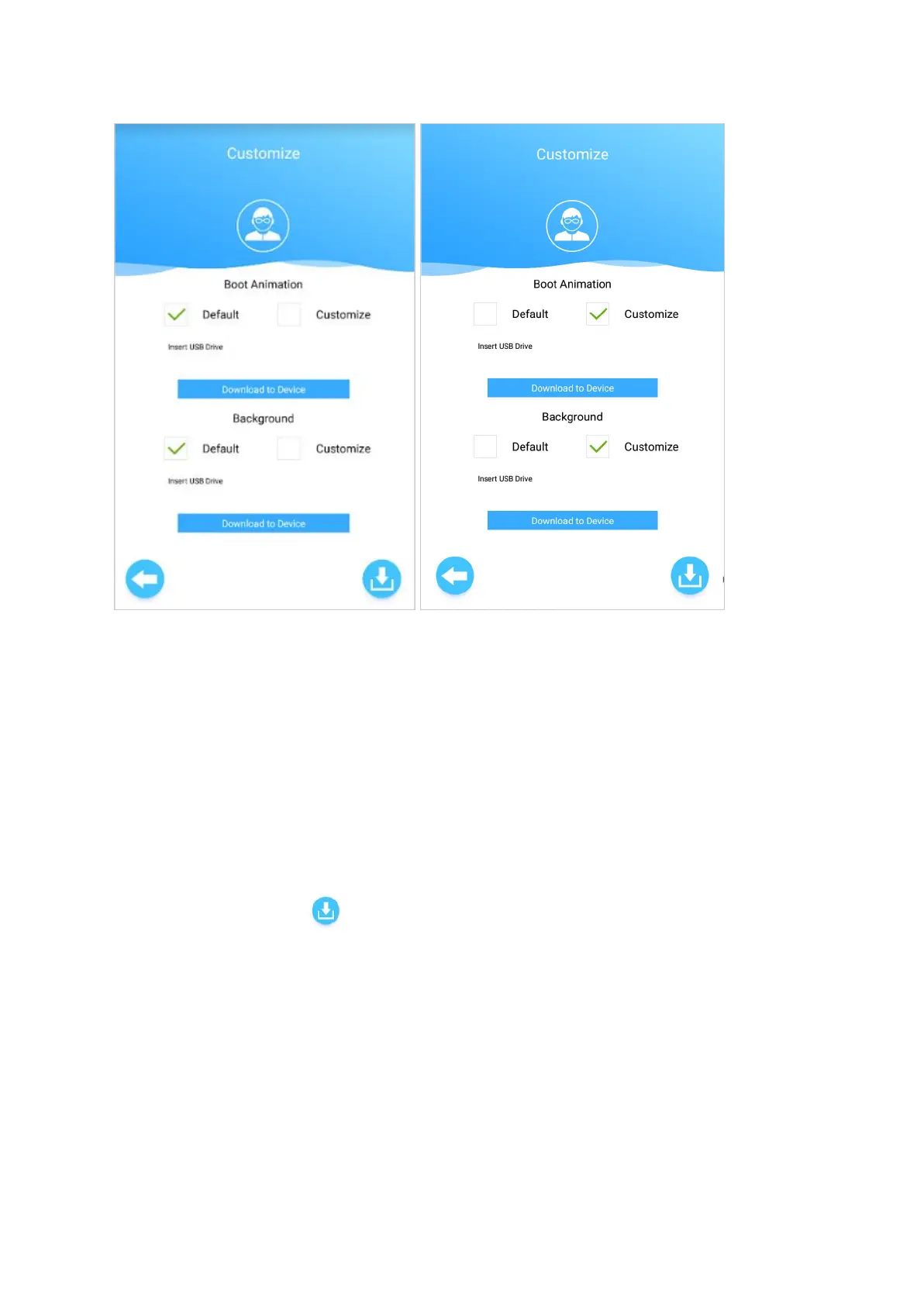
Set a customized Boot Animation and background picture for the device.
Tick the checkbox for 'Customize' and follow the instructions on the screen to upload the files.
Boot Animation Video - Save the file name as 'StartVideo.mp4' (resolution 800x1280, 10 seconds)
Background Image - Save the file name as 'Background.jpg' (resolution 800x1280)
Load the files to a USB drive's root directory, insert into the device USB slot, then click on Download
to Device.
After making changes, click to save the settings.
23


 To Next Page