English - 49 -
After you have selected a programme in EPG menu,
press the OK button and and Options screen will be
displayed. Select “Record” option and press the OK
button. After this operation, a recording becomes set
to the selected programme.
To cancel an already set recording, highlight that
programme and press the OK button and select the
option “Delete Rec. Timer”. The recording will be
cancelled.
Note: You cannot switch to any other channel or source while
there is an active recording on the current channel.
Set Timer / Delete Timer
After you have selected a programme in EPG menu,
press the OK button and and Options screen will be
displayed. Select “Set Timer” option and press OK
button. You can set a timer for future programmes.
To cancel an already set reminder, highlight that
programme and press the OK button. Then select
“Delete Timer” option. The timer will be cancelled.
Note: It is not possible to record or set timer for two or more
individual events at the same time interval.
Displaying Subtitles
With digital terrestrial broadcasting (DVB-T), some
programmes are being broadcasted with subtitles.
Press the
“MENU” button to display the main menu,
highlight the Setup and then Language menu using “
” or “ ” button and press the OK button to display the
“Language settings” menu.
Highlight the “Subtitle” item in “Language settings”
menu and use
” or “ button to set Subtitle to the
desired language.
If “Subtitle” is on and a language option is set, pressing
the “
” button causes the following warning message
display on the screen (** for UK only):
Digital Teletext (** for UK only)
• Press the “ ” button.
• The digital teletext information appears.
• Operate it with the coloured buttons, cursor buttons
and OK button.
The operation method may differ depending on the
contents of the digital teletext.
Follow the instructions displayed on digital teletext screen.
• When Press “SELECT” button or similar message
appears on the screen, press the OK button.
• When the “ ” button is pressed, the TV returns to
television broadcasting.
• With digital terrestrial broadcasting (DVB-T), in
addition to digital teletext broadcasting together with
the normal broadcasting, there are also channels
with just digital teletext broadcasting.
• The aspect ratio (picture shape) when watching a channel
with just digital teletext broadcasting is the same as the
aspect ratio of the picture viewed previously.
• When you press the “ ” button again, the digital
teletext screen will be displayed.
Analogue Teletext
Use of teletext and its functions are identical to
the analogue text system. Please do refer to the
“TELETEXT” explanations.
Widescreen
Depending on the type of the broadcast being
transmitted, programmes can be viewed in a number
of formats. Press the “SCREEN’’ button repeatedly
to change screen format.
When Auto is selected, the format being displayed is
determined by the picture being broadcasted.
PLEASE NOTE: Menu size changes depending on the
chosen image size.
Notice !
If there is no audio available, the following warning
message will be displayed on the screen:.
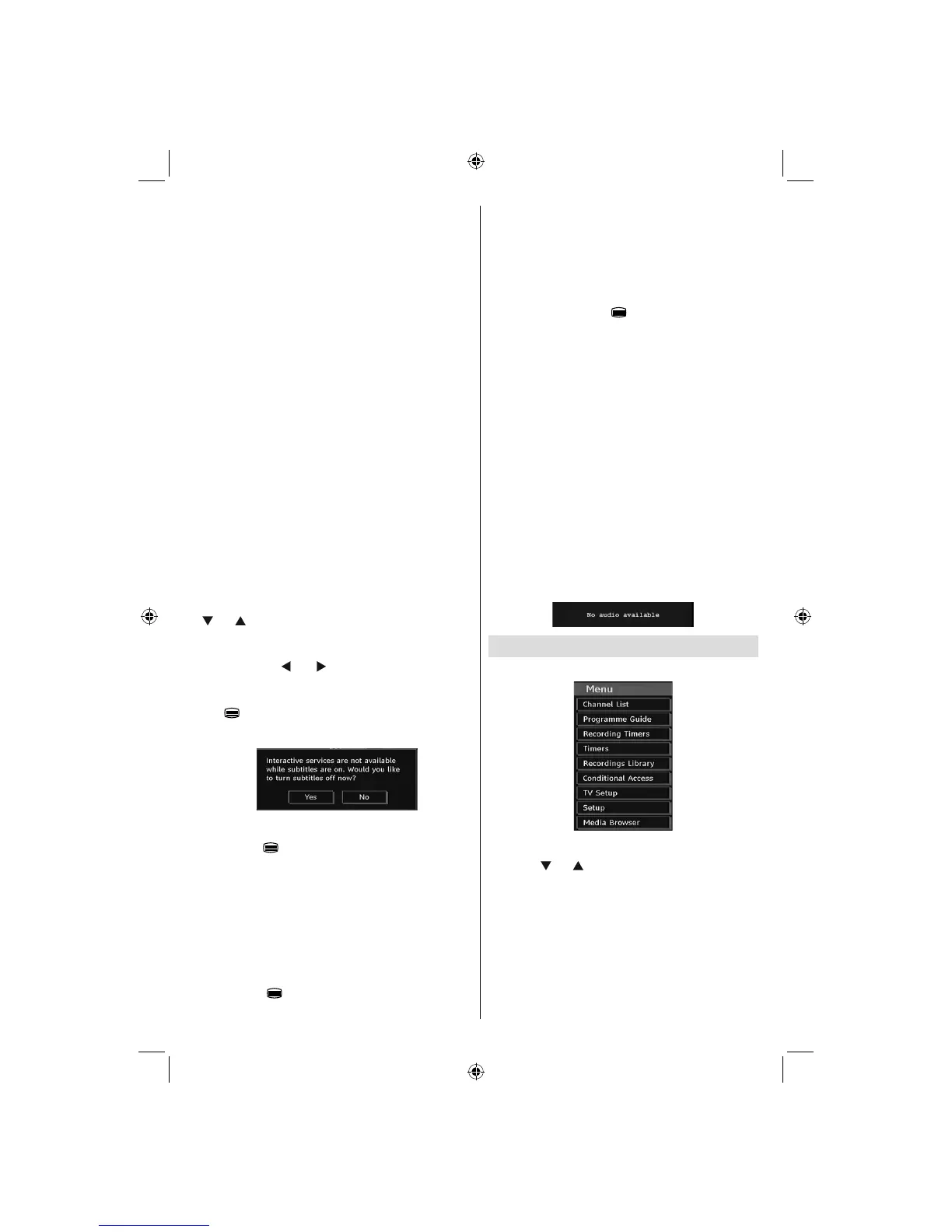
IDTV Menu System
Press the
“MENU”
button. Main menu will be displayed.
Channel List
Using the “ ” or “ ” button on the remote control, make
sure that the fi rst item, Channel List, is highlighted and
press the “OK” button to display the Channel List.
02_MB45M_[GB]_5110UK_PVR_IDTV_SILVER8_(psm)_32843W_10071150_50180023.indd 1402_MB45M_[GB]_5110UK_PVR_IDTV_SILVER8_(psm)_32843W_10071150_50180023.indd 14 25.11.2010 13:11:0925.11.2010 13:11:09



 To Next Page