CNC Motion Setup/Testing Utility
P/N 70000635C
Setting the Signal Gain (F7)
1. Press SigGain (F7) to perform the signal gain test for the selected
amplifier.
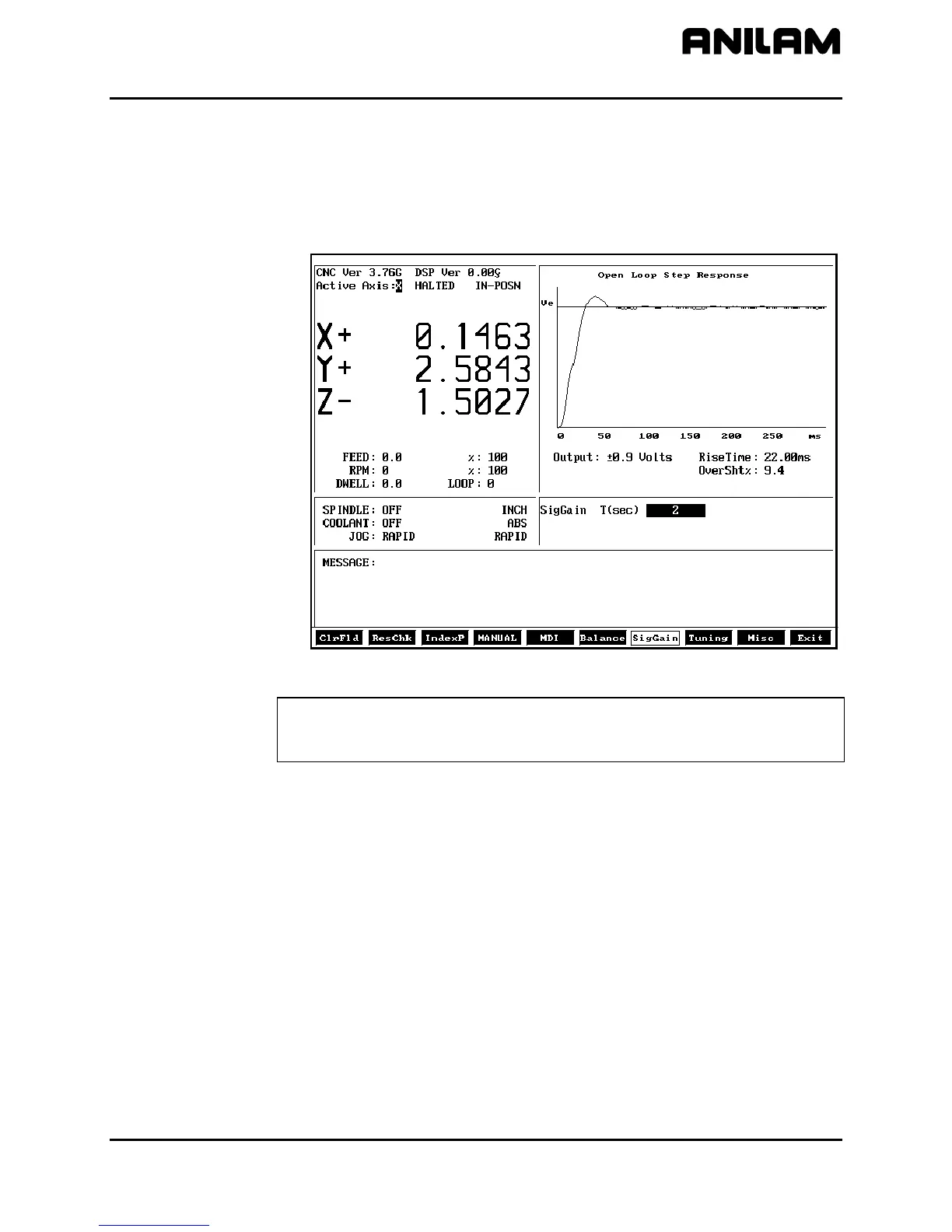
2. Select 2 for the time (i.e., 2 seconds). Refer to Figure 16. The
following screen will be displayed:
3000SIGGAIN
Figure 16, Signal Gain Test Screen, AC Systems
IMPORTANT: Steps 9–13 apply only to ANILAM brushless AC
amplifiers. For other amplifiers, refer to the manufactures
guidelines to set the signal gain in the amplifier.
3. Use the keypad up and down ARROW keys to change the signal gain
(F4); otherwise, press
Misc (F9) to display the Miscellaneous Menu
(F6),” and “Setting the Signal Gain (F7)” for each amplifier axis.
until FEED: reads: 20.0 or 10% of Rapid.
4. To cancel the signal gain test, press MANUAL
Misc (F9) to display the Miscellaneous Menu.
5. Select Save Amp Settings to save the amplifier settings to the
amplifier.
6. Press
7. Select BackUp Amp Settings to backup the amplifier settings to a file
on the CNC. The backup filename is DIGAMP-*.BK where ‘*’ is the
selected axis name (i.e., X, Y, Z, U). This file is stored on the hard
disk drive.
8. Repeat steps in “Setup Parameter Verification,” “Setting the Balance
All rights reserved. Subject to change without notice.
November 2009
27



 To Next Page