EN 96 2017/06 Rev. 2.0
OptiBean (XL) Touch
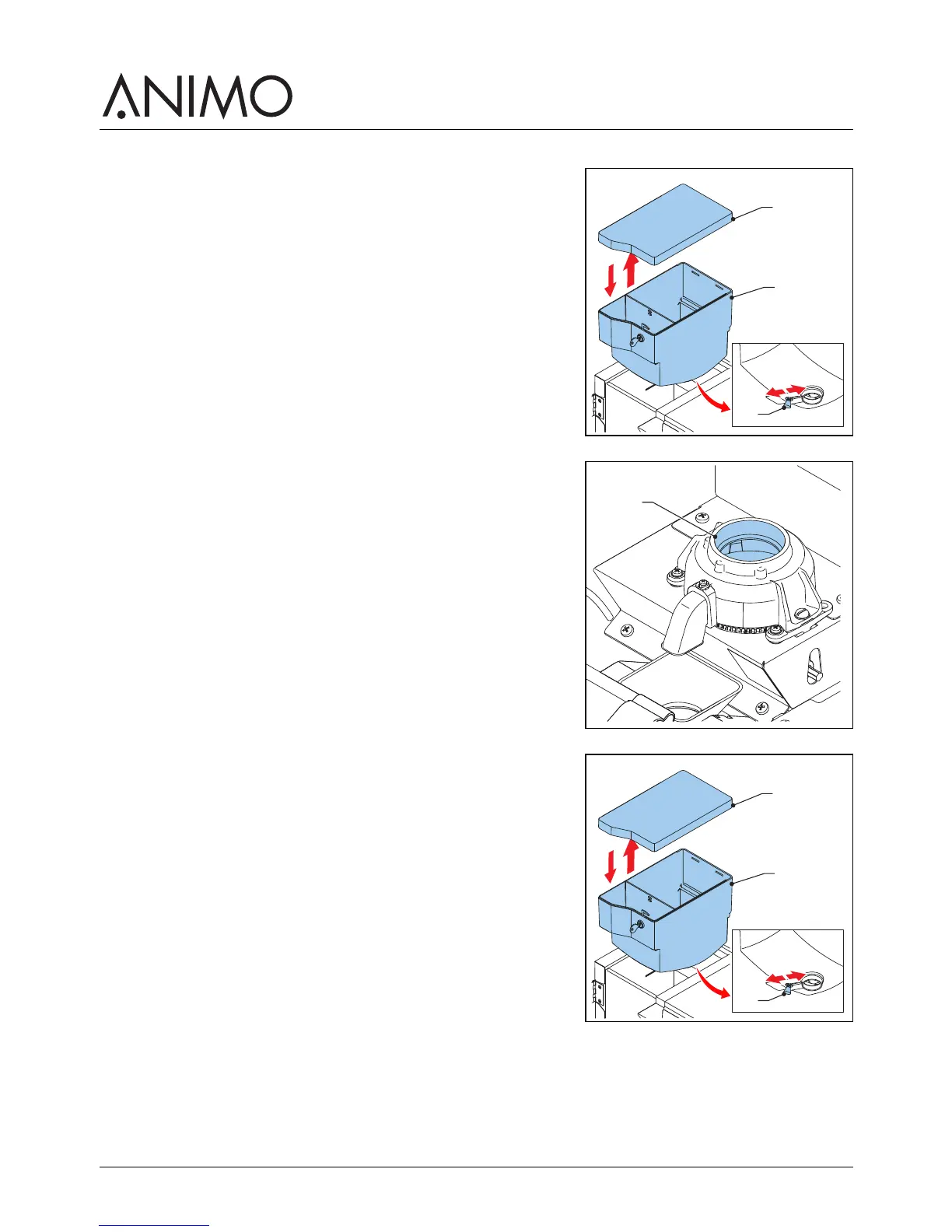
5.2.12 Cleaning the bean canister
1 Close the supply (A) to the grinder.
2 Take out the bean canister (B).
3 Remove the cover (C).
4 Clean and dry the canister.
5 Clean the grinder (D) with the brush.
6 Replace the bean canister (B).
7 Replace the cover (C).
8 Open the supply (A) to the grinder.
C
B
A



 To Next Page