Page 15 of 23
13 Emptying the Dust Canister
Empty the Dust Canister and clean the filters as frequently as possible or when
the suction power is reduced.
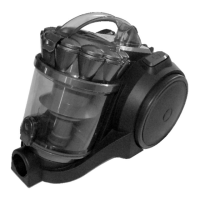
• To remove the Dust Canister, switch off the power and unplug from
the power point.
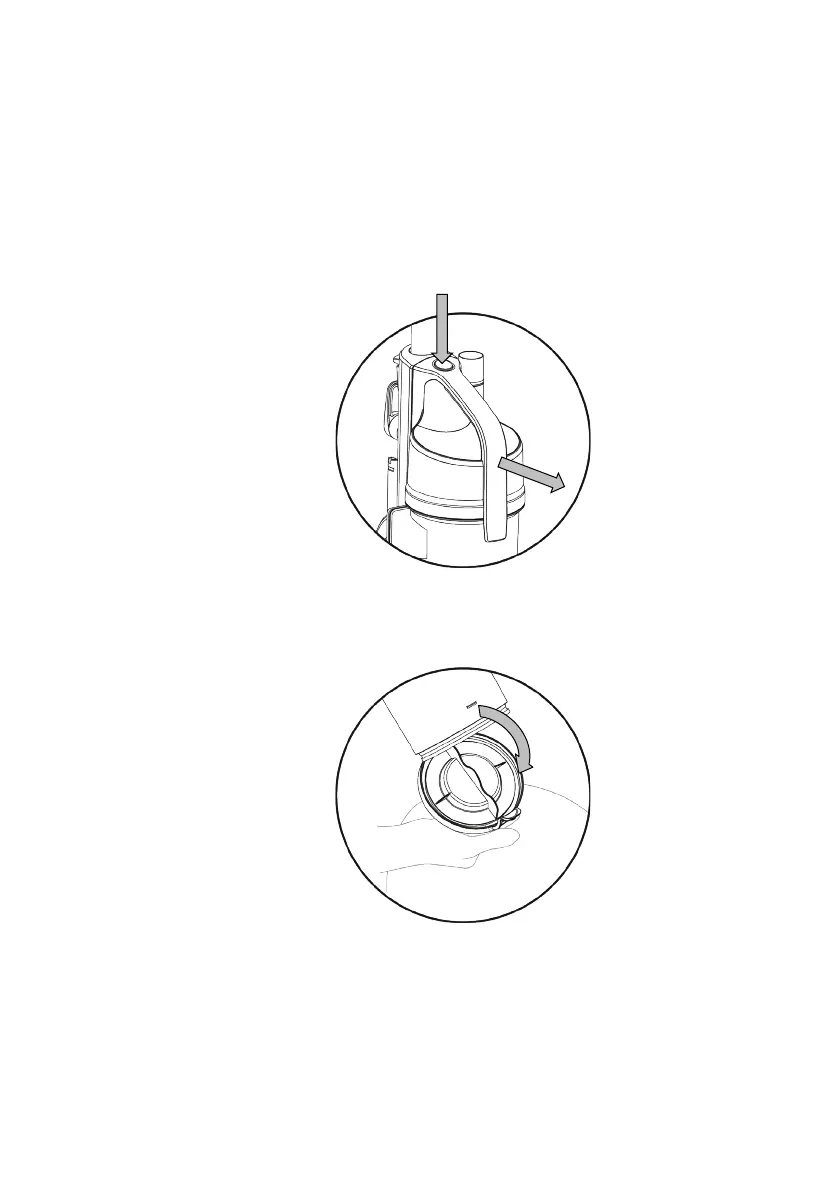
• Grip the handle on the Dust Canister, press the Dust Canister Release
Button and pull the Dust Canister forward and out of the housing.
• Take the dust Canister to a dustbin.
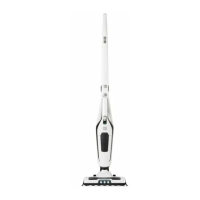
• Unclip the side latch and swing the trap door down emptying the
contents into the bin.
To close the trap door, close it manually until it clips shut.
• Brush the inside of the dust canister with a small brush or wash. Refer
to section “Cleaning Filters”.
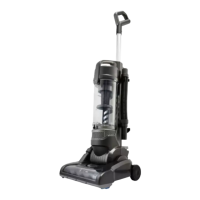
• To refit the Dust Canister into the vacuum cleaner, simply align the
dust canister into its position and push in until it locks in place.


 To Next Page