8
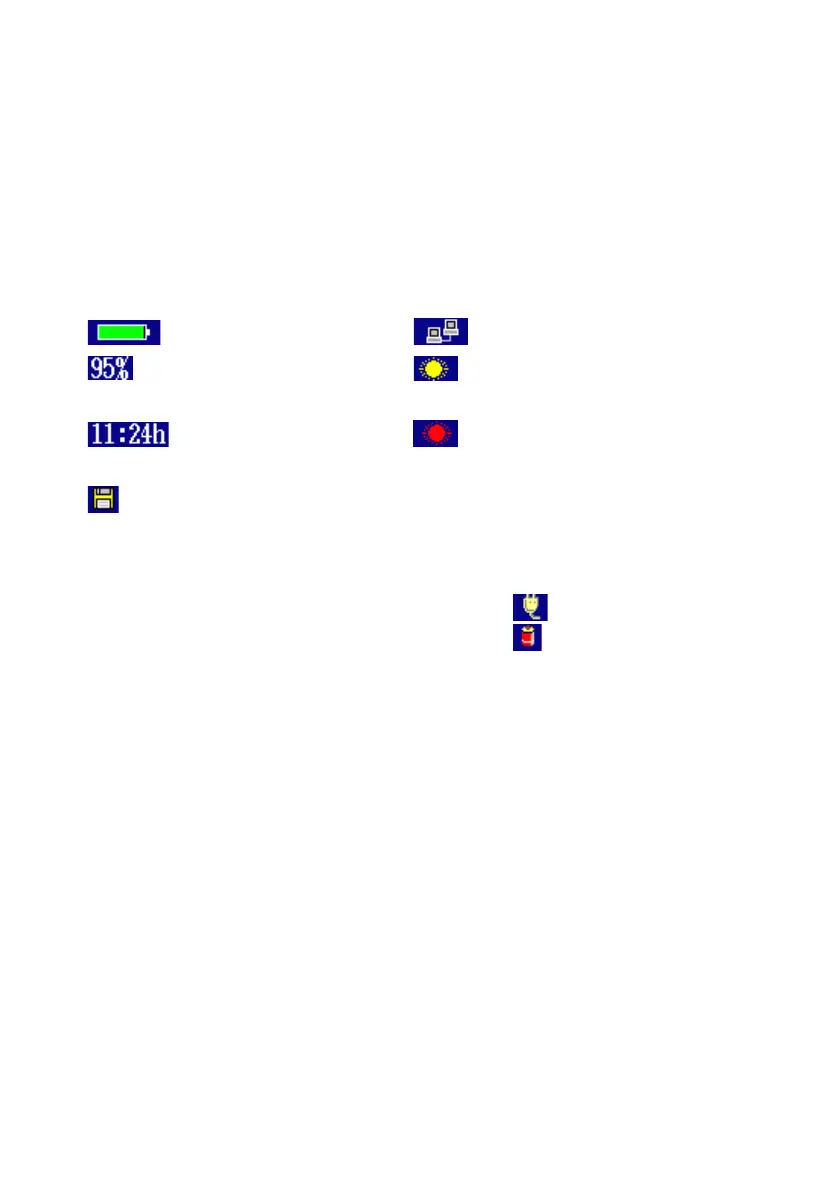
[3] Status area:
Displays the battery indicator, remaining battery, and the status
icon of the ACCESS Master. The remaining battery is expressed in
percent (%) (100% on a full charge), and the estimated available
time (h) forecast from the average power consumption over the
previous 1 minute period.
emitted. (in yellow)
emitted. (in red)
[4] Driving power indicator:
● Powered by external power supply:
● Powered by battery pack:
[5] Softkeys display area:
Displays softkeys to which functions corresponding to the current
screen or required for the current operation are assigned. Softkeys
are used to select a function or for confirmation.
[6] Power Meter area:
For OTDR or Fiber Visualizer, the power measurement value is
displayed when a power meter is used.


 To Next Page