7
When Option 002 is installed, pressing this key displays the VFL dialog
box.
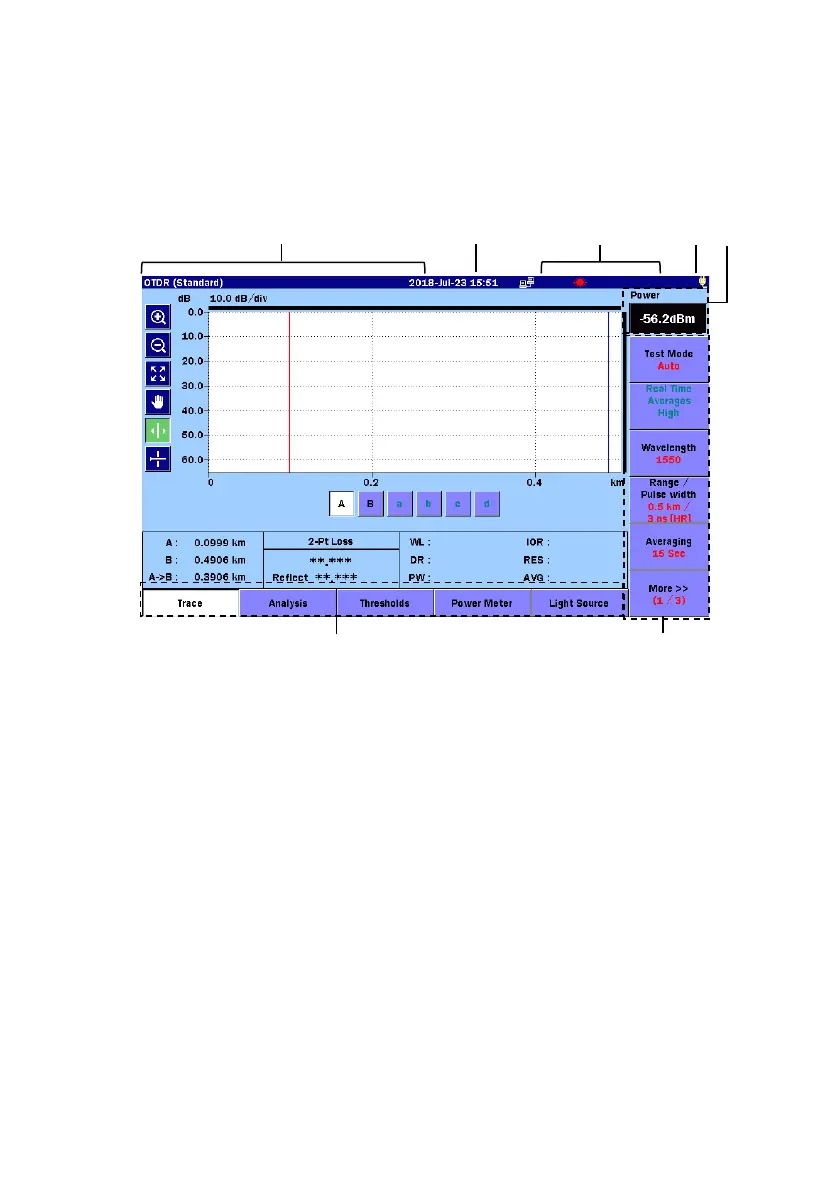
Screen Elements
[1] Screen Title area:
Displays the title of the screen currently displayed and the name of
the loaded file.
[2] Date/Time area:
Displays the current date and time.
The display format (yy–mm–dd, mm–dd–yy, dd–mm–yy) follows the
system settings. For details on the settings, refer to 3.3.1 “General
Settings” in the operation manual.



 To Next Page