25
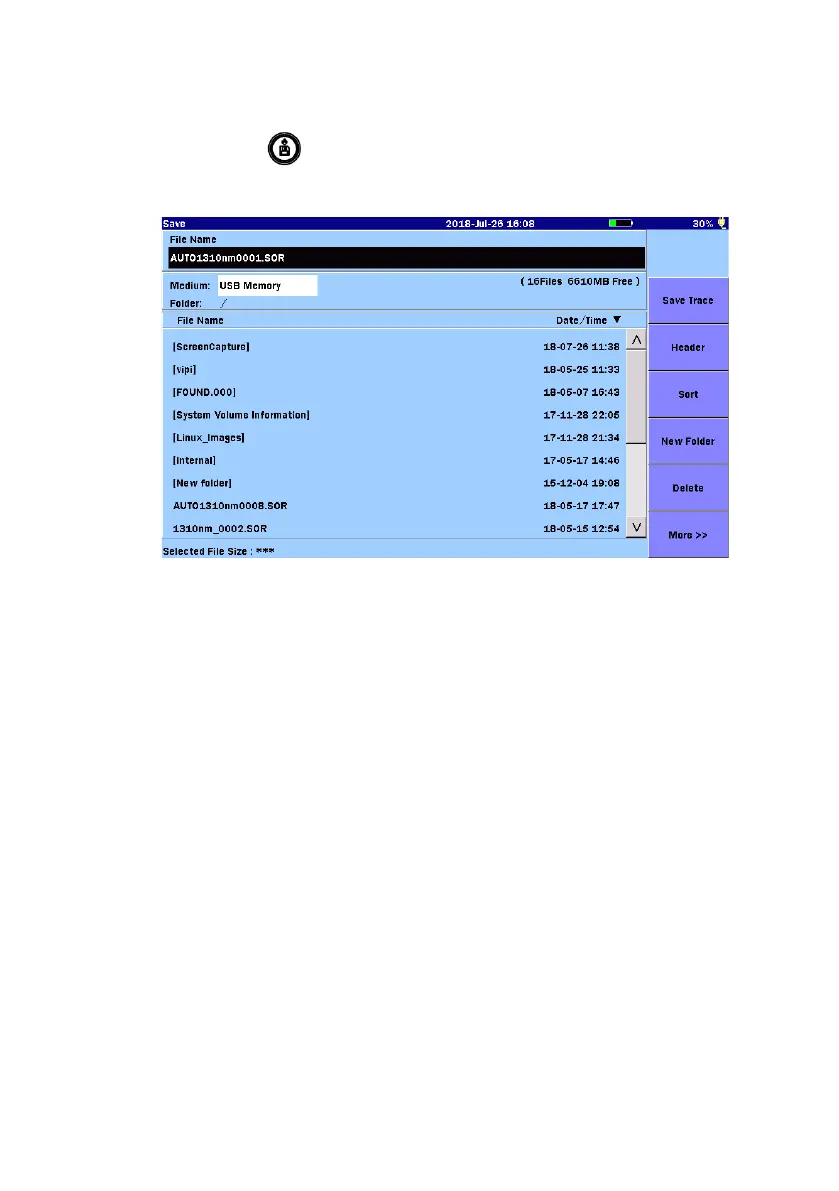
Saving Files
1. Press
Save
.
2. Touch the
File Name field to enter or edit the file name.
3. Select a storage medium or a folder to which the file is saved.
4. Touch
Save Trace to save file(s).
Deleting Files or Folders
Deleting Files or Folders is available on this screen.
1. Select files or folders and then touch
Delete, the following dialog box
appears.
2. Touch
Yes to delete the selected files or folders.
Copying Files
1. Touch
More to display Copy.
2. Touch the file name or the folder name to select it.
3. Touch
Copy.
4. Select a storage medium or a folder to which files are copied.
5. Touch
Paste.



 To Next Page