47
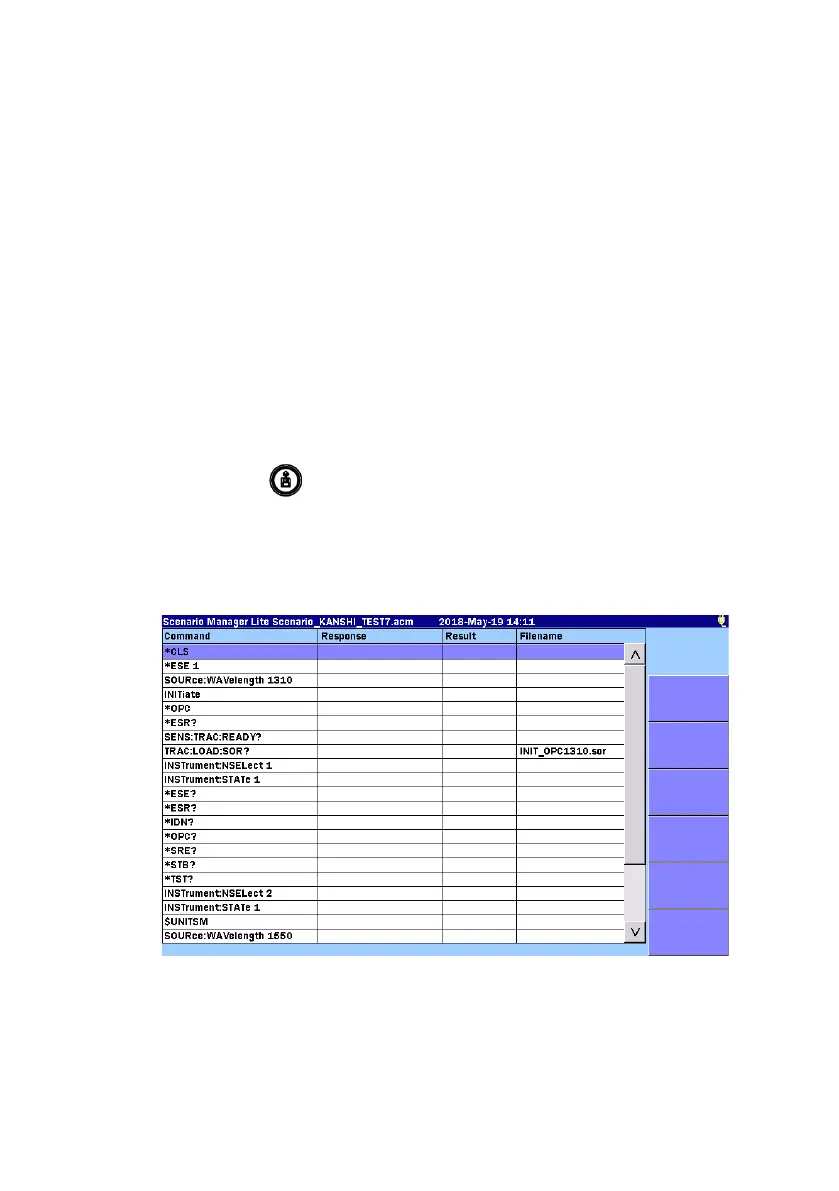
Scenario Manager Lite
Scenario Manager Lite is the application that runs the predefined
program.
A scenario file can be edited by the text editor (such as Memo pad of
Windows). It can be also edited by the MX100003A MT1000A/MT1100A
Scenario Edit Environment Kit (version 2.0.0.1or later). For the scenario
syntax, refer to the
MT9085 Series ACCESS Master Operation Manual
.
The scenario file extension is .acm.
Create a scenario file in advance.
1. Touch
Scenario Manager Lite on Top Menu.
2. Press
Load
.
3. Touch the name of a scenario file you want to load on the Load
screen. The selected file is highlighted.
4. Touch
Load Scenario.



 To Next Page