5
Power On/Power Off
To Power On the ACCESS Master:
Press the Power key. After the self–test is complete successfully, Top
Menu is displayed.
To Power Off the ACCESS Master:
Press the Power key, and the following message appears.
Touch
Yes to power off the ACCESS Master.
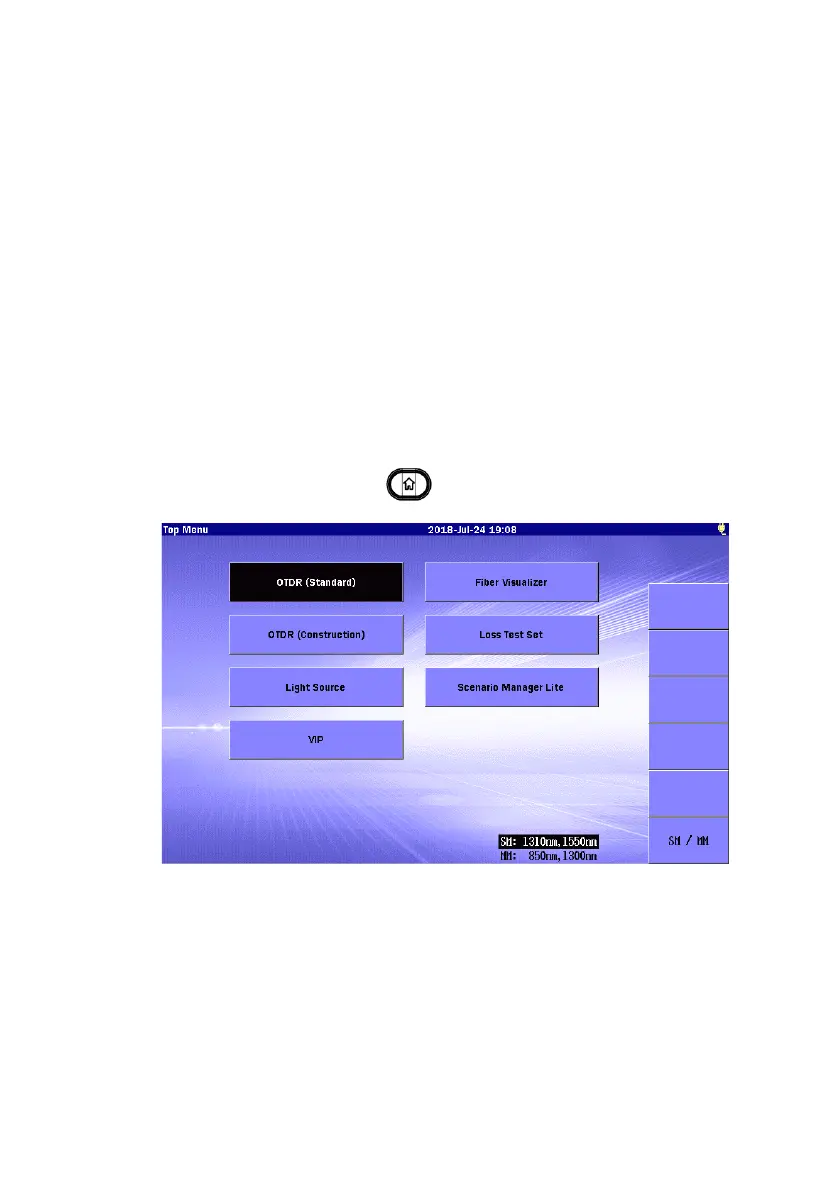
Top Menu
Press the Power key to start the ACCESS Master, When it starts, Top
Menu is displayed. Also, you can return from another screen to Top
Menu by pressing
Top Menu
.
For Option 063, touching
SM/MM highlights the wavelength of the
selected port.
When an Ethernet, Wi-Fi, or Bluetooth interface is connected to the USB
port, the
Remote Setup softkey appears.



 To Next Page