10
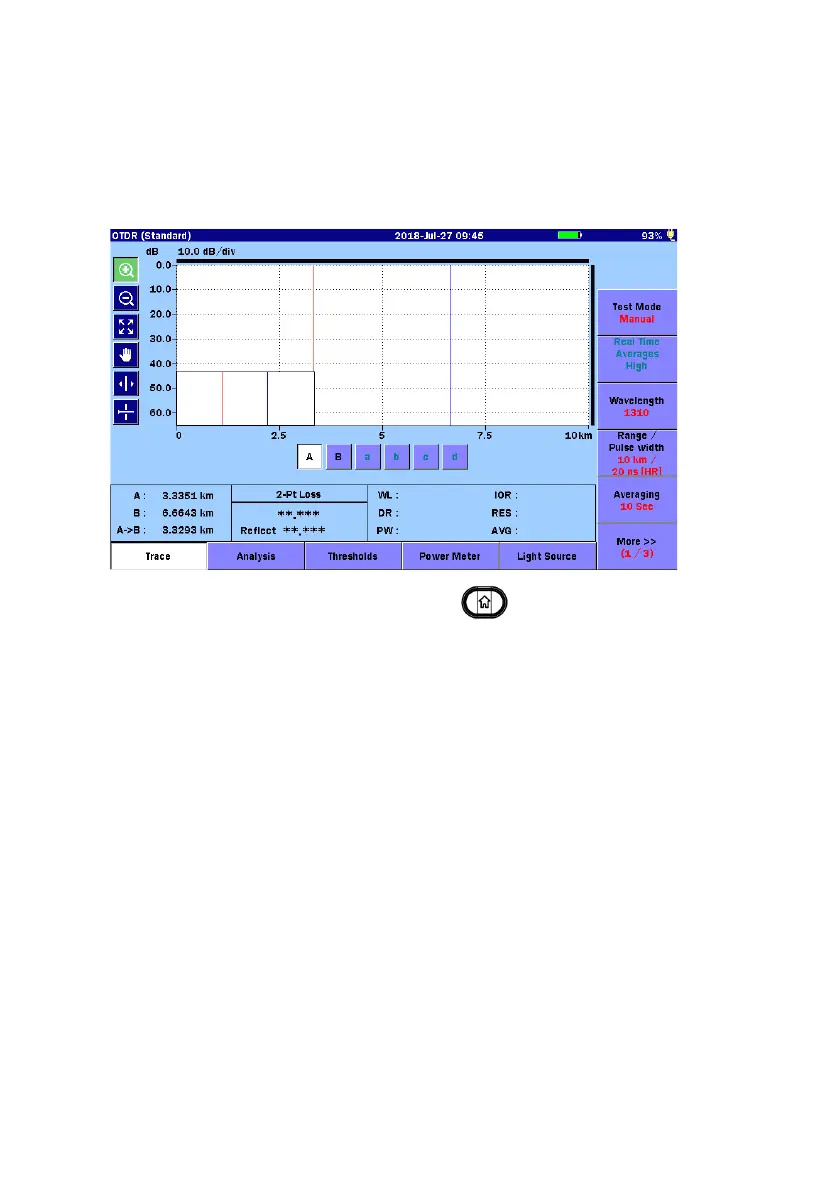
OTDR (Standard)
OTDR (Standard) provides basic OTDR testing.
Touch
OTDR (Standard) on Top Menu.
To exit OTDR (Standard), press
Top Menu
.
Measurement Condition Setup
1. To set the distance range or the pulse width etc. automatically,
touch
Test Mode to set to Auto. To set them manually, touch Test
Mode to set to Manual.
2. Touch
Wavelength to set a wavelength. If selecting All, the
measurement is performed with multiple wavelength.
When Test Mode is set to
Auto, proceed to step 7.
3. When Test Mode is set to
Manual, touch Range/Distance to set test
parameters.



 To Next Page