© Ikonix USA
22
System
Parameter
Setting/Range Description
Vdc-Lo 0.0 – 420.0V
Allows you to select a minimum voltage threshold or floor level for the DC output voltage
programmed in the test parameters.
F-Hi 5.0 – 1200Hz
Allows you to select a maximum frequency threshold or ceiling level when programming
the output frequency in the parameters screen. F-Hi is only selectable when the source is
configured for AC output.
F-Lo 5.0 – 1200Hz
Allows you to select a minimum frequency threshold, or floor level, when programming the
output frequency in the testing parameters screen. F- Lo is only selectable when the source is
configured for AC output.
Alarm 0 – 9
Controls the volume level of the audible beep, or alarm, if a failure is detected. This setting
is available from a range of 0 – 9 with 9 being the loudest volume level and 0 setting the
volume off.
OC - Fold ON/OFF
Reduces the voltage, or folds the voltage back, in a linear fashion while maintaining a
constant current to help run inductive loads. Response time <1400ms @ 30 - 1200Hz.
Power Up
ON
OFF
LAST
Controls how the output will react once the power switch is toggled on. There are three
selections (OFF, ON, LAST). When the parameter is in the OFF state the operator must
initialize a test by pressing the Output/Reset key on power up. If the parameter is in the
ON state the output will automatically be energized when the source is powered on. If the
parameter is in the LAST state the source will provide an output according to how this setting
was last programmed prior to powering off the source.
Volt Sense INT/EXT
Configures the power source for internal or external voltage sensing. If INT is selected, the
instrument will measure the output voltage at the output relay. If EXT is selected, the user must
connect sensing wires from the Ls and Ns terminals located on rear panel output terminal
block to the DUT. Using external sense will provide a more accurate measurement when a
large voltage drop occurs over the output wires.
Sync Signal
OFF
ON
START
END
BOTH
EVENT
Provides an output signal that may be used to trigger an oscilloscope. The output signal is
provided on the rear panel via the BNC connector labeled Sync. There are 6 Sync signal
options: OFF: the Sync output is disabled, ON: the Sync Signal is active during testing, START:
the Sync Signal is active only at the start of testing, END: the Sync Signal is active at the end
of the test, BOTH: the Sync signal is active both at start and end of testing, EVENT: the Sync
Signal is active when the output voltage changes.
Lock ON/OFF
Allows you to lock out the buttons and rotary knob on the front panel. To exit out of the locked
state press and hold the Exit key on the keypad until your hear a beep.
Mode
300XAC/6000/7000/
8500
Allows you to set the APT 8500 Series source in compatibility mode to mimic the bus
command structure of APT models 300XAC, 6000 and 7000.
LAN Config -
Allows you to configure the settings for LAN(ENET) interface.
Baud Rate
Allows you to specify the baud rate for Serial/USB interface.
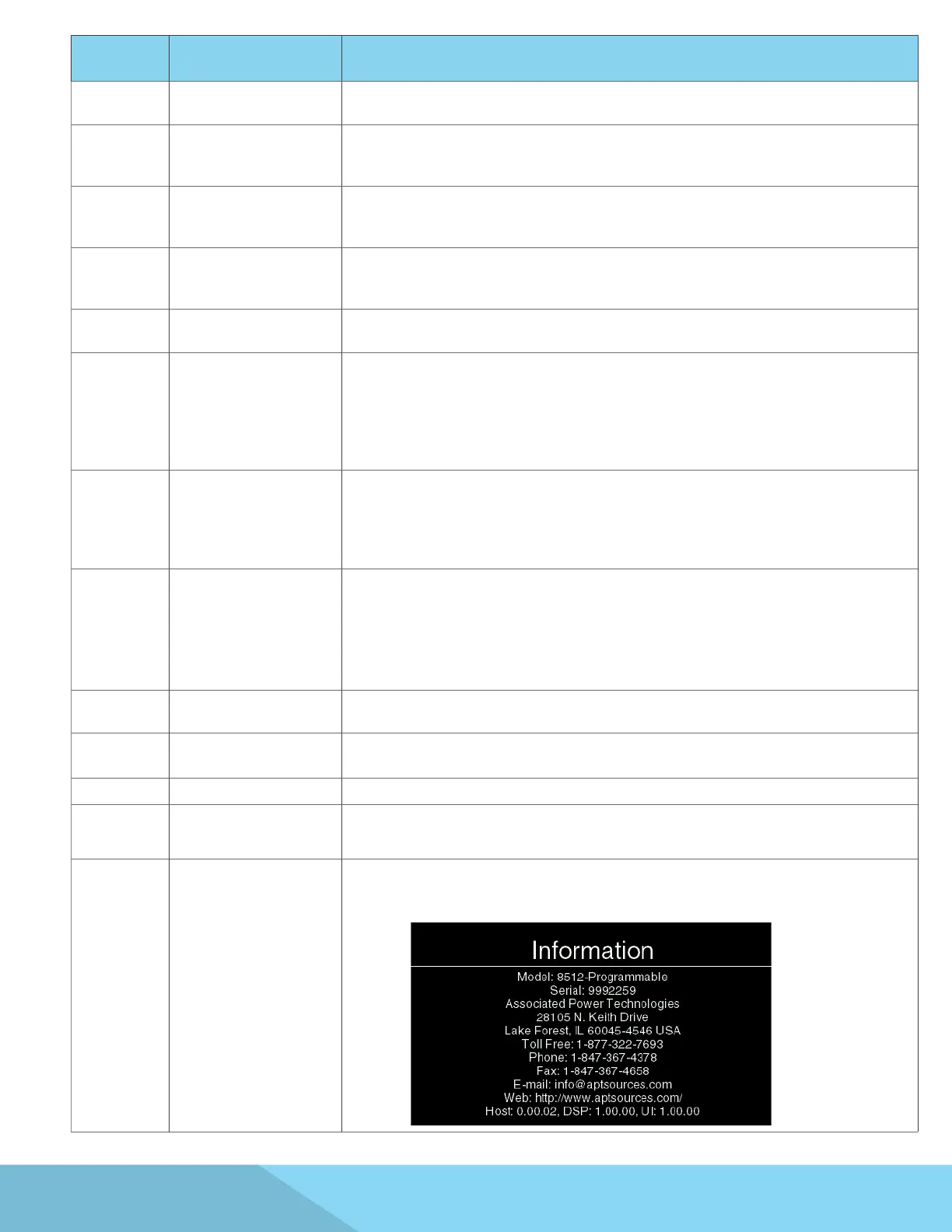
Information
- The Information screen displays all instrument information including: Model Number - Option,
Serial Number, Company Information and Firmware
Version:



 To Next Page