30
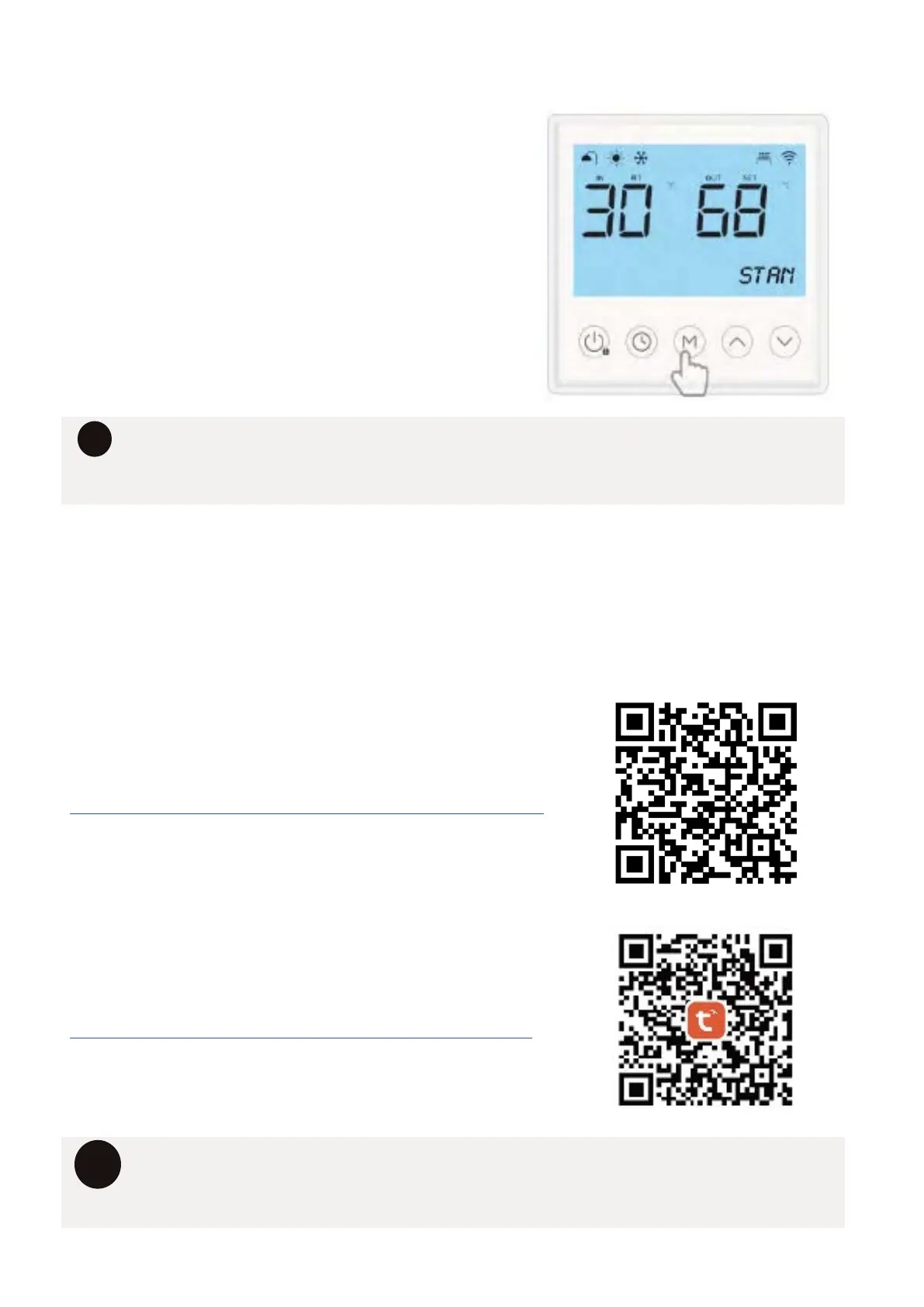
12.6 SELECTING A HEATING MODE
PRESS THE “M” BUTTON TO CYLE THROUGH
THE MODES.
The current time will disappear and the selected
mode will be displayed for three seconds.
• Any timers you set on the system will operate across all modes.
• The control parameters are designed to ensure that at least 45% of the stored
water reaches 60°C daily to ensure compliance with legionella disinfection.
i
12.7 WI-FI CONFIGURATION
Homes are getting smarter, and so should your hot water system. Our heat pumps are Wifi
enabled via the Tuya smart-home app. So you can control and monitor hot water from your
phone or tablet.
DOWNLOAD THE WI-FI SETUP MANUAL
https://www.aquatechheatpumps.com.au/support-documents
DOWNLOAD THE TYUA SMART APP
https://www.tuya.com/product/app-management/all-in-one-
i
The Tuya App & Wi-fi features require a strong 2.4Ghz wi-fi signal to be available
for the system to connect to if you wish to utilise these features, consider the
signal strength when selecting an installation location for your heat pump.



 To Next Page