12.1 ACCESSING THE DISPLAY PANEL
25
OPERATION PANEL INSTRUCTIONS
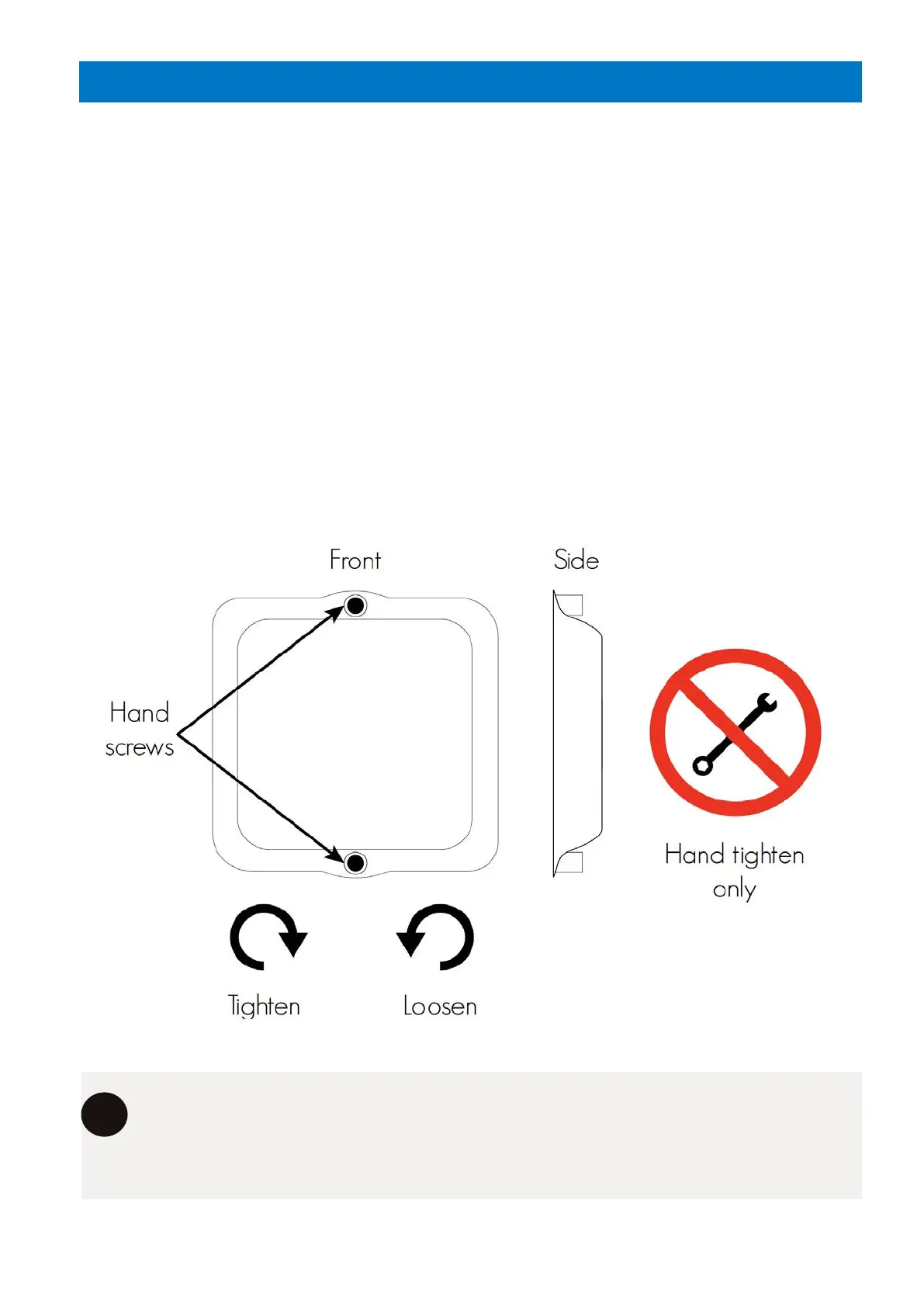
The system’s front metal cover protects the display panel from damage.
TO ACCESS THE DISPLAY PANEL:
1. Undo the hand screws located at the top and bottom of the display cover by turning
them clockwise. Place the hand screws somewhere safely.
2. Slowly remove the display cover and place somewhere safe.
TO REATTACH THE SCREEN COVER:
1. Place the display cover over the display screen, ensuring the hand screw holes are
aligned.
2. Replace the hand screws, and using your hands only, tighten the hand screws by
rotating clockwise. Ensure a seal is formed from the display cover over the panel.
Always ensure that the screen panel has been replaced after accessing the control
screen. If the screen panel has not been replaced, the screen may become
damaged from the elements.
i



 To Next Page