Step 1
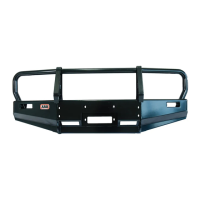
Remove light from mount (discard paper washers) and place the mount onto the bull bar or flat mounting
surface. Align with suitable mounting holes on the bull bar. Where no holes are available, use mount to mark
new holes and drill accordingly. Add rust prevention to drilled holes.
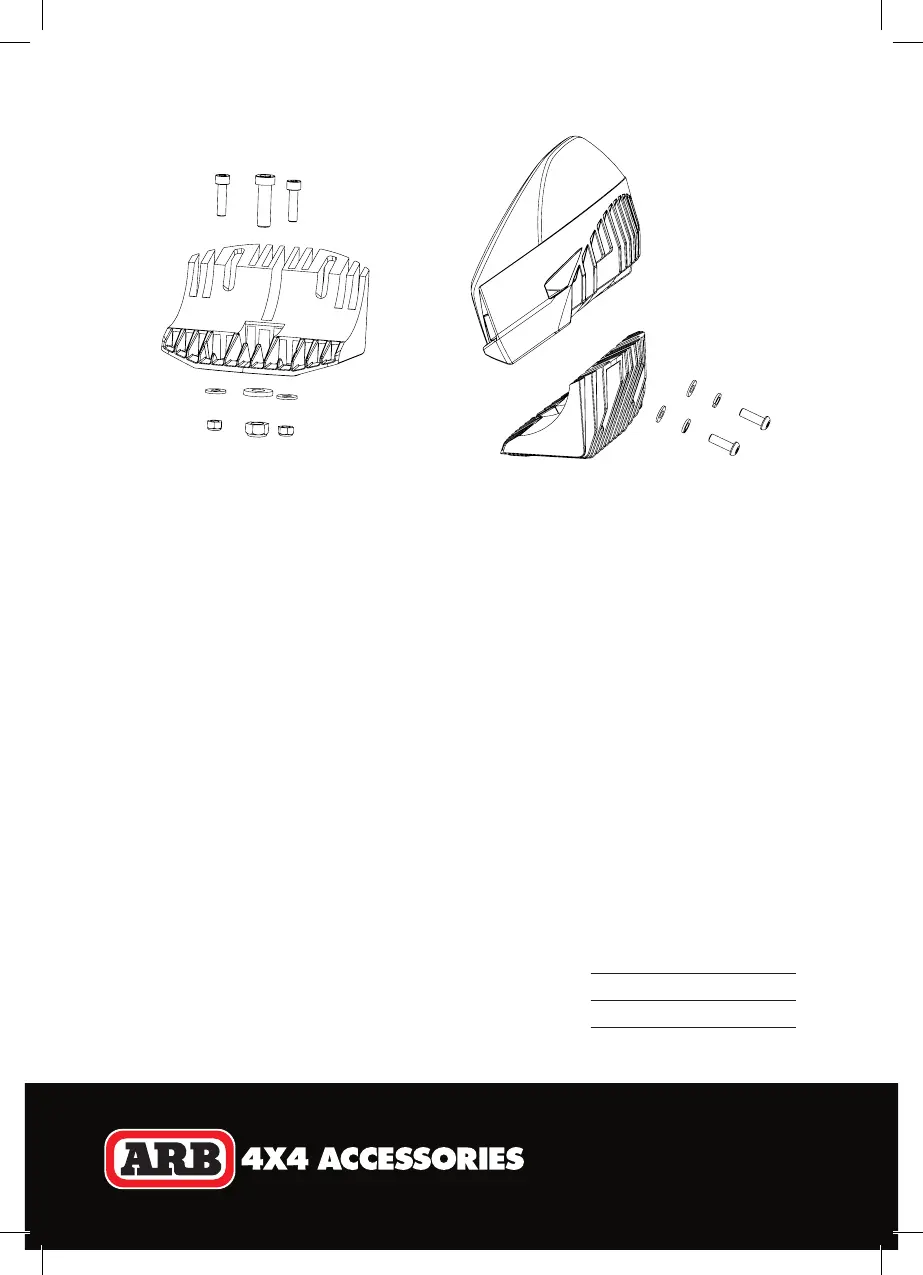
Locate mount hardware provided in kit. For the two outside holes, use two M× socket head cap
screws, M washers and M nyloc nuts. For the centre hole, use M screw, M washer and M nyloc
nut (Figure 2).
Insert the centre screw into the mount and keep loose to allow for adjustment. Align the mount forward
facing and ensure the light will illuminate straight down the road. Insert the remaining two screws and
tighten all screws to the torque specified in Table 1.
Step 2
Feed light cable through mount and bull bar hole. Place the light into the mount as shown in Figure 3.
Align the mount and light housing holes. Insert two M× security fasteners with M washers and M
spring washers. Loosely tighten to allow for adjustment.
Please note, the lights are factory set with light numbers 1 and 2. How the lights are installed (let or right) is
not crucial, however ARB recommend #1 is let and #2 is right to match the app layout. A sticker is afixed
to each light stating its factory set light number.
Step 3
Point the vehicle toward a flat wall and switch the driving lights on.
For vertical adjustment, measure the light output height on the wall
and compare with the driving light height on the vehicle. The two
measurements should be similar depending on user preference.
Once satisfied with the height position, use the security tool provided
to tighten the two security fasteners fixing the light to the mount.
Figure 2 Figure 3
Table 1
Torque Setings
M bolts 22 Nm (16 lbt)
M bolt 77 Nm (57 lbt)
Light Installation


 To Next Page