MANUAL
V1.0
TV+
PLAYING VIDEO > P. 15
“Speed”
will play the current video in slow motion or high speed.
while paused in slow motion, you can advance frame by frame, using the right
arrow.
-
-
“Set”
“Bookmark”: sets a bookmark at the current spot in the video. Only one
bookmark per le is allowed. You can bookmark up to 32 les. Bookmarked
videos will appear, in the “Video” browser, with a bookmark symbol and a
progression bar.
to resume playing a video from a bookmark, go to the “Video” browser and
highlight the bookmarked video le. Select the “Bookmark” menu item, then
choose “Resume” (“Clear” will remove the bookmark from the video).
“Thumbnail”: saves the current image as a new thumbnail for this le. In the
“Video” browser, the video’s thumbnail will be replaced by the new one.
“Wallpaper”: the current image will be dened as your device’s background
image.
-
-
-
-
“Settings”
you can choose to display the Video Player settings screen (see next section)
or the “Sound” settings screen (see:
“Sound” Settings
).
-
1.3 VideO player seTTings
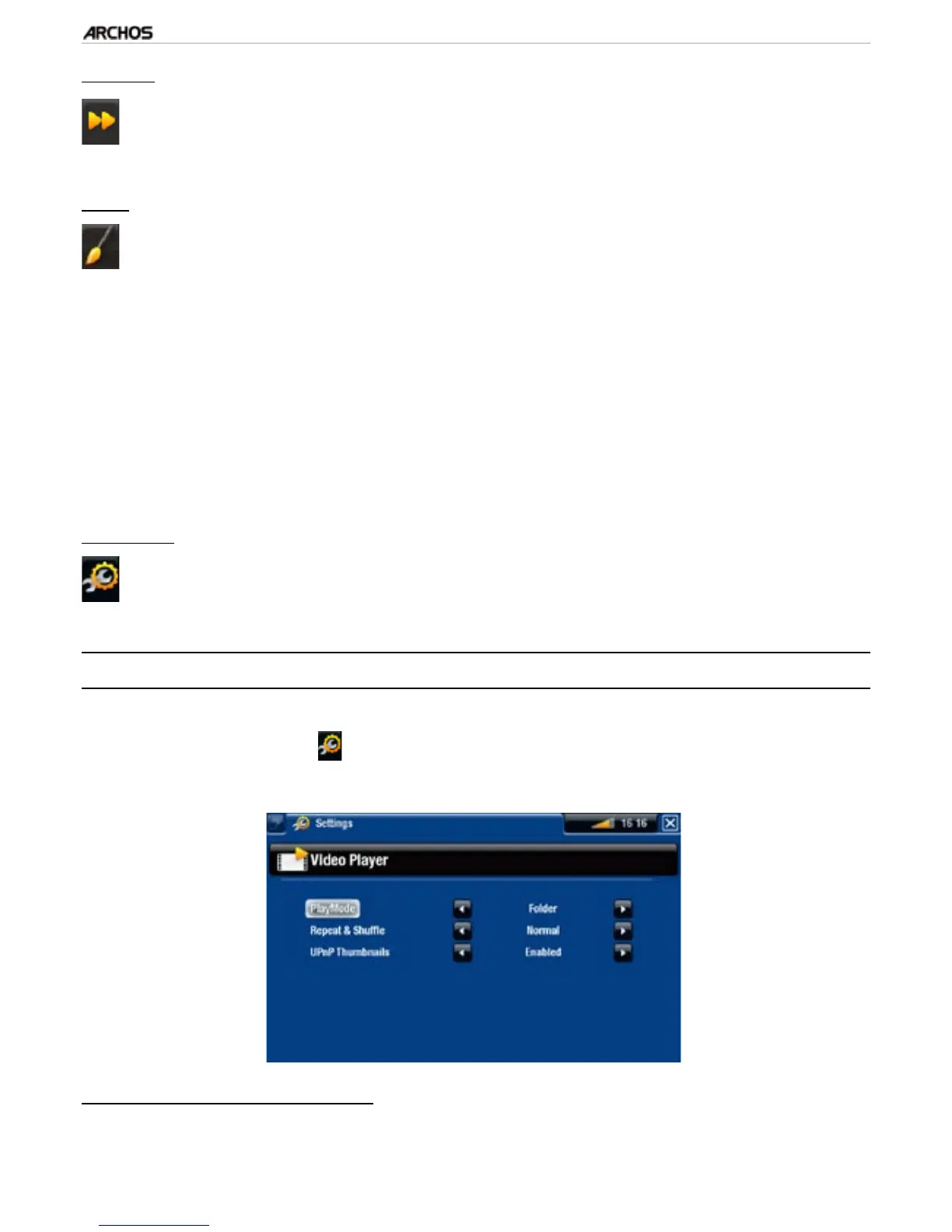
In the Video mode, you can access the Video Player settings screen by using the
“Settings” menu item .
Use the left/right arrows to select a different setting for a parameter.
“PlayMode”, “Repeat & Shufe”
the following table explains how the video player will work according to the set-
tings you chose in “PlayMode” AND “Repeat & Shufe”.
•
•
-



 To Next Page