MANUAL
V1.0
TV+
THE TV PROGRAM GUIDE > P. 63
9.3 Transferring The prOgraM daTa TO The arChOs
Once you have activated the TV Program Guide online, you now need to transfer its
data onto your ARCHOS. In order to do that, your ARCHOS needs to be connected to
the internet.
First time Procedure
Turn on your ARCHOS device.
From the Home screen, select the “Recorder” icon.
Select the “Update” menu item. Your ARCHOS will automatically connect to a
congured network.
If your ARCHOS nds a congured WiFi / Ethernet network and if you have cor-
rectly activated the TV Program Guide online, the TV Program data will start up-
dating automatically. This operation can take several minutes.
Do not try to operate the device while it is downloading TV Program information.
Updating the TV Program Guide periodically
Every time you transfer the TV Program Guide information to the ARCHOS, your
device will memorize all the TV Programs within a certain period of time.
Remember to update the data periodically: the ARCHOS will remind you to up-
date your TV Guide before it becomes obsolete (select the “Settings” menu item
if you want to set the update reminder).
You also have the possibility to let the ARCHOS automatically update the TV
Program Guide information at night:
Select the “Settings” menu item and set the “Automatic Updates” parameter
to “On”.
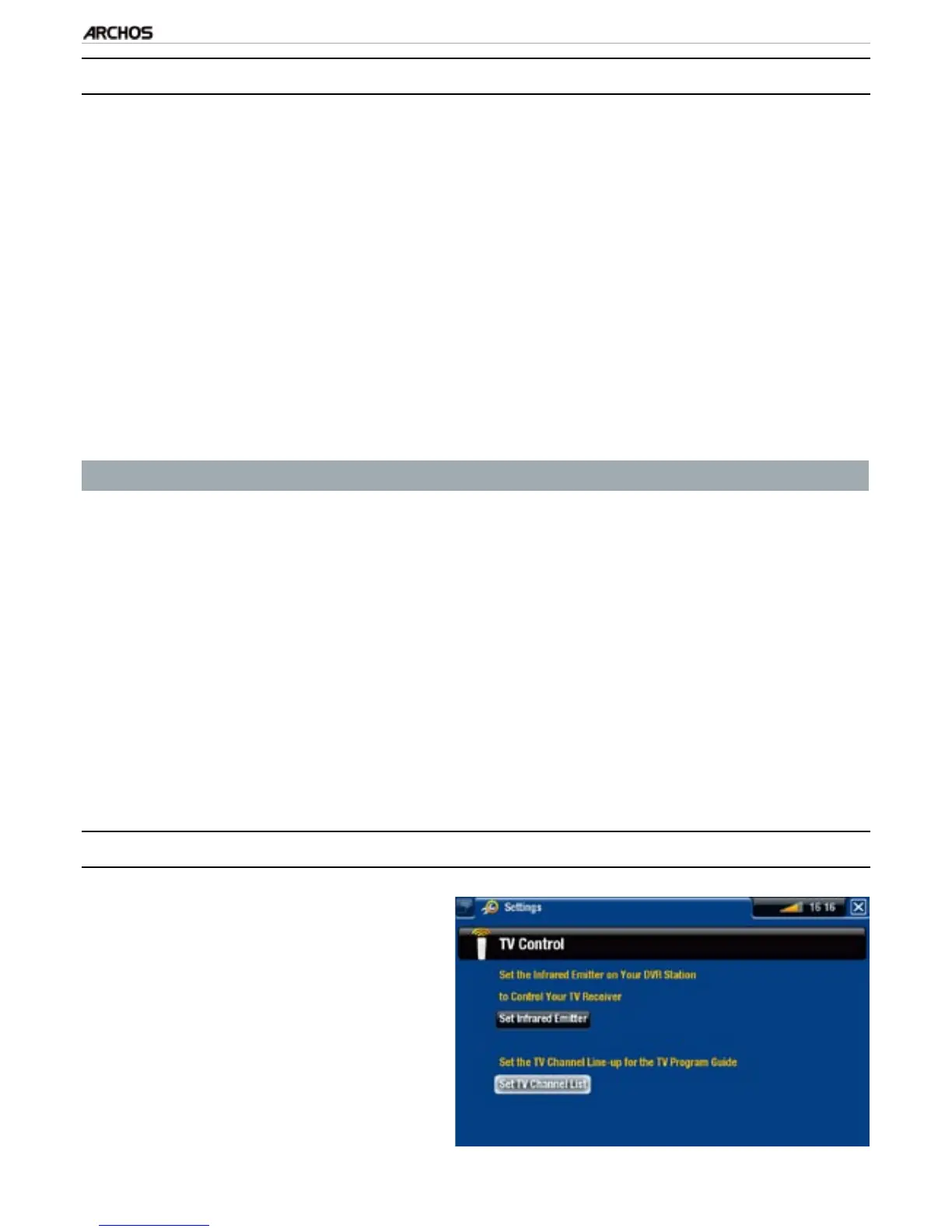
9.4 COnfiguring The TV COnTrOl seTTings
From the ARCHOS Home Screen,
select the “Settings” menu item,
and choose “TV Control” to display
the “TV Control” settings screen.
This settings screen allows you to
set the ARCHOS’ IR emitter as well
as configure the channel list.
•
•
1.
2.
3.
•
•
•
-



 To Next Page