MANUAL
V1.0
TV+
THE TV PROGRAM GUIDE > P. 64
VERIFYING THE CHANNEL LIST
From the “TV Control” screen, select “Set TV Channel List”.
Verify that the channel list on the ARCHOS is the same as on your tuner.
Here you can deselect/select a channel or change the number of a channel.
SETTING THE IR EMITTER
The ARCHOS has a high-powered infrared LED, located on the front of the device,
at the same place as the infrared receiver.
It allows your ARCHOS TV
+
to communicate with your tuner (VCR, cable box, sat-
ellite receiver or Digital TV receiver), so that it can turn it on and off, and change
channels on it.
This is a one time step to set your ARCHOS device to send the correct infrared
codes to control your tuner. If you do not plan on making scheduled recordings,
then you do not need to set the infrared emitter code.
1
st
Test: turning your tuner off
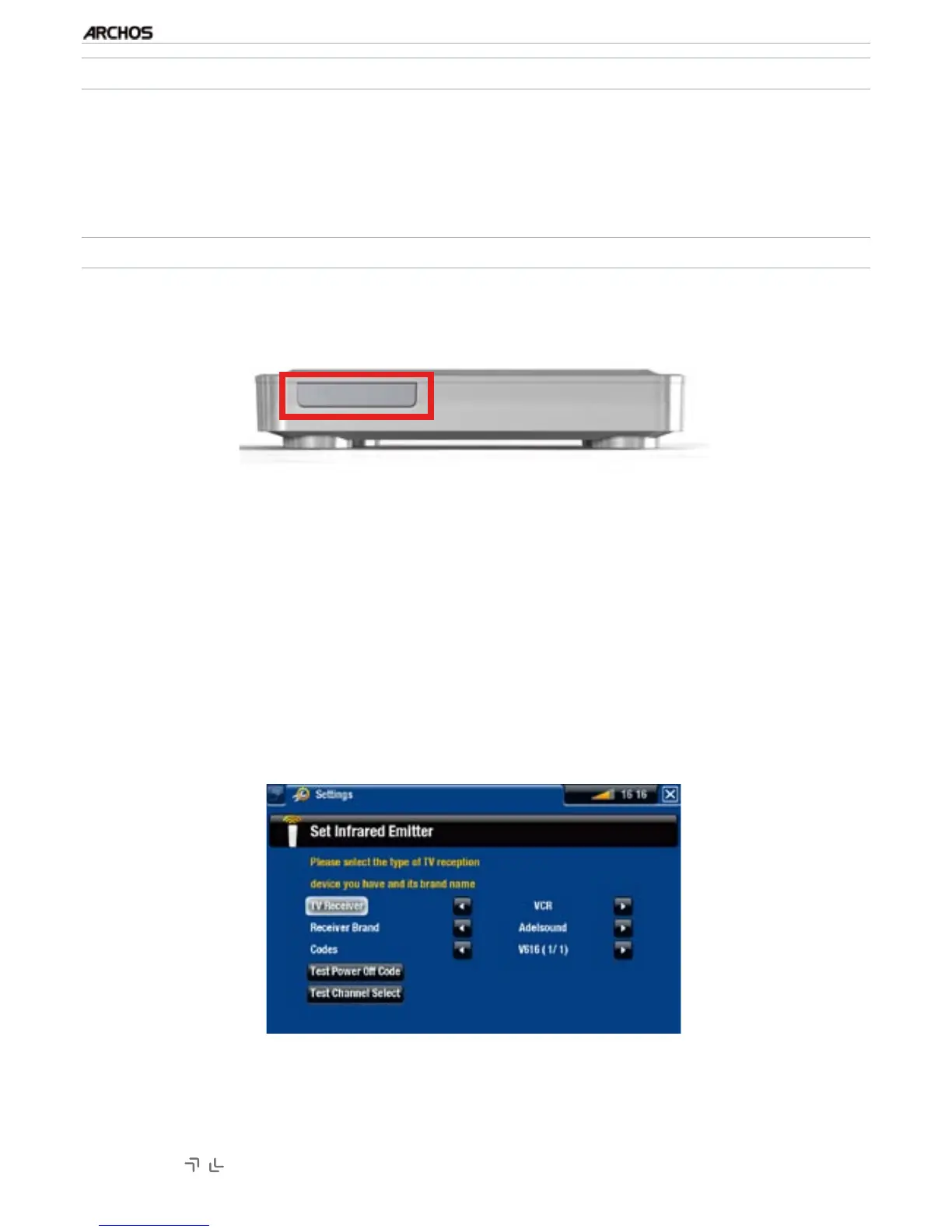
From the “TV Control” screen, select “Set Infrared Emitter”. This first screen al-
lows you to correctly set the codes and parameters so that the ARCHOS can turn
your tuner on/off automatically (for a scheduled recording).
“TV Receiver”: select the type of tuner that you want to control with the IR
Emitter (“VCR”, “Cable/DSL box”, “Satellite Receiver”, “DVD Recorder” or
“Digital TV”).
“Receiver brand”: choose the brand of your tuner. You can use the Accelerator
buttons on the remote control to scroll the list faster.
1.
2.
3.
•
•
•
1.
2.
3.



 To Next Page