MANUAL
V1.0
TV+
STARTING UP > P. 9
The insTallaTiOn wizard
The Installation Wizard will help you congure the main functions of the ARCHOS.
If you ever need to relaunch the Installation Wizard, press the reset button. The
ARCHOS will restart and a message will pop up to conrm the relaunch of the
wizard. If you do not respond within 10 seconds, the wizard will be automatically
relaunched.
ATTENTION: if you use the reset button and relaunch the wizard, no data will
be erased but your TV connection settings will be lost, and you will have to set
them up again through the wizard.
NAVIGATING INSIDE THE WIZARD
In the different screens of the wizard, use the up/down navigation buttons on the
remote control to highlight a parameter.
Use the left/right buttons to select a different setting for a parameter.
When you have nished adjusting your settings, use the navigation buttons to high-
light “Next” and press OK on the remote control to move on to the next screen.
If you want to go back to a previous screen, select “Previous”.
CONFIGURING THE WIFI/ETHERNET CONNECTION
At the end of the Installation Wizard, in the “Network” screen, you are invited to
congure your WiFi/Ethernet connection.
Choose “WiFi”, “Ethernet Cable” (standard Ethernet cable not supplied) or
“None”, based on the way you want to connect to the Internet (or local network).
If you do not have access to the Internet, select “None”.
See
“Network” Settings
.
Turning The arChOs On/Off
Press the Power button on the remote control to turn on your ARCHOS or put
it into standby mode.
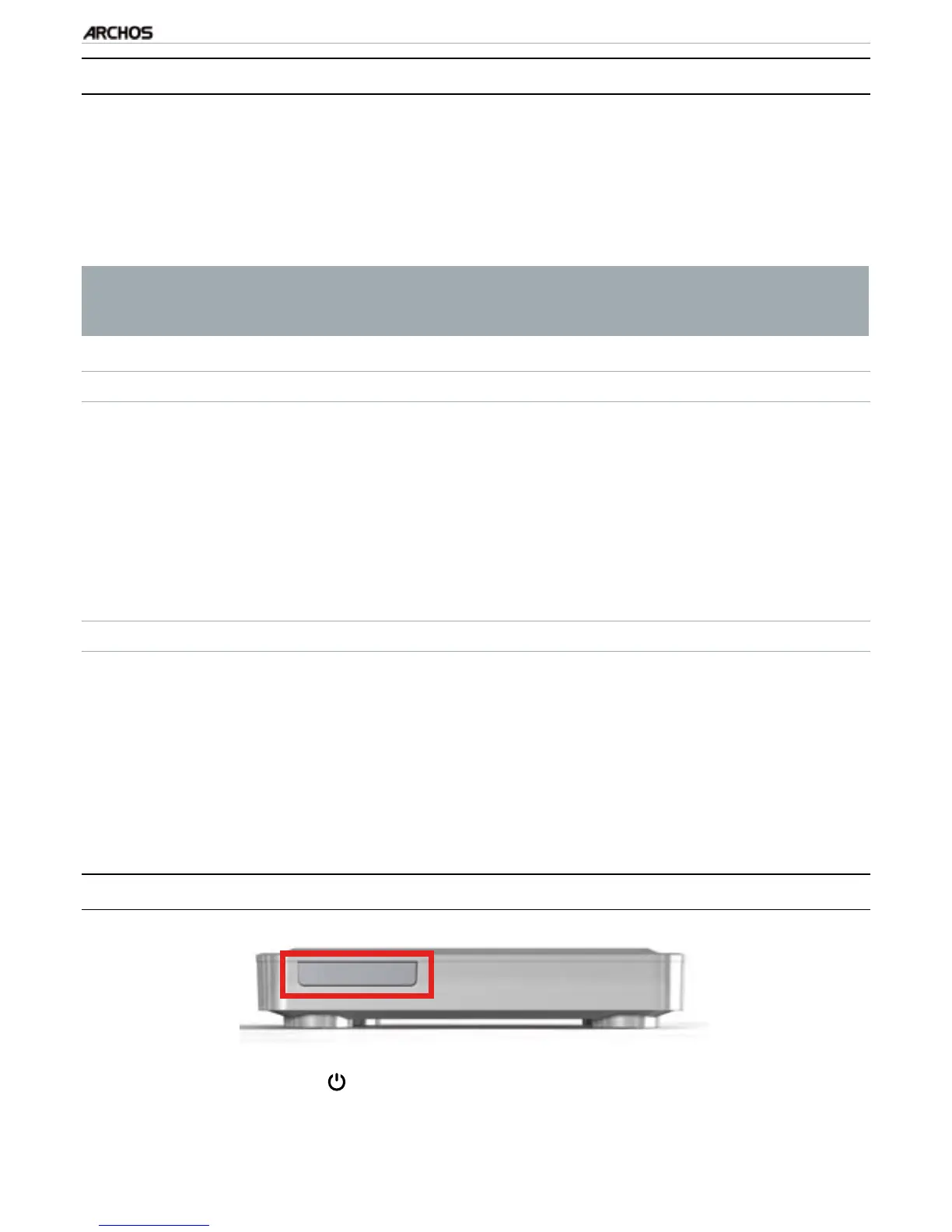
The green LED indicator, on the front of the device, lights up when the device is
on. The red LED lights up when the device is in standby mode.
•
•
•
•
•
•
•
•
•
•
•



 To Next Page