MANUAL
V1.0
TV+
PLAYING MUSIC > P. 17
2. playing MusiC
In the Home screen, select the “Music” icon to enter the Music mode.
2.1 brOwsing ThrOugh yOur MusiC files
There are two types of views for you to browse through your songs: the Music
Library and the Music Browser.
In both views, you can go back one level in the hierarchy by closing the current
screen (Exit button ). Wherever you are in the hierarchy, you can go back direct-
ly to the Home screen by pressing and holding down on the Exit button.
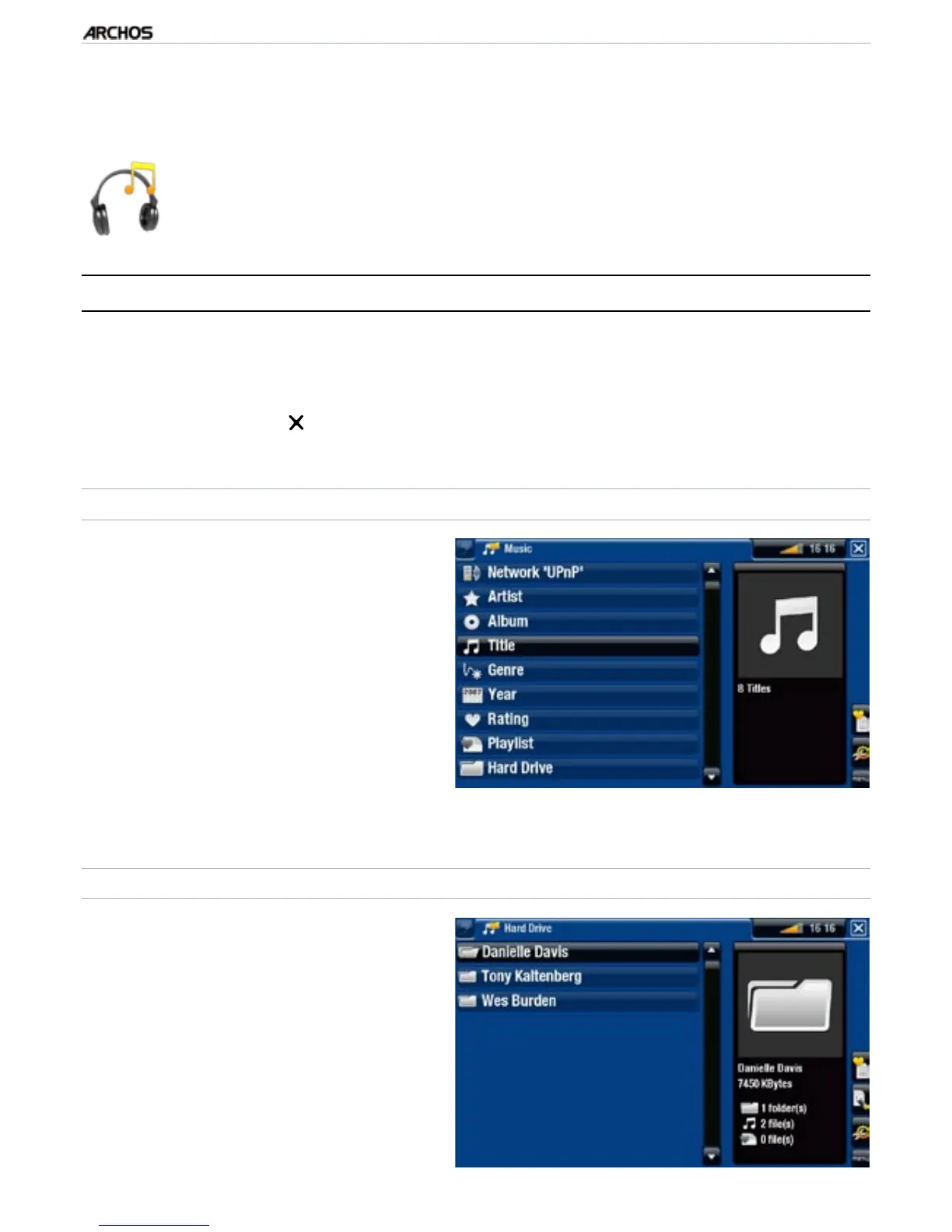
THE MUSIC LIBRARY
The Music Library (default view)
shows your music sorted by cat-
egories (Artist, Album, Genre, etc.) if
your music les contain these song
information tags.
When new music is copied to the
ARCHOS, the Music Library will be
updated automatically.
If some of your music les do not
contain information tags, they will
be classied as (Unknown) in the
Music Library.
•
•
•
THE MUSIC BROWSER
The music browser allows you to
navigate through the Music folder
of your device’s hard drive.
To use it, select “Hard Drive” in the
initial Music Library view.
•
•
•
•



 To Next Page