MANUAL
V1.0
TV+
VIEWING PHOTOS > P. 27
“Start slideshow”
starts a slideshow from the highlighted image.
the “Pause slideshow” menu item will appear, allowing you to pause the
slideshow.
-
-
“Settings”
will display the Photo viewer settings screen (see
Photo Viewer Settings
).-
* The available menu items will vary depending on where you are in the
“Photo” Browser.
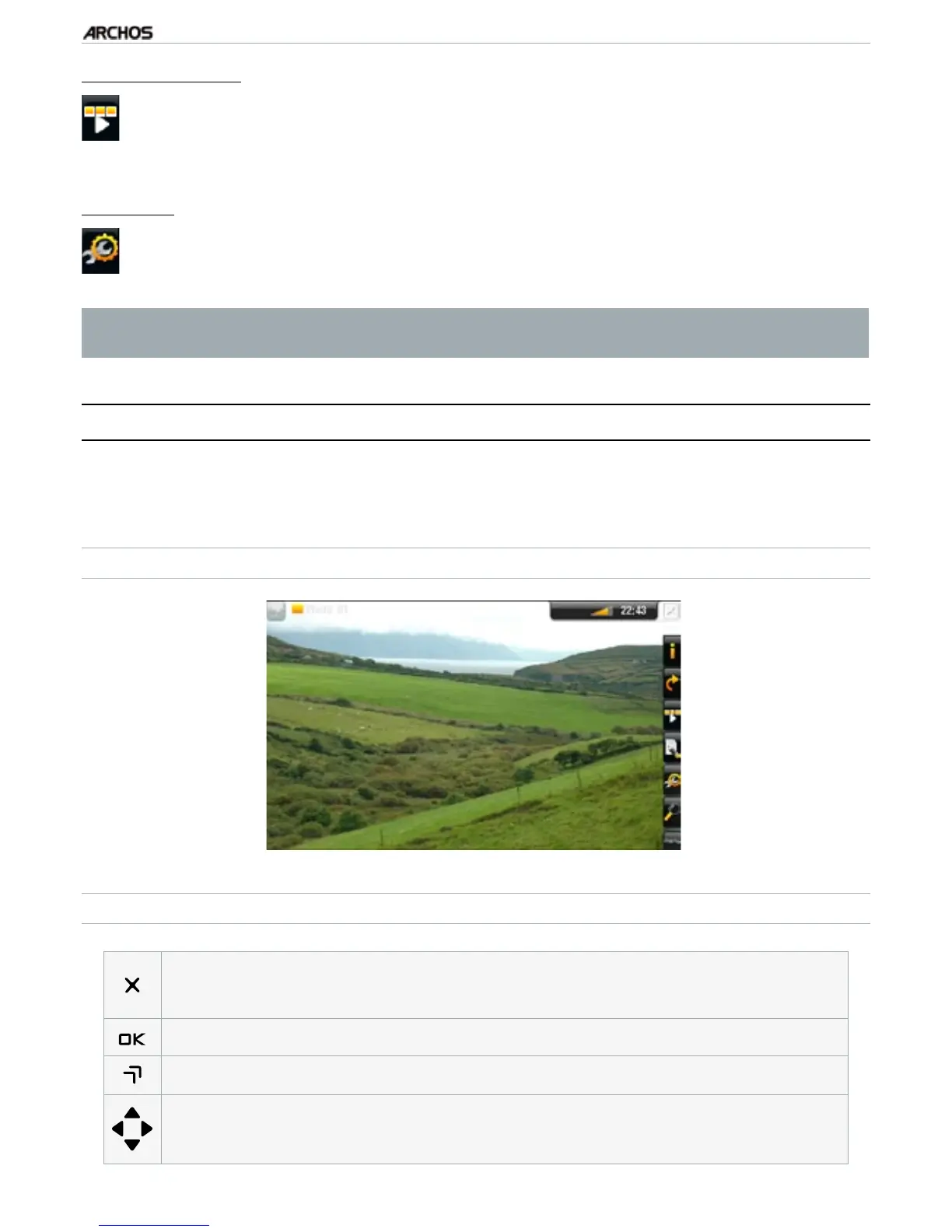
3.2 phOTO Viewer
To view a picture, highlight the corresponding thumbnail and press OK. The menu
overlay will disappear automatically after a few seconds.
PHOTO VIEWER SCREEN
PHOTO VIEWER BUTTON CONTROLS
press once: close the photo viewer and go back to the “Photo” browser
hold: exit the Photo mode and go back directly to the Home screen.
-
-
start/pause a slideshow
zoom in
left/right: previous/next picture
down/up: rotate 90° clockwise/counterclockwise



 To Next Page