MANUAL
V1.0
TV+
USING THE WIFI FEATURES > P. 37
“Go to”
“Enter URL...”: allows you to enter the address of a Web site you’d like to visit.
Enter the address using the remote control’s keyboard. Press “OK” to open the
website in the current window, or select the menu item “Open in new tab” to
open it in a new window.
“Search...”: allows you to search an address in one of the congured search en-
gines. Enter the key words using the remote control’s keyboard. Press “OK” to
open the results in the current window, or select the menu item “Open in new
tab” to open them in a new window.
“Favorites”
will open the “Favorites” manager. Here you can add favorites, rename or delete
them. Select a favorite and use the “Open in new tab” menu item to open the
corresponding web page in a new window.
“Settings”
will open the “Web Browser” settings screen. Here you can decide whether to
accept/ignore popup windows, enable/disable ash content, delete your Internet
history and cookies, etc.
Please note that some Web features requiring special plug-in software or
Active X controls may not work in this special version of the Web Browser.
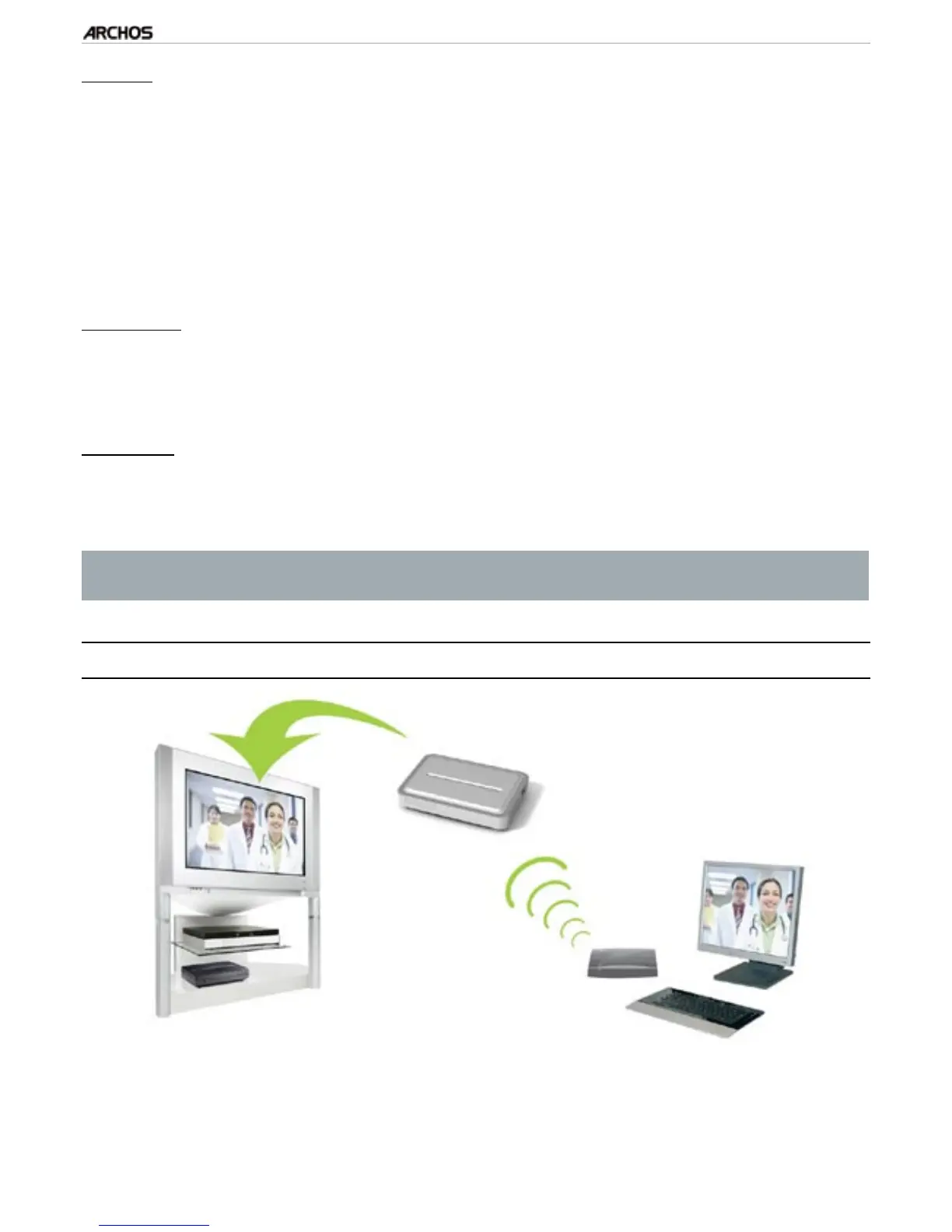
5.2 playing yOur pC’s shared Media files
Streaming one of your PC’s shared videos and displaying it on your TV
When connected to your home WiFi / Ethernet network, your ARCHOS gives you
the possibility to watch, directly on your TV, shared media les (videos, music or
photos) stored in your PC’s Windows Media® Library.
-
-
-
-
•



 To Next Page