MANUAL
V1.0
TV+
OTHER RECORDING FUNCTIONS > P. 68
10. OTher reCOrding funCTiOns
10.1 The “TV sCheduler”
With the tuner connected to your ARCHOS (see: TV Recording: Hardware Setup), you
can schedule recordings manually. If you want to schedule via the TV Program Guide,
see
The TV Program Guide.
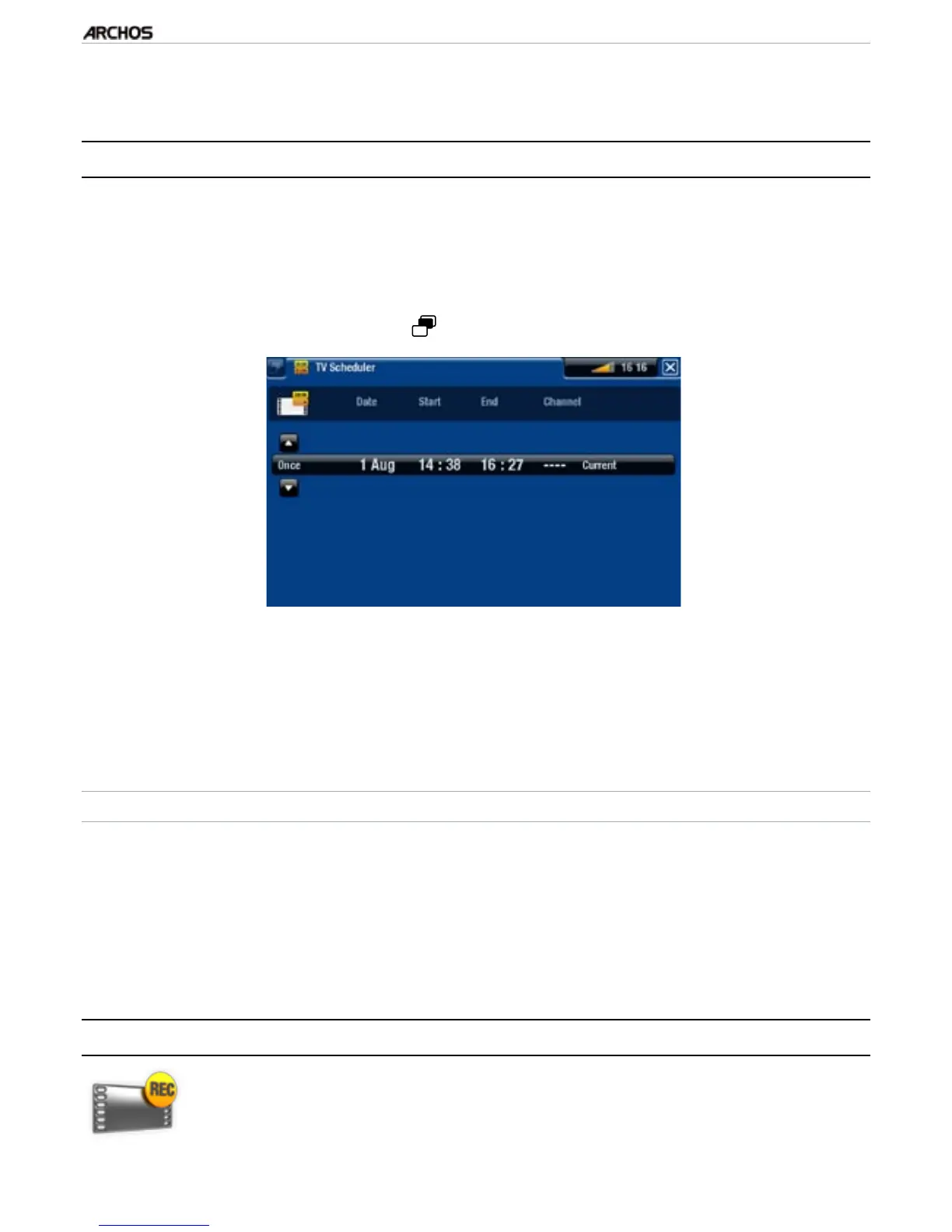
From the ARCHOS Home Screen, select the “Recorder” icon, and switch to the
“TV Scheduler” tab (Tab button ).
This screen allows you to view, edit and schedule your recordings.
Here you can schedule a new recording or edit an existing one: you can remove it,
edit its title, change the time, date, channel, etc. You also have the possibility to
add a safety margin to the beginning/end of the scheduled recording. To set this
parameter, use the “Settings” menu item.
NOTES ABOUT THE SCHEDULER
The scheduler automatically reorganizes the recording events chronologically.
If you are listening to music, watching a video or looking at photos with the de-
vice, it will not interrupt you to make the scheduled recording.
Once the scheduled recording has been made, or the date of a recording has been
passed without the recording having been made, the schedule entry will be erased
from the scheduler.
10.2 reCOrding VideO Manually
With the tuner connected to your ARCHOS (see: TV Recording: Hardware
Setup), you can schedule recordings manually. If you want to schedule via
the TV Program Guide, see
The TV Program Guide.
•
•
•
•
•
•



 To Next Page