MANUAL
V1.0
TV+
MAIN SETTINGS > P. 48
“TV Standard” **
choose between the “NTSC (USA)” and “PAL (Europe)” systems (select the one
that is compatible with your country’s television system).
“TV Format” **
“4:3” or “16:9” - the format used by your television set to display images.
the option “Wide screen” becomes available when you set the “TV standard”
parameter to “PAL (Europe)”.
** These parameters do not appear if you choose the “HDMI” TV connection mode.
“Audio Output”
denes whether the audio signal is sent out via the “Analog Line-Out”, “HDMI” or
“SPDIF” interface depending on how you have connected the ARCHOS to your TV.
“Apply change”
use this button to apply your changes.
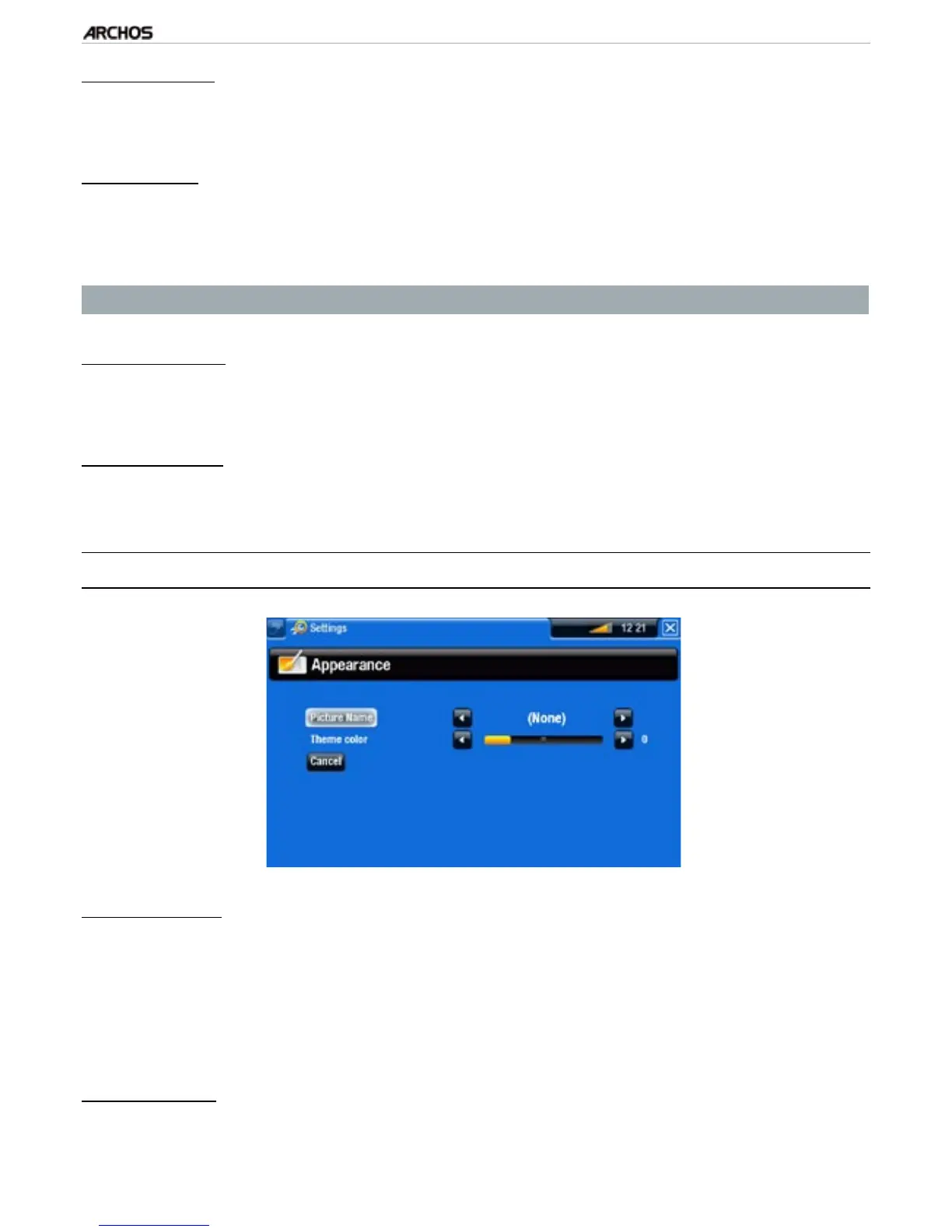
7.3 “appearanCe” seTTings
“Picture name”
allows you to select a picture to use as a wallpaper image. Select “None” if you do
not want any background image.
you can choose between all default backgrounds or the images that you have
previously set as wallpapers.
you can also set a picture as wallpaper from the Photo and Video modes.
“Theme color”
denes the theme color for your icons (and for the background, if you have dis-
abled the use of a wallpaper).
-
-
-
-
-
-
-
-
-



 To Next Page