MANUAL
V1.0
TV+
PLAYING MUSIC > P. 20
MUSIC PLAYBACK MENU ITEMS
“Info”
displays a message box with information about the current music le.-
“ARCHOS home screen”
allows you to go back to the Home screen, and browse your hard drive or
view your photos while listening to music.
-
“Set bookmark”
sets a bookmark at the current spot in the song. Only one bookmark per le is
allowed. You can bookmark up to 32 les.
to resume playing a song from a bookmark, go to the Music Library or the Music
Browser, highlight the bookmarked music le. Select the “Bookmark” menu
item, then choose “Resume” (“Clear” will remove the bookmark from the song).
-
-
“Set rating”
allows you to give a rating to the current song (1-5) or to remove the rating
(none).
-
“Settings”
you can choose to display the Music Player settings screen (see next section)
or the “Sound” settings screen (see:
“Sound” Settings
).
-
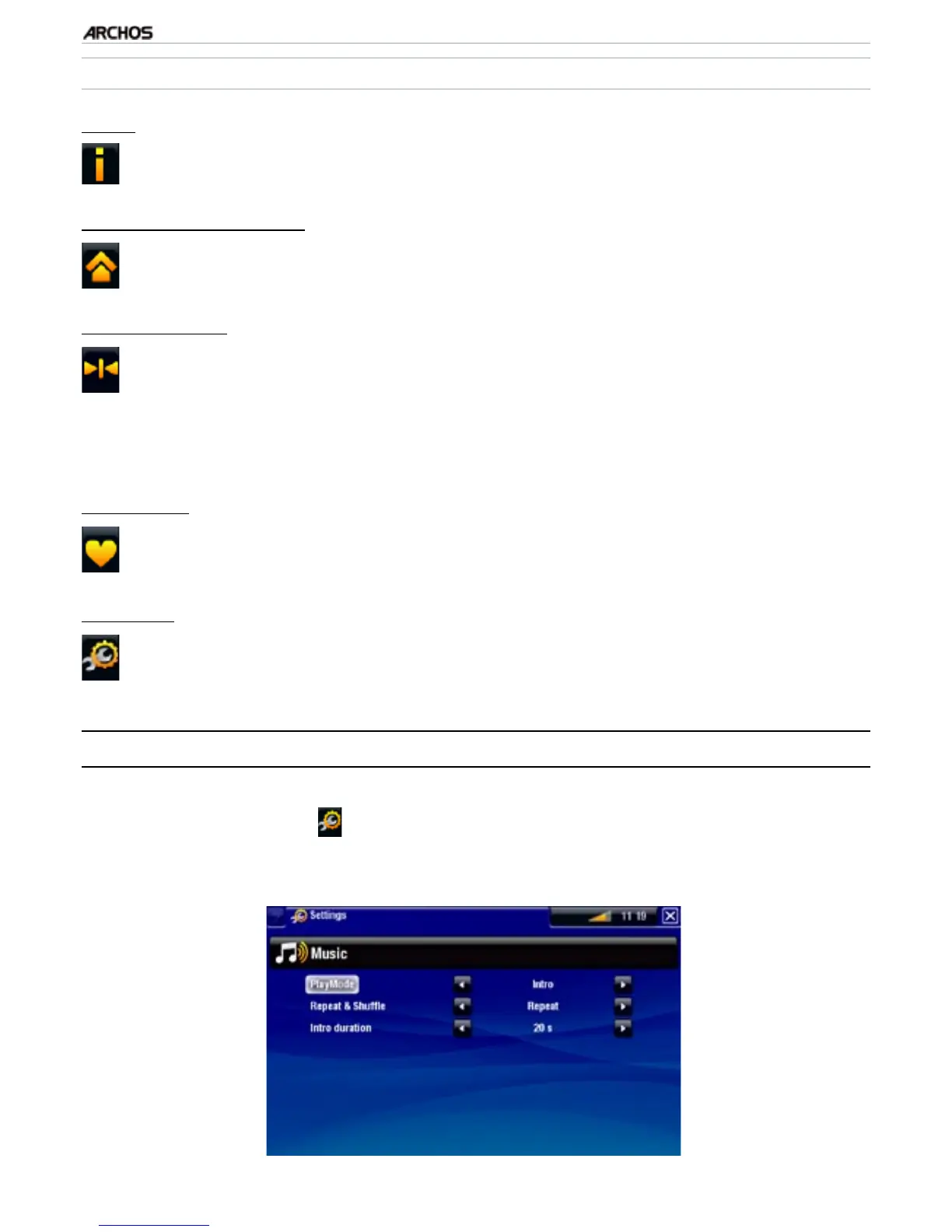
2.3 MusiC player seTTings
In the Music mode, you can access the Music Player settings screen by using the
“Settings” menu item .
Use the left/right arrows to select a different setting for a parameter.
•
•



 To Next Page