MANUAL
V1.0
TV+
THE TV PROGRAM GUIDE > P. 66
“Key: -/--”:
Set to “On” if normally, you need to press a special key on your tuner’s remote control before
entering a channel with several digit numbers (that is to say a channel greater than 9). This key is often
represented with this symbol: “-/--”.
“Switches on with”:
see below.
“Time until video”:
see below.
If the ARCHOS did not manage to switch your tuner to the selected channel,
you can try using a different ON/OFF code (see: 1
st
Test: turning your tuner off)
and do the 2
nd
test again.
After you selected “Yes” at the end of the 2
nd
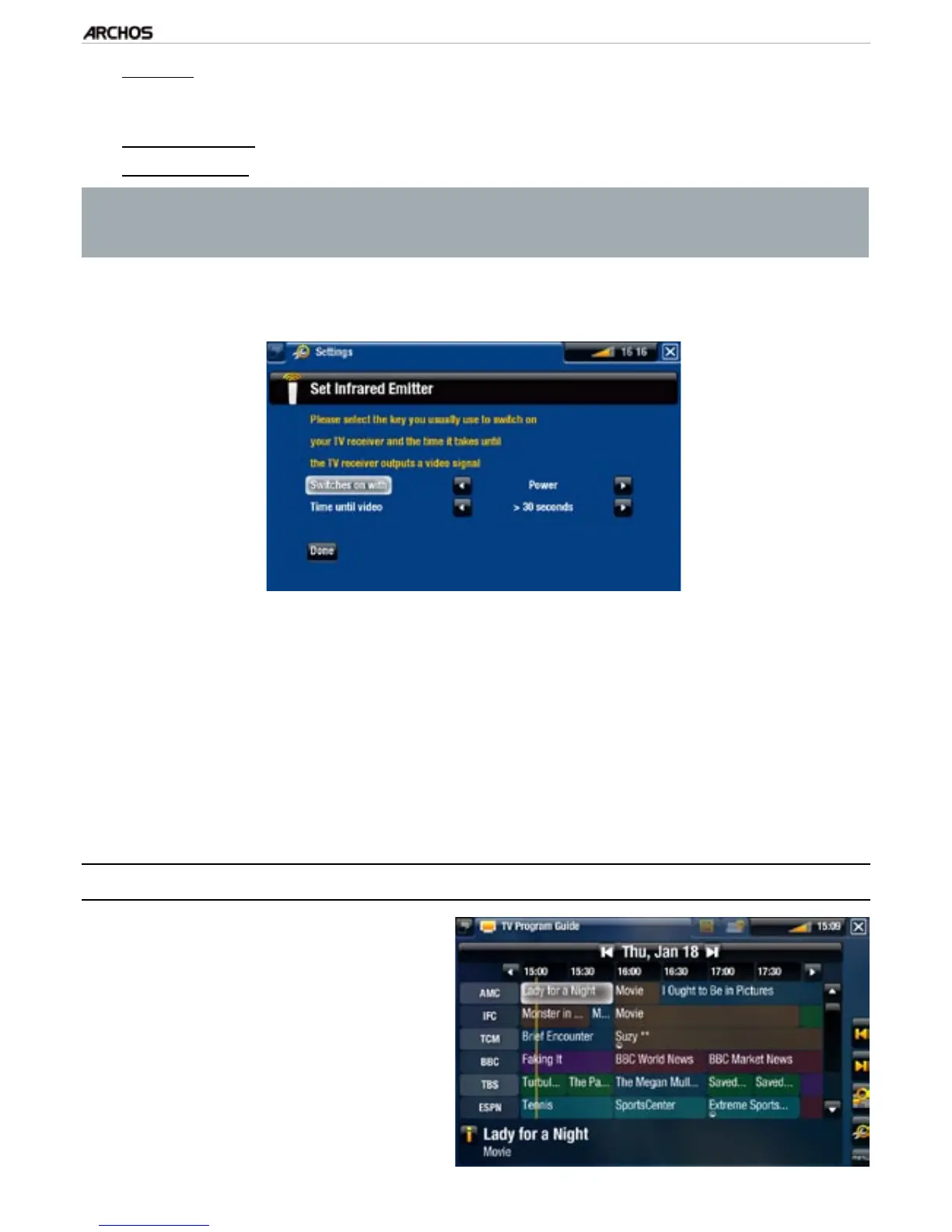
step, the following screen appears.
You will have to set these two parameters:
“Switches on with”: this depends on what key you normally press, on your
tuner’s remote control, to turn it on. If you normally press the “Power” key,
select “Power”. If you can press any channel key, then select “Any channel”. If
you can press any key, select “Any key”.
“Time until video”: select the amount of time it normally takes between the
moment you turn on your tuner, and the moment the image appears on your
TV (“0...10 seconds”, “10...30 seconds”, “>30 seconds”).
When you have nished, select “Done”, and a conrmation message will appear.
Select “OK”.
9.5 sCheduling yOur reCOrding
In the Home screen, select the
“Recorder” icon to display the
ARCHOS TV Program Guide.
This screen’s menu items will al-
low you to choose a different day,
update the Program Guide data, or
change various settings (program
guide update and channel list con-
guration).
1.
2.
-
-
-
3.
-
-
4.



 To Next Page