MANUAL
V1.0
TV+
STARTING UP > P. 4
sTarTing up
desCripTiOn Of The arChOs deViCe
LED INDICATORS
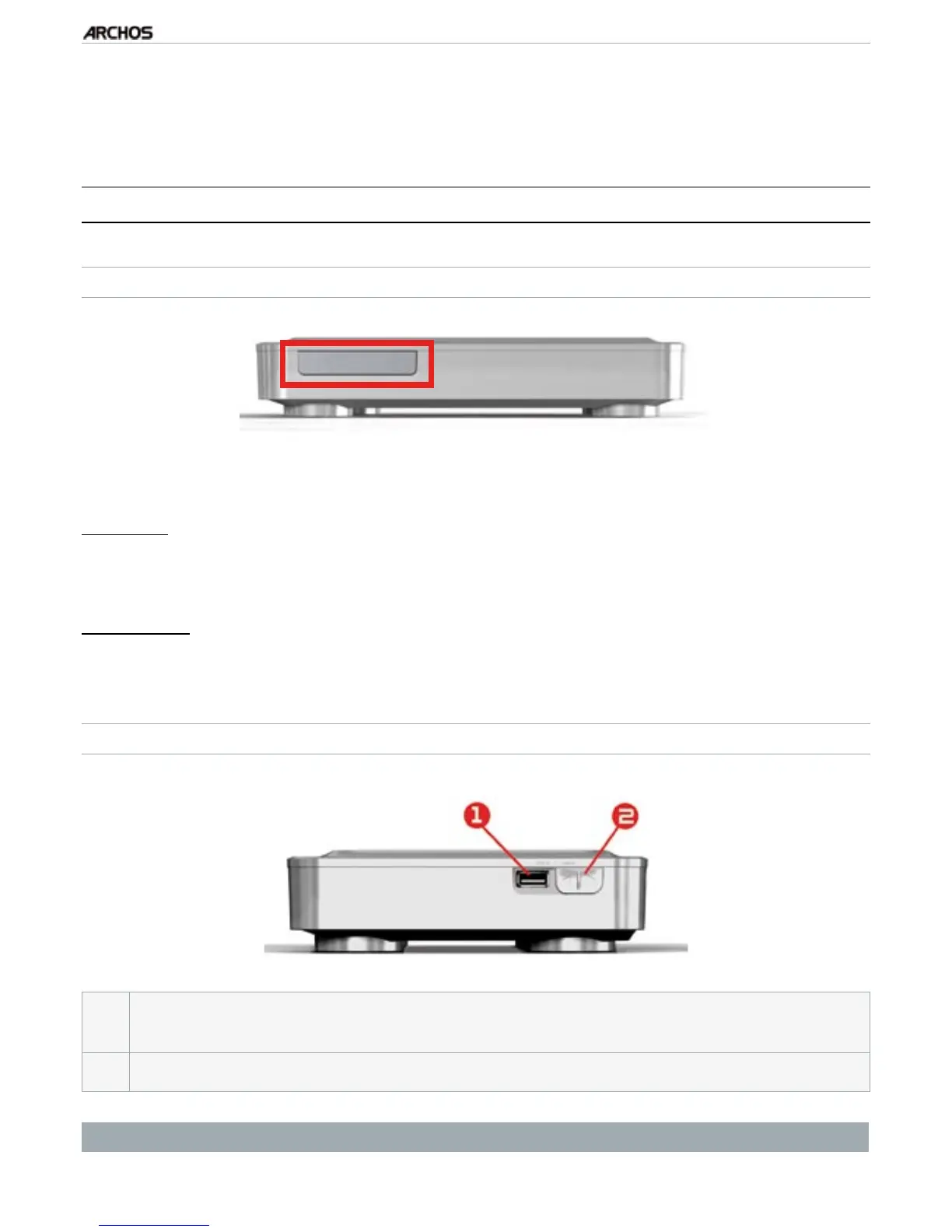
The LED indicators are located on the front of the device, on the left side:
Red light:
light on: the ARCHOS is in standby mode.
ashing: the ARCHOS is starting.
Green light:
light on: the ARCHOS is on.
CONNECTORS
On the right side of the device:
1.
USB A Connector (for USB Host) to connect a compatible USB device such as
a USB Flash key, a digital camera or a portable media player.
2.
USB B Connector (with optional cable): to connect the ARCHOS to a computer.
See Transferring Files to learn how to transfer les to/from another USB device.
•
•
•



 To Next Page