MANUAL
V1.0
TV+
VIEWING PHOTOS > P. 28
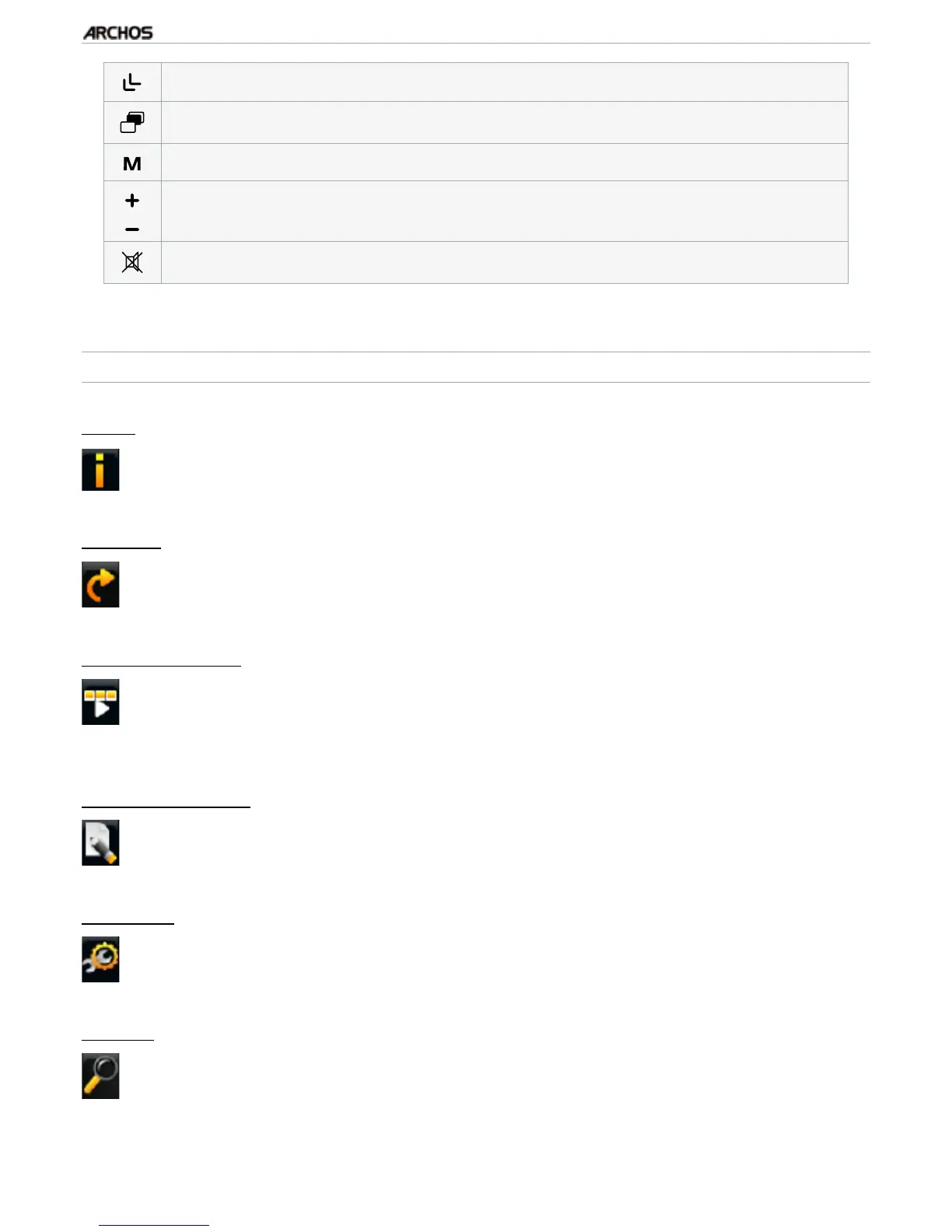
zoom out
display/hide the menu overlay
display available menu items
increase/decrease volume
Mute sound
PHOTO VIEWER MENU ITEMS
“Info”
displays a message box with information about the current picture.-
“Rotate”
choose “Left” to rotate the picture 90° counterclockwise.
choose “Right” to rotate the picture 90° clockwise.
-
-
“Start slideshow”
starts a slideshow from the current image.
the “Pause slideshow” menu item will appear, allowing you to pause the
slideshow.
-
-
“Set as wallpaper”
denes the current picture as your ARCHOS’ background image.-
“Settings”
will display the Photo viewer settings screen (see next section).-
“Zoom”
use the slider to magnify/demagnify the current picture.-



 To Next Page