P341/EN O/B11 Operation Guide
CHAPTER 1 Introduction
Page 10/22 MiCOM P341
Note: *May vary according to relay type/model
3.3.3 Control and support settings
The control and support settings include:
− relay configuration settings
− open/close circuit breaker*
− CT & VT ratio settings*
− reset LEDs
− active protection setting group
− password & language settings
− circuit breaker control & monitoring settings*
− communications settings
− measurement settings
− event & fault record settings
− user interface settings
− commissioning settings
3.4 Password protection
The menu structure contains three levels of access. The level of access that is enabled
determines which of the relay’s settings can be changed and is
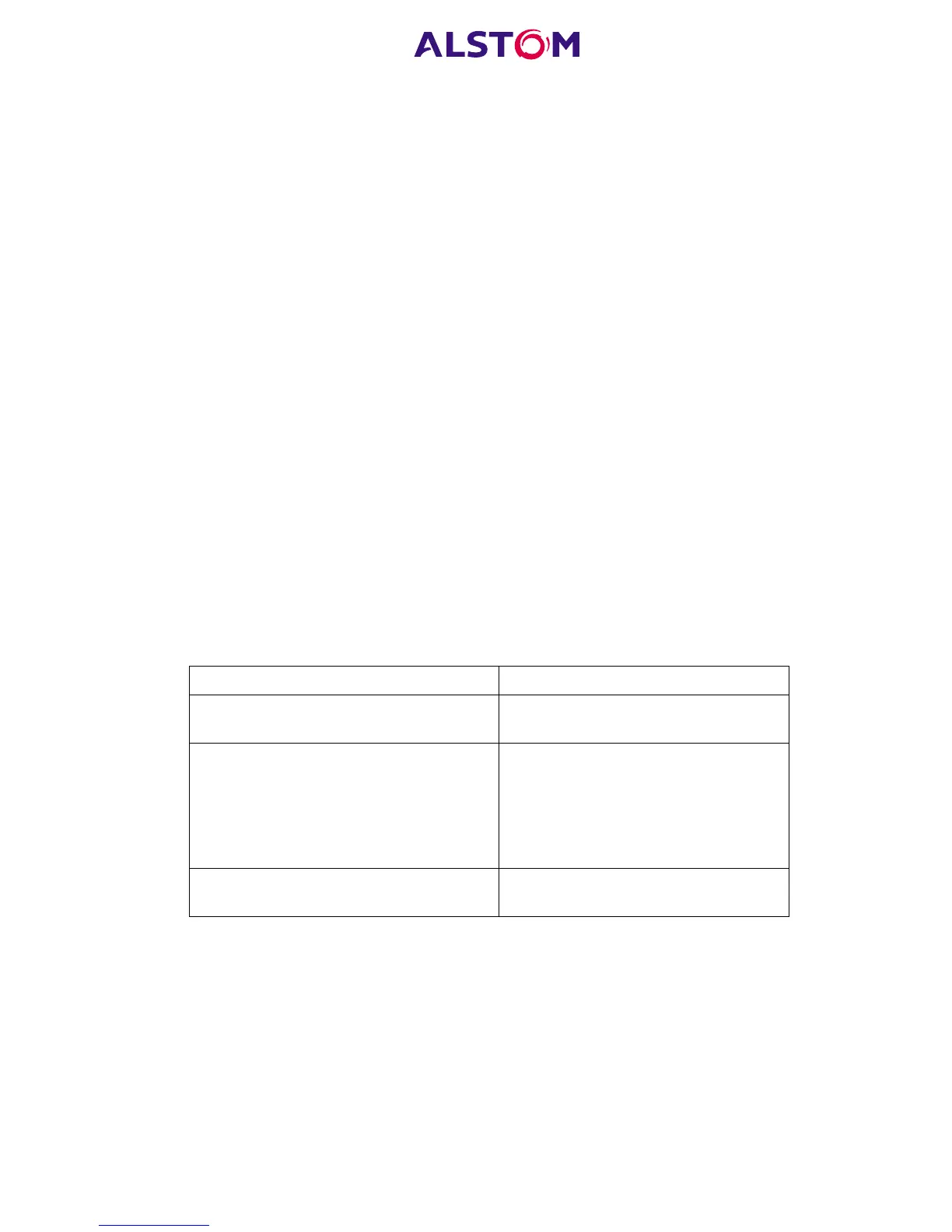
controlled by entry of two different passwords. The levels of access are summarised
in Table 2.
Access level Operations enabled
Level 0
No password required
Read access to all settings, alarms,
event records and fault records
Level 1
Password 1 or 2 required to select level 1
As level 0 plus:
Control commands, e.g. circuit
breaker open/close.
Reset of fault and alarm conditions.
Reset LEDs.
Clearing of event and fault records.
Level 2
Password 2 required to select level 2
As level 1 plus:
All other settings
Table 2
Each of the two passwords are 4 characters of upper case text. The factory default
for both passwords is AAAA. Each password is user-changeable once it has been
correctly entered. Entry of the password is achieved either by a prompt when a
setting change is attempted, or by moving to the ‘Password’ cell in the ‘System data’
column of the menu. The level of access is independently enabled for each interface,
that is to say if level 2 access is enabled for the rear communication port, the front
panel access will remain at level 0 unless the relevant password is entered at the front
panel. The access level enabled by the password entry will time-out independently
for each interface after a period of inactivity and revert to the default level. If the
passwords are lost an emergency password can be supplied - contact ALSTOM with



 To Next Page