P341/EN O/B11 Operation Guide
CHAPTER 1 Introduction
Page 12/22 MiCOM P341
Note: *May vary according to relay type/model
C
C
C
System
frequency
Date and time
3-phase voltage
Alarm messages
Other default displays
Column 1
Sytem data
Column 2
View records
Column n
Group 4
Overcurrent
Data 1.1
Language
Data 2.1
Last record
Data n.1
|>1 function
Data 1.2
Password
Data 2.2
Time and date
Data n.2
|>1 directional
Data 1.n
Password
level 2
Data 2.n
C A voltage
Data n.n
|> char angle
Other setting
cells in
column 1
Other setting
cells in
column 2
Other setting
cells in
column n
Other column headings
Note: The C key will return
to column header
from any menu cell
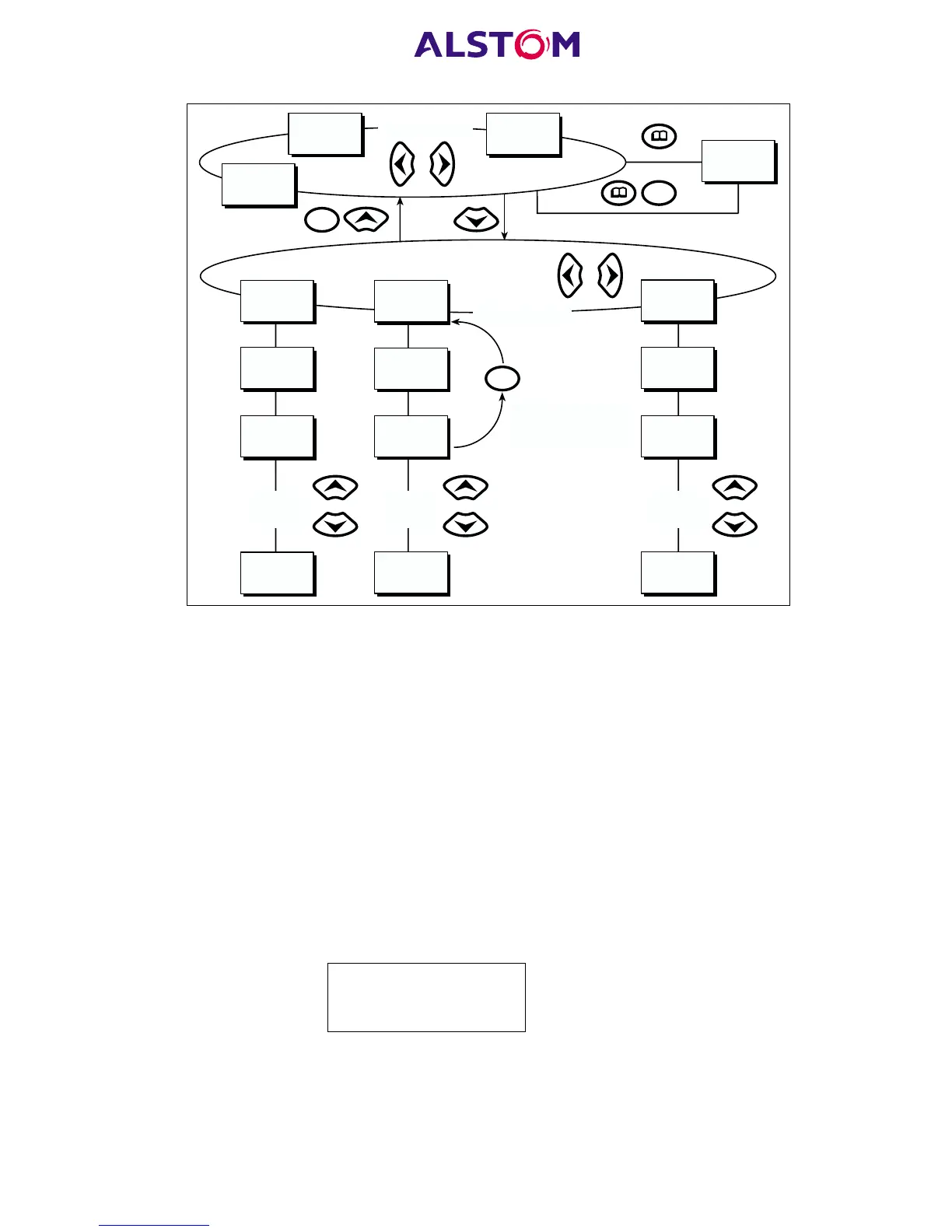
Figure 4: Front panel user interface
3.6.1 Default display and menu time-out
The front panel menu has a selectable default display. The relay will time-out and
return to the default display and turn the LCD backlight off after 15 minutes of
keypad inactivity. If this happens any setting changes which have not been confirmed
will be lost and the original setting values maintained.
The contents of the default display can be selected from the following options:
3-phase and neutral current, 3-phase voltage, power, system frequency, date and
time, relay description, or a user-defined plant reference*. The default display is
selected with the ‘Default display’ cell of the ‘Measure’t setup’ column. Also, from the
default display the different default display options can be scrolled through using the
/and 6 keys. However the menu selected default display will be restored following
the menu time-out elapsing. Whenever there is an uncleared alarm present in the
relay (e.g. fault record, protection alarm, control alarm etc.) the default display will
be replaced by:
Alarms/Faults
Present
Entry to the menu structure of the relay is made from the default display and is not
affected if the display is showing the ‘Alarms/Faults present’ message.



 To Next Page