P341/EN O/B11 Operation Guide
CHAPTER 1 Introduction
Page 16/22 MiCOM P341
Note: *May vary according to relay type/model
Pin 2Tx
Pin 3Rx
Pin 50V
Pin 2Rx
Pin 3Tx
Pin 50V
MiCOM relay
Serial data connector
PC
DCE DTE
Note: PC connection shown assuming 9 Way serial port
Pin 2 Tx
Pin 3 Rx
Pin 5 0V
Pin 2 Rx
Pin 3 Tx
Pin 5 0V
MiCOM relay
Serial data connector
PC
DCE DTE
Note: PC connection shown assuming 9 Way serial port
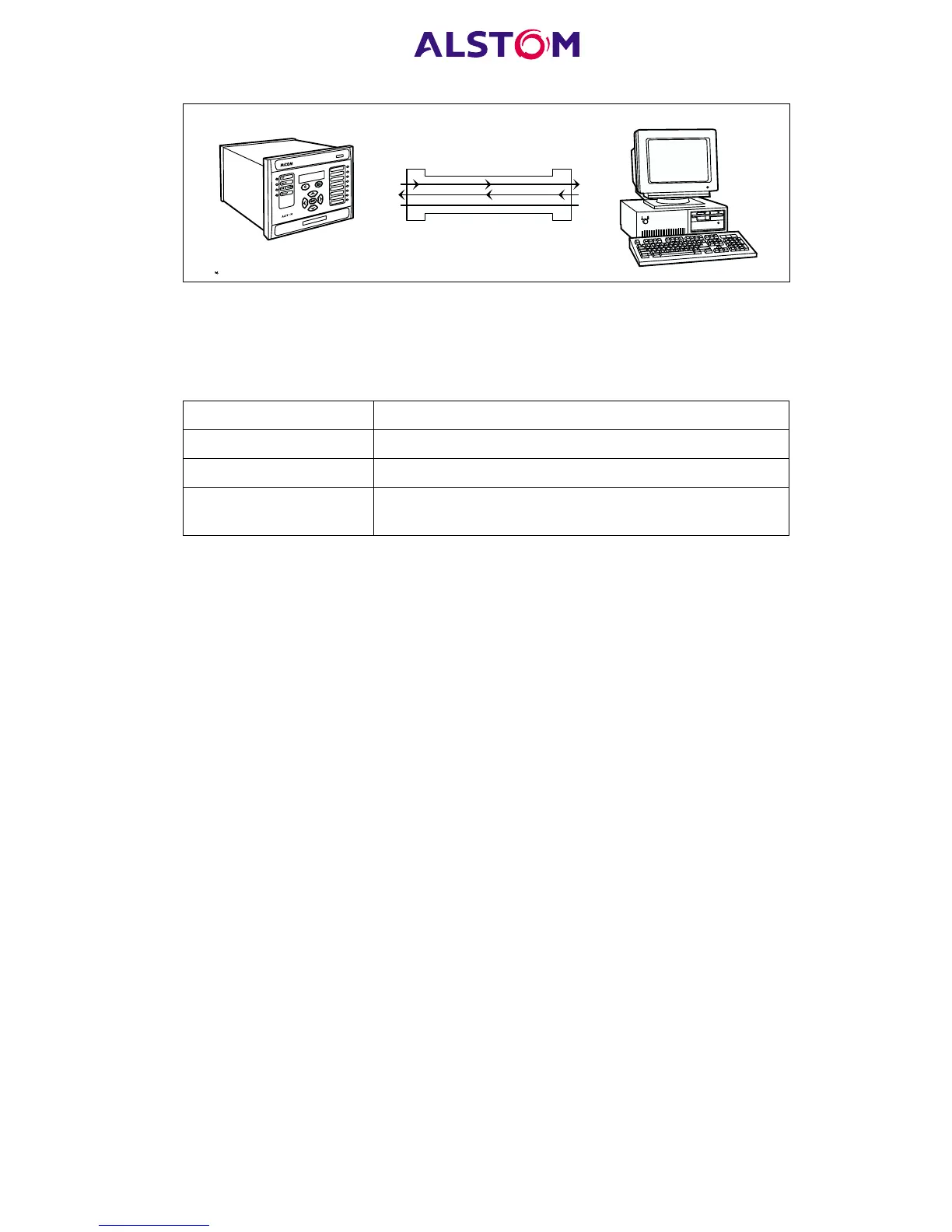
Figure 6: PC – relay signal connection
Having made the physical connection from the relay to the PC, the PC’s
communication settings must be configured to match those of the relay. The relay’s
communication settings for the front port are fixed as shown in the table below:
Protocol Courier
Baud rate 19,200 bits/s
Courier address 1
Message format
11 bit - 1 start bit, 8 data bits, 1 parity bit (even parity),
1 stop bit
The inactivity timer for the front port is set at 15 minutes. This controls how long the
relay will maintain its level of password access on the front port. If no messages are
received on the front port for 15 minutes then any password access level that has
been enabled will be revoked.
3.8 Rear communication port user interface
The rear port can support one of four communication protocols (Courier, Modbus,
DNP3.0, IEC 60870-5-103), the choice of which must be made when the relay is
ordered. The rear communication port is provided by a 3-terminal screw connector
located on the back of the relay. See Appendix B for details of the connection
terminals. The rear port provides K-Bus/RS485 serial data communication and is
intended for use with a permanently-wired connection to a remote control centre. Of
the three connections, two are for the signal connection, and the other is for the earth
shield of the cable. When the K-Bus option is selected for the rear port, the
two signal connections are not polarity conscious, however for Modbus, IEC 60870-
5-103 and DNP3.0 care must be taken to observe the correct polarity.
The protocol provided by the relay is indicated in the relay menu in the
‘Communications’ column. Using the keypad and LCD, firstly check that the ‘Comms
settings’ cell in the ‘Configuration’ column is set to ‘Visible’, then move to the
‘Communications’ column. The first cell down the column shows the communication
protocol being used by the rear port.
3.8.1 Courier communication
Courier is the communication language developed by ALSTOM T&D Protection &
Control to allow remote interrogation of its range of protection relays. Courier works
on a master/slave basis where the slave units contain information in the form of a
database, and respond with information from the database when it is requested by a
master unit.



 To Next Page