20
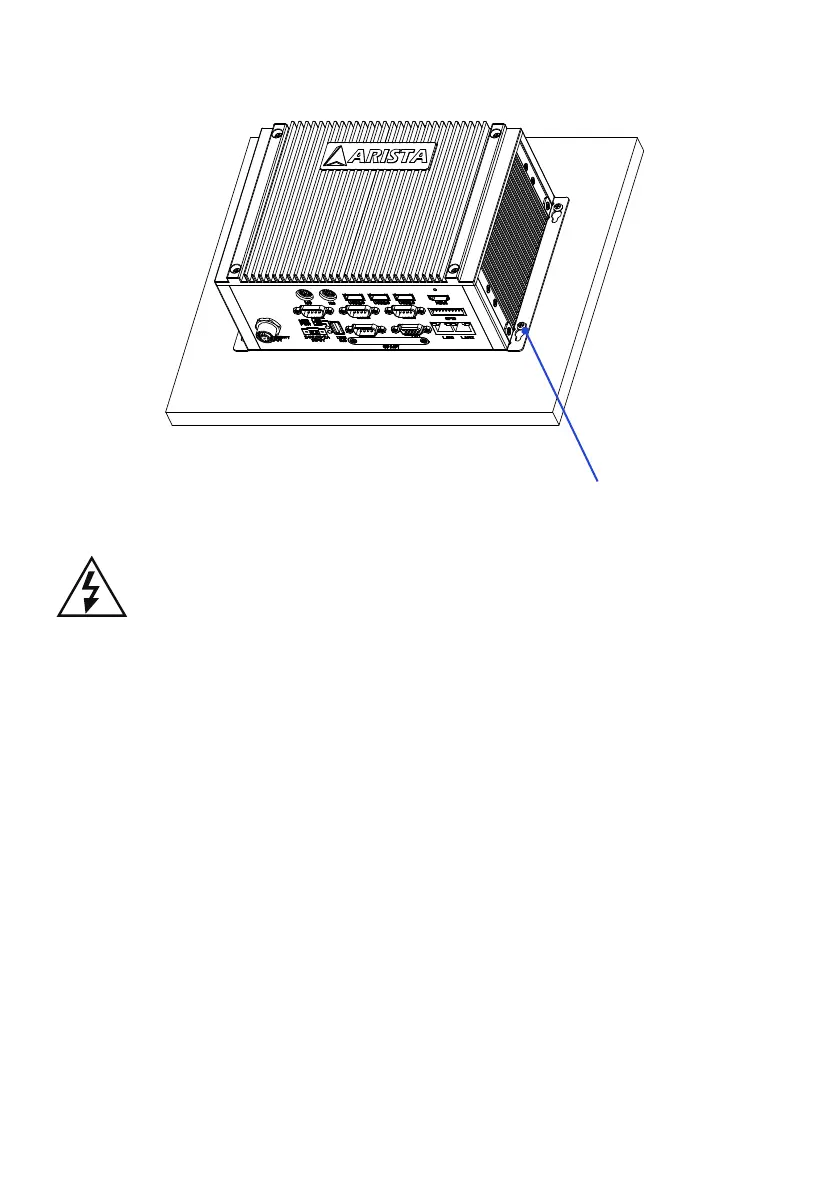
Step3.
Tighten the screws and make sure the MicroBox-7824B E-Series computer is
correctly and securely seated onto the board or wall.
Screw tightened
It is very important to place the unit in a suitable environment. Make sure the
area is well ventilated, out of direct sunlight, away from sources of excessive
dust, dirt, heat, water, moisture and vibration.


 To Next Page