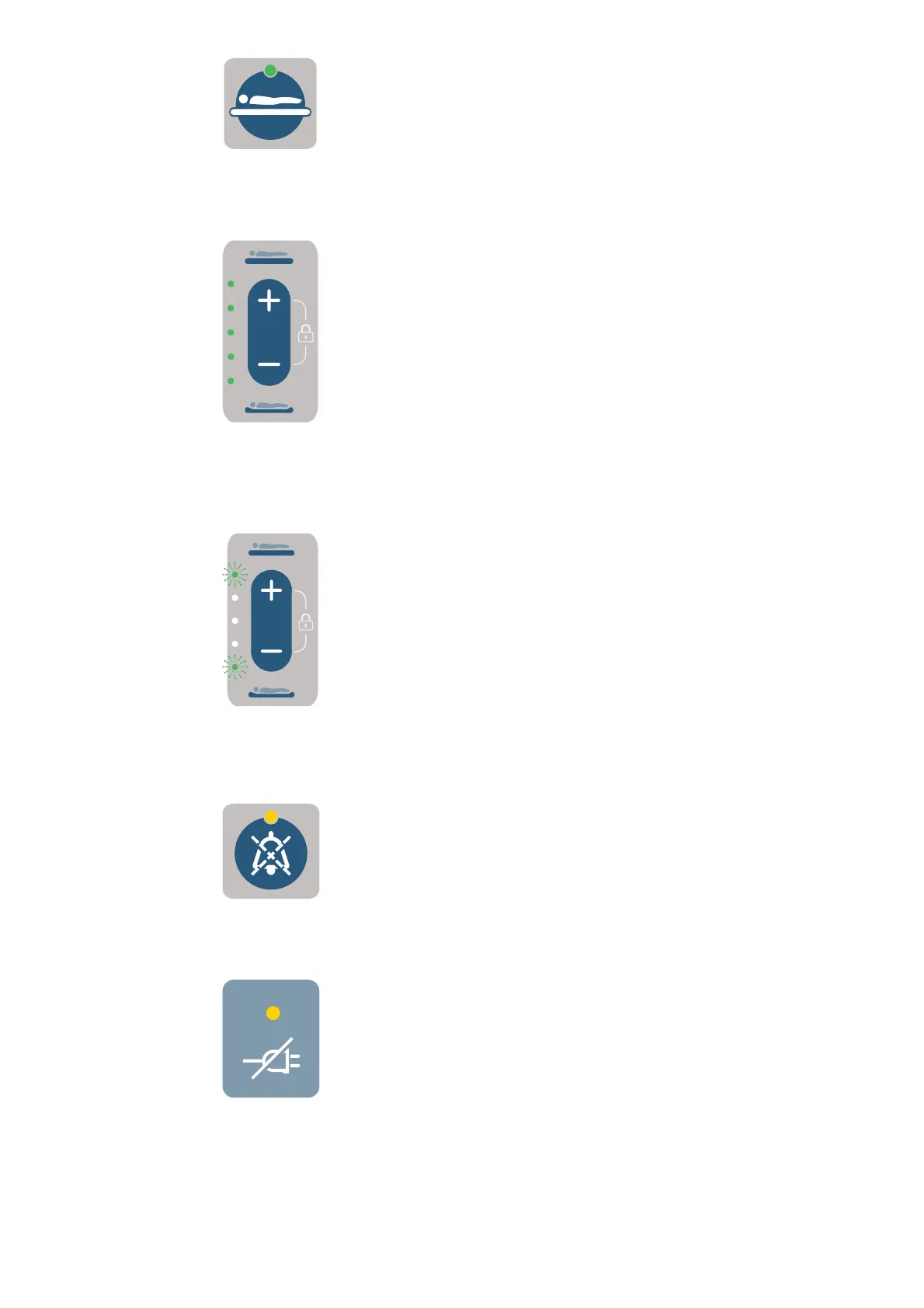
Figure 7
Figure 8
Figure 9
Figure 10
Figure 6
PRODUCT DESCRIPTION - AURALIS PUMP18
7KH$OWHUQDWLQJPRGHLQÀDWHVGHÀDWHVGLIIHUHQWFHOOV
WRFUHDWHDÀXFWXDWLQJVXUIDFH:KHQDFWLYDWHGWKH
indicator is shown.
Reactive CLP (Constant Lower Pressure)
mode button
The Reactive CLP mode (see Figure 6) maintains
a constant lower pressure in all the cells. When
activated the indicator is shown. The Auralis seat
cushion does not have Reactive CLP mode.
Comfort control buttons and indicators
The Comfort control buttons (see Figure 7) set the
comfort level by adjusting the pressure within the
support surface. The Comfort control indicators
LQGLFDWHWKHFRPIRUWVHWWLQJ:KHQWKHV\VWHPLV¿UVW
switched on, the default is set to the middle comfort
setting.
• Press the + button to increase pressure in the cells
WRPDNHWKHPDWWUHVV¿UPHU
• Press the – button to reduce pressure in the cells
to make the mattress softer.
Lock out mode
The Lock out mode sets the pump in a locked state to
prevent unintentional changing of settings.
When the pump is in Lock out mode, pushing any
button will result in a negative tone and the top
DQGERWWRP&RPIRUWFRQWUROLQGLFDWRUVÀDVKLQJ
simultaneously to indicate the pump is in Lock out
mode. See Figure 8.
Mute alarm button
When the Mute alarm button (see Figure 9) is
activated the indicator is shown and the audible alarm
is silenced for 15 minutes.
The alarm is cancelled when the alarm condition has
been corrected.
Mains power failure indicator
The Mains power failure indicator (see Figure 10)
is activated when a mains power failure has been
Continue on the next page.









 To Next Page