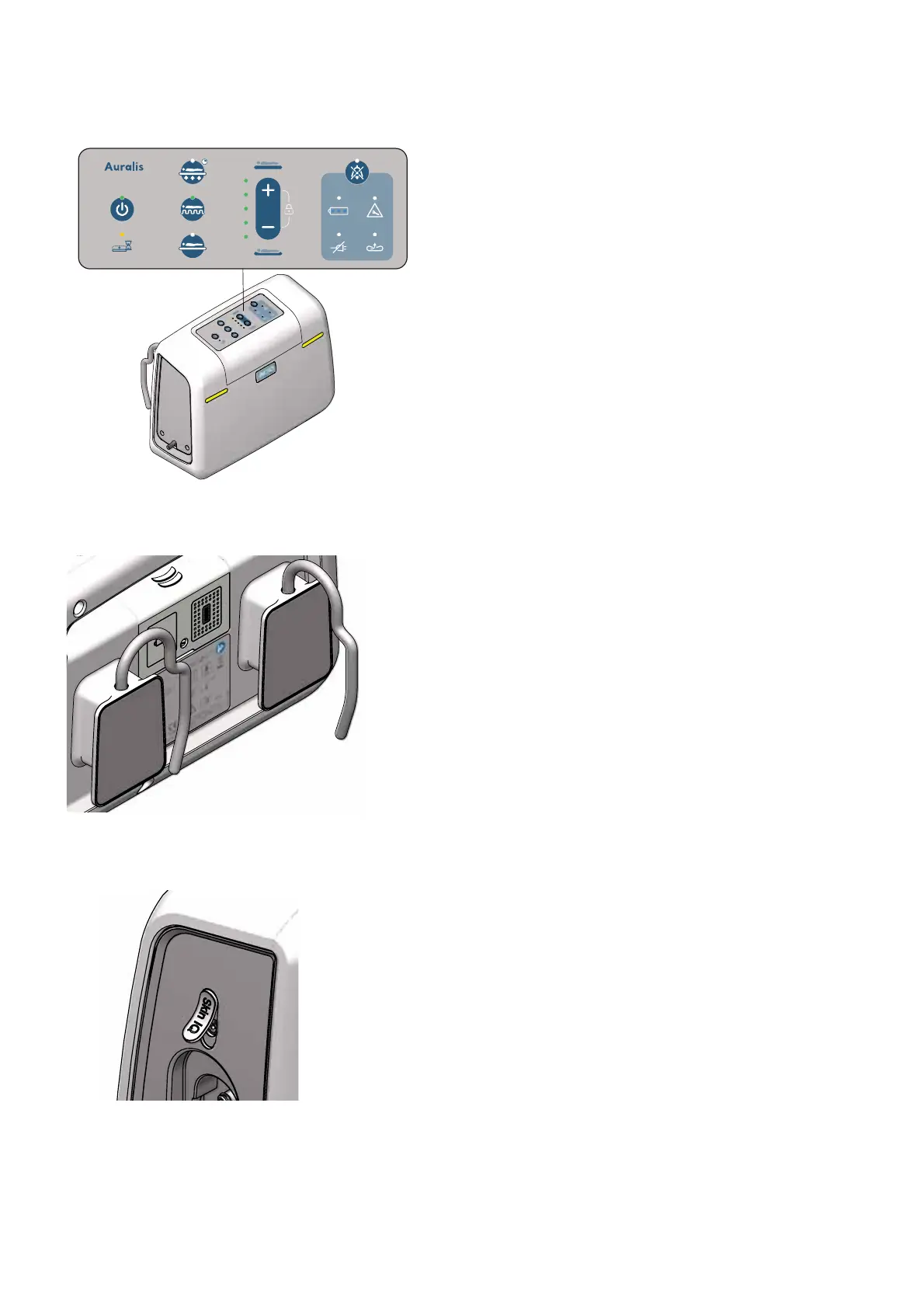
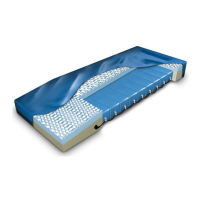
Figure 15
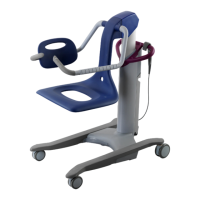
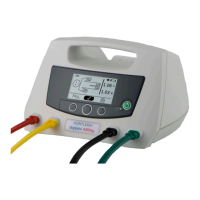
Figure 16
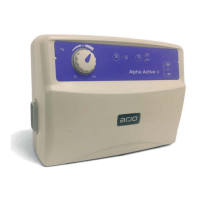
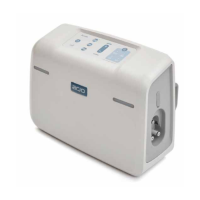
Figure 17
PRODUCT DESCRIPTION - AURALIS PUMP20
in use, the Low Pressure indicator is shown after 30
seconds. When the indicator is shown, there is an
audible alarm. The alarm can be muted (see Mute
alarm button).
If the pump detects that a mattress is not connected
when the pump starts, the Low Pressure indicator is
shown and there is a single warning tone.
Alarm indicators
The power and alarm indicators are located on the
top (the control panel) and front of the Auralis pump.
The alarm indicators shown on the front of the pump
are green when the pump is operating normally and
yellow when there is an alarm condition. See Figure
15.
Hanging brackets
The hanging brackets are used to hang the Auralis
pump at the foot end of the bed. See Figure 16
Power cable
The power cable must be positioned in the cable
management on the left side of the Auralis mattress.
6HHVHFWLRQ³&DEOHPDQDJHPHQW´RQSDJH
Skin IQ port
This port is only to be used with Skin IQ.
See Figure 17
To power Skin IQ directly from the pump, a coiled
Skin IQ power cable is needed6HH³3DUWVDQG
DFFHVVRULHV´RQSDJH
For instructions how to use Skin IQ, see respective
Skin IQ IFU.









 To Next Page