20
Installation
Advisory
Before operating the equipment, it must be unpacked, assembled and installed as
described in the steps that follow. Safe use of the equipment depends on following
the correct installation procedure.
Electrical Supply
The equipment requires connection to a single phase, fused electrical supply.
Model PCT40-A PCT40-B PCT40-G
GREEN/YELLOW Earth (Ground) Earth (Ground) Earth (Ground)
BROWN Live (Hot) Live (Hot) Live (Hot)
BLUE Neutral Neutral Neutral (Hot)
Fuse Rating 10 AMP 20 A 10 A
Voltage 220-240V 110-120V 220V
Frequency 50 Hz 60 Hz 60 Hz
Installing the PC Software
Before operating PCT40 it will be necessary to install the software from the CD-ROM
supplied with PCT40 onto an appropriate PC (PC not supplied).
For instructions on how to install and run the software insert the CD-ROM into the
optical drive on the PC (PC not supplied) then choose ‘Help’ from the menu.
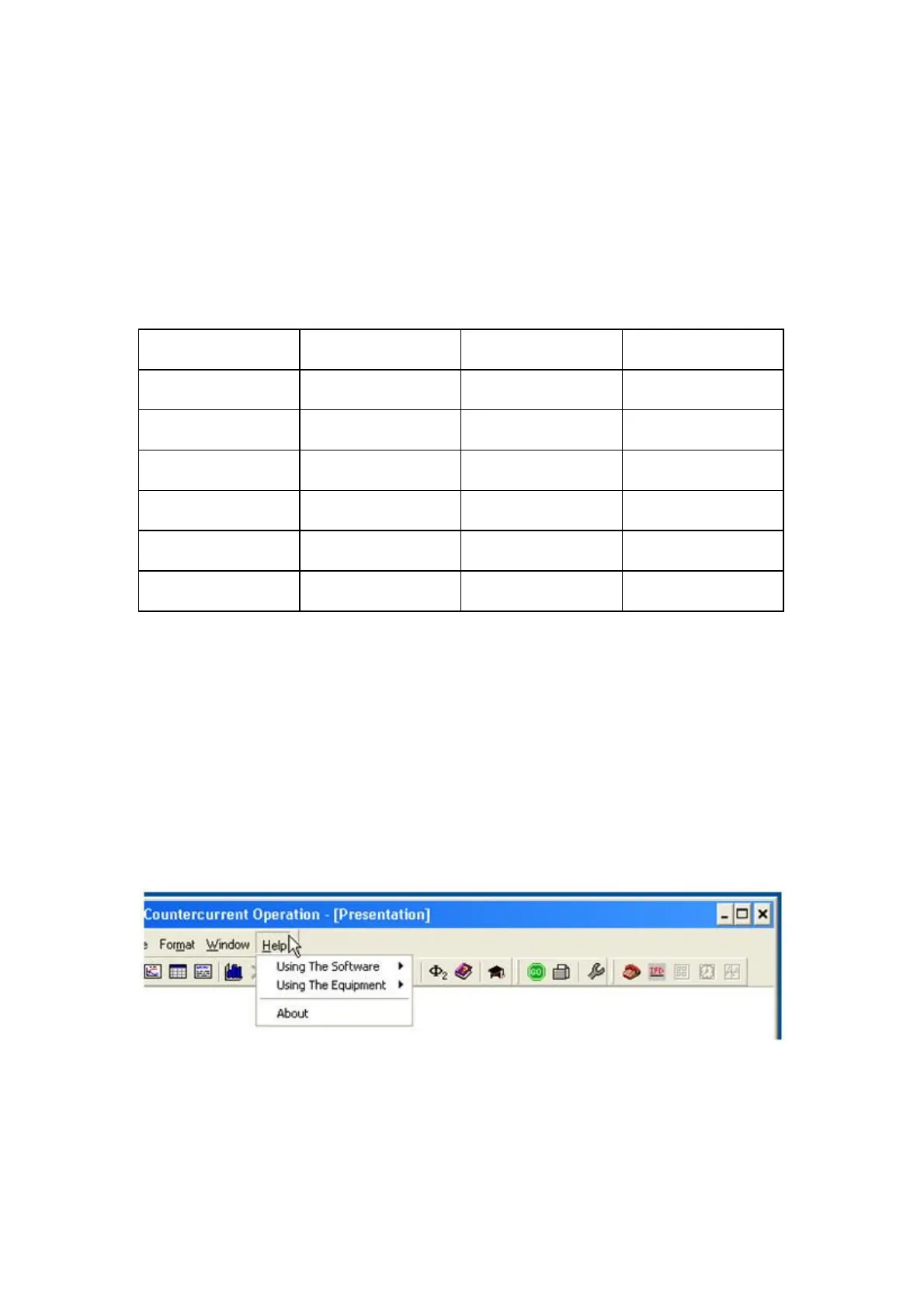
After installing and running the software on the PC, instructions on how to operate
the software can be obtained by choosing the ‘Help’ tab in the top right hand corner
of the screen as shown below:



 To Next Page