Installation
21
Note that when operating the software for the first time it will be necessary to enable
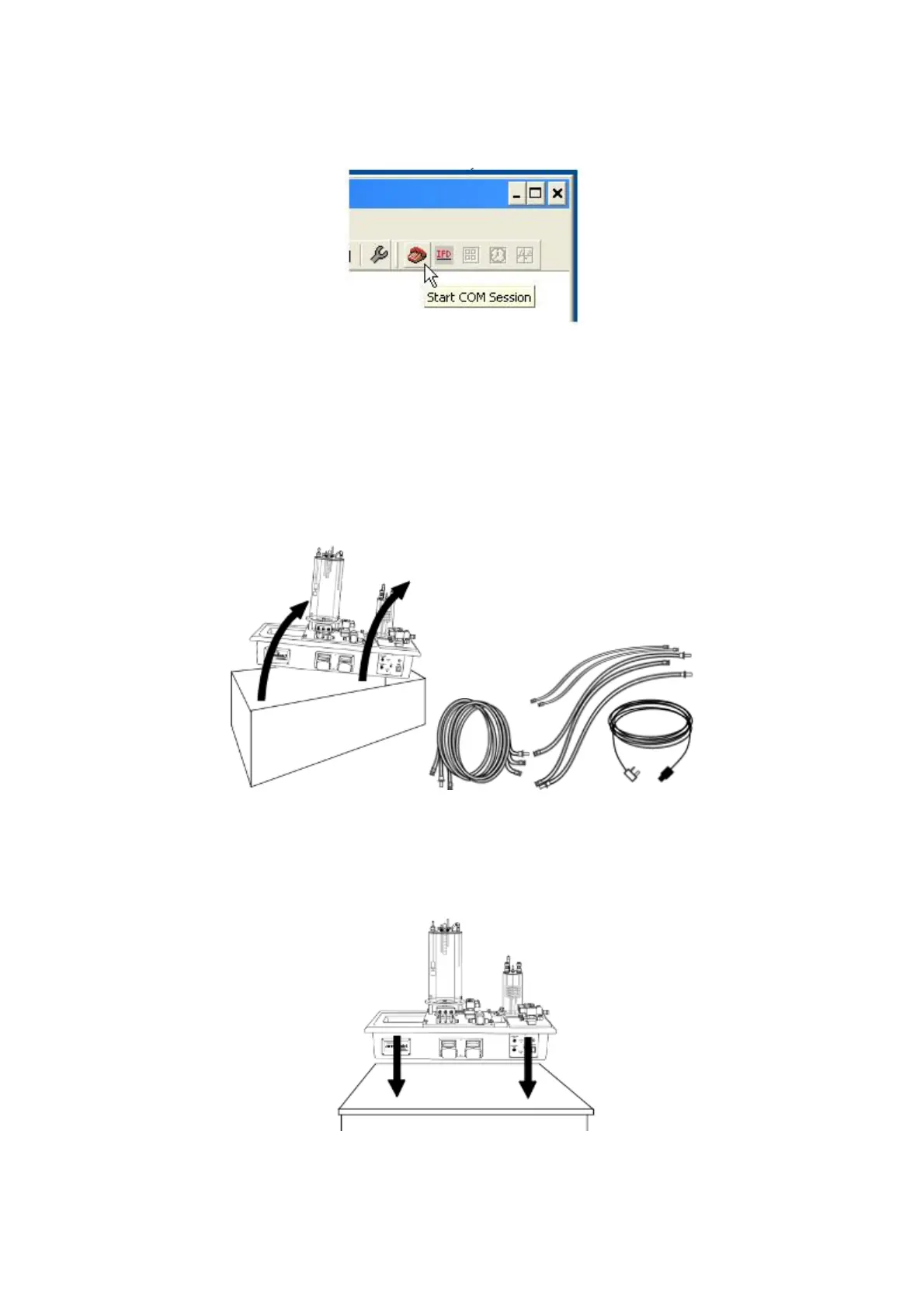
the USB virtual COM port by choosing the Red telephone icon (Start COM session).
Full instructions about enabling the port are included in the Help menus.
Installing the Equipment
To install the equipment:
1. Take the PCT40 unit out of its packing box and remove all packaging. Retain
all leads and tubing.
2. Place the PCT40 on a firm, level bench top or table.



 To Next Page