Installation
25
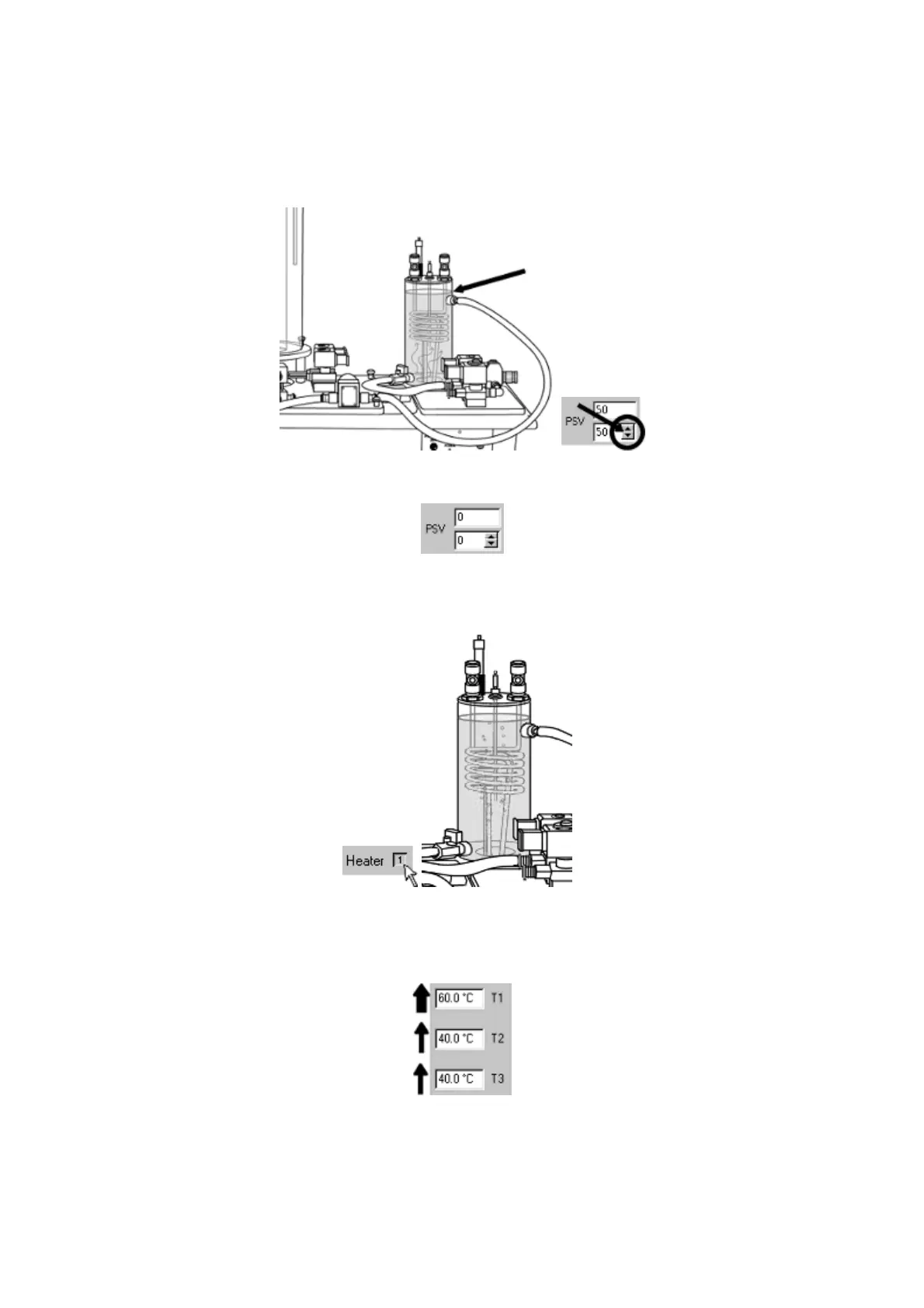
15. Alter the setting of the PSV using the arrow keys. Flow into the small process
vessel should increase as the valve setting increases, and decrease as the
setting decreases. After testing, set the valve to 50% until the small process
vessel fills and water covers the tip of the level sensor.
16. Close the PSV by setting it to 0%
17. Switch on the heater. (SSR drive). The heater may be audible when on.
Heated water will be visible as it rises from the element.
18. Check the temperature sensor readings on the software screen. T1 should
increase as the temperature within the vessel rises; T2 and T3 should
increase slightly as heat is conducted through the coil.



 To Next Page