Rev D CHP Max5000 Chassis (Rear Fiber Version) 2-19
■ Configuration > Reboot Module – Selecting this function causes the SMM-2 to
reboot.
■ Faults > Alarm Configuration – Selecting this function displays the SMM-2 Alarm
Configuration Window (refer to Figure 2.10), which provides a a variety of
information regarding the alarm parameters including alarm thresholds.
■ Faults > Active Alarms – Selecting this function displays a list of the SMM-2’s current
alarms.
■ Reset Configuration – Select this function only after replacing the SMM-2 with a
different type of module. Do not select this function if you are replacing the SMM-2
with a different SMM-2.
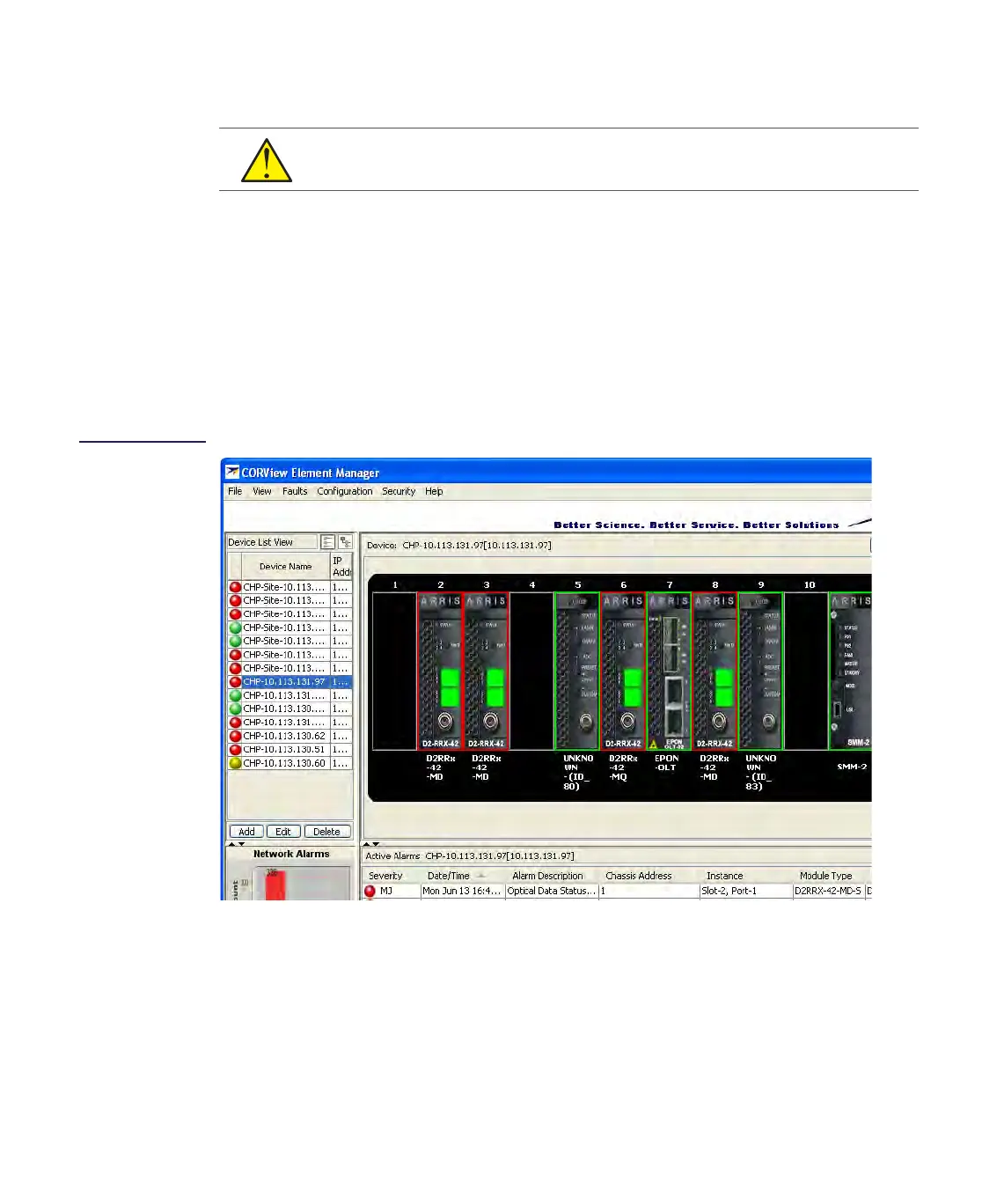
Figure 2.8
SMM-2 Module
Properties Window
CAUTION Rebooting a card is a service-affecting operation.


 To Next Page