Chapter 2: Set up your SURFboard mAX home network
Create your SURFboard account
1. On the SAY HELLO TO YOUR NEW SURFBOARD DEVICE! screen, tap GET STARTED to
begin the setup process.
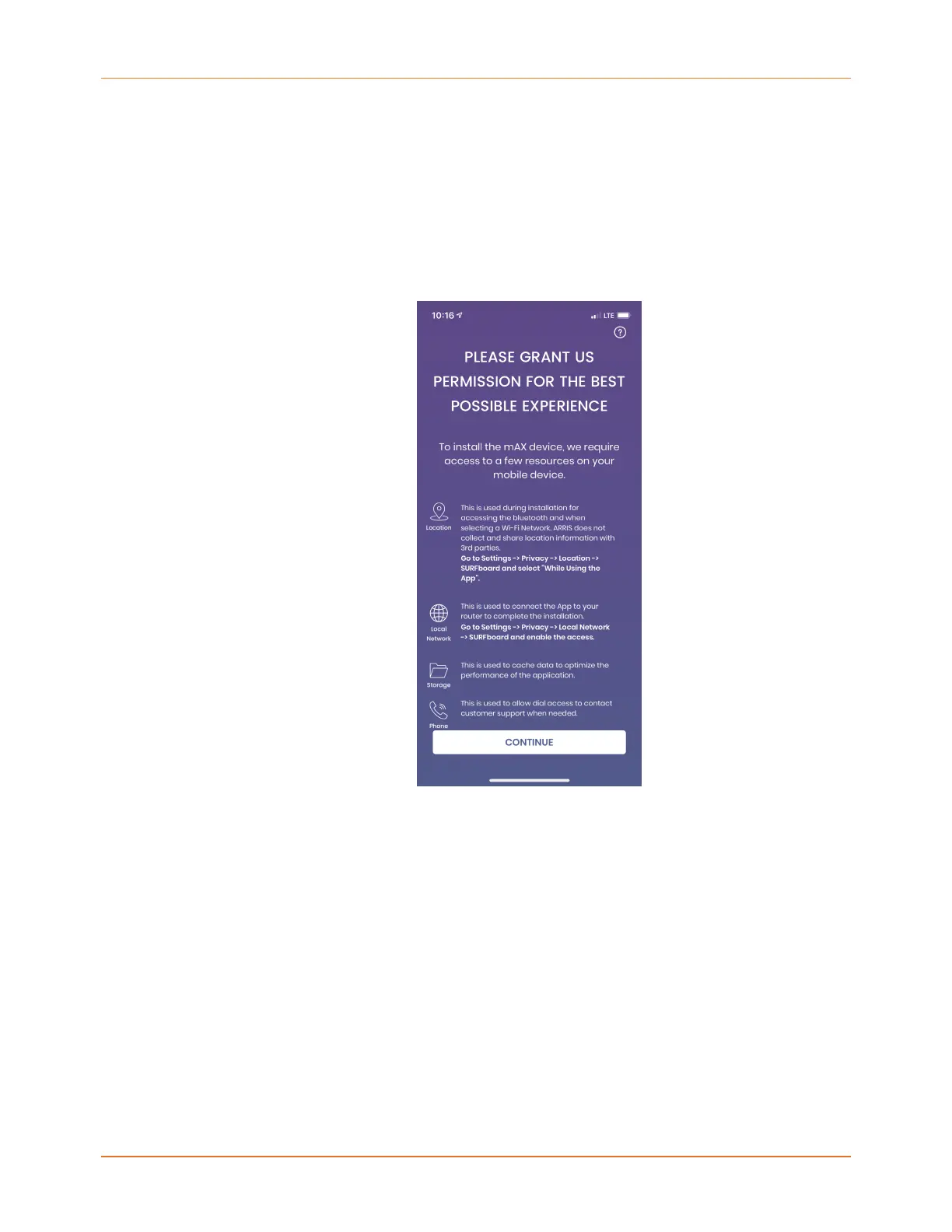
The app may need to request permissions to improve the app experience during setup.
The screen explains the purpose of each of these permission requests.
2. Tap CONTINUE after granting the required permissions.
3. On the SELECT YOUR DEVICE BELOW screen, select the W121/W21 device.
SURFboard mAX User Guide Standard Revision x.1 11











 To Next Page