Chapter 1
Get started
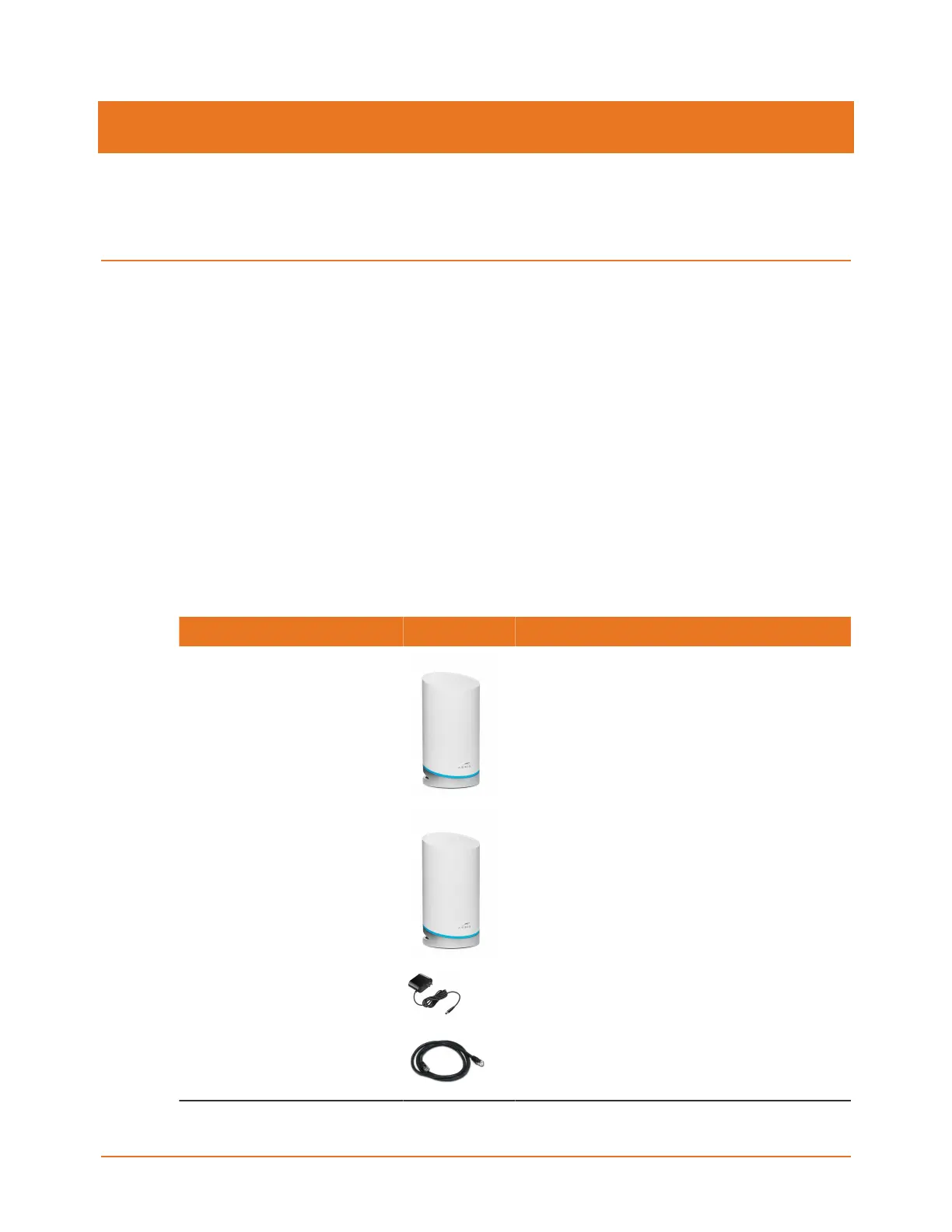
The SURFboard mAX home Wi-Fi system is a mAX router alone (W21) or two routers with
one functioning as a satellite (W121). The ARRIS SURFboard Central mobile app steps you
through installing your SURFboard mAX Wi-Fi home network using your iOS or Android
mobile device.
The SURFboard Central mobile app lets you manage your home network access, Parental
Control, Guest Access, and more on all the connected devices (e.g., smartphones, cameras,
tablets, computers, smart TVs, gaming consoles, and more) all across your mAX Wi-Fi home
network.
The SURFboard Central mobile app supports mobile devices running iOS 9.0 and above or
Android 5.0 and above, and requires a cable/DSL modem or fiber ONT device connected to
your ISP.
In the box
Item Description
mAX unit High-speed mAX with 1 WAN and 1 LAN
Ethernet port.
Additional mAX unit
(W121 only)
High-speed mAX with 1 WAN and 1 LAN
Ethernet port.
Power adapter Power adapter for an electrical wall outlet
connection with each mAX unit.
Ethernet cable Standard Category 5e (CAT5e) or higher
network cable.
SURFboard mAX User Guide Standard Revision x.1 6











 To Next Page