Chapter 2: Set up your SURFboard mAX home network
Set up your SURFboard mAX router
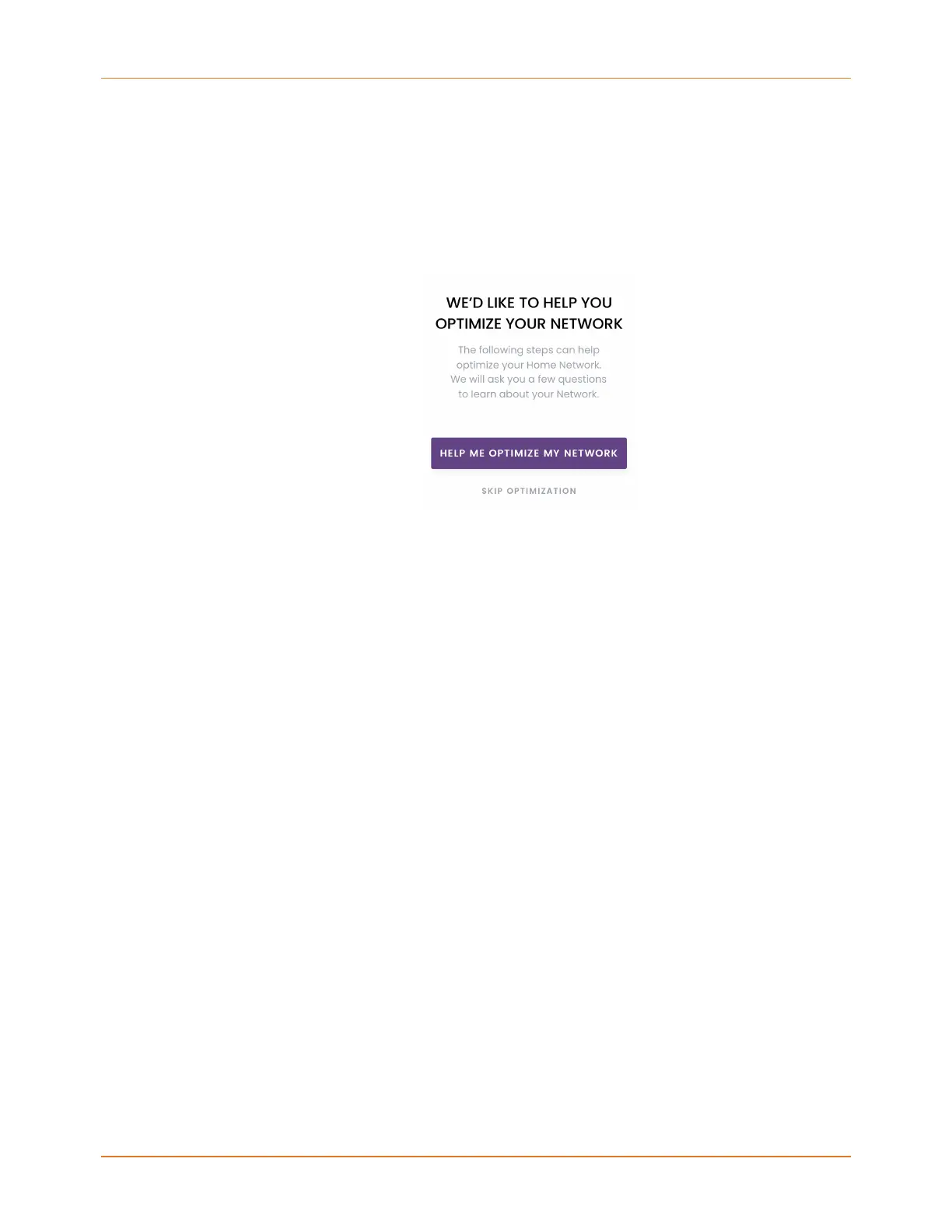
1. You can follow the network optimization recommendations based on the information
you provided about your network or opt to skip the recommendations and begin router
set up. To optimize your network, tap HELP ME OPTIMIZE MY NETWORK and continue
with step 2 or tap SKIP OPTIMIZATION to begin router set up and skip to step 3.
2. If you chose help with optimizing your network, on the PLEASE SELECT YOUR
HOME NETWORK CONFIGURATION screen, tap the option that best describes your
current network set up. If you do not know your configuration, tap I Don't Know My
Configuration. The options are as listed below:
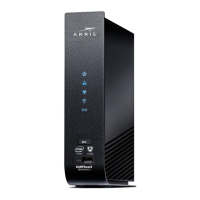
Cable Modem Only Internet access is provided via a single
device with a wired connection to
networked devices. Typically, a cable
is connected to a modem. Wi-Fi is not
available.
Gateway: Cable Modem and Inbuilt
Router
Internet access is provided via a single
device. Cable is connected to the gatway.
Wi-Fi is provided throught the built-in
functionality of the same gateway device.
Cable Modem and Additional Router Internet access is provided through a cable
modem which is connected to an external
Wi-Fi router that provides wireless Internet
to the client devices.
DSL-based Modem or Gateway Internet access is provided through a DSL
modem or gateway. For this configuration,
we recommend that the DSL modem
and router connection is maintained; but
that the Wi-Fi component of the router is
disabled.
SURFboard mAX User Guide Standard Revision x.1 15











 To Next Page